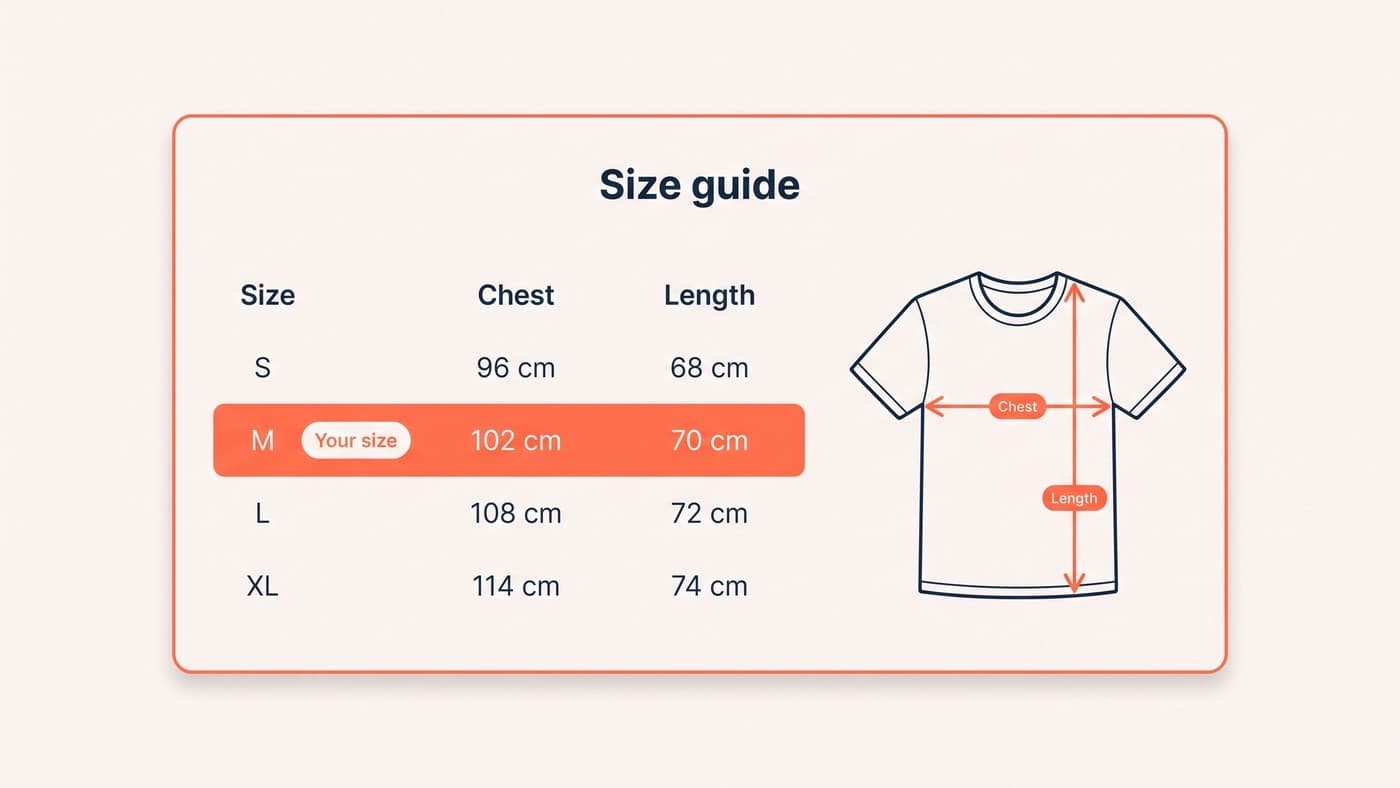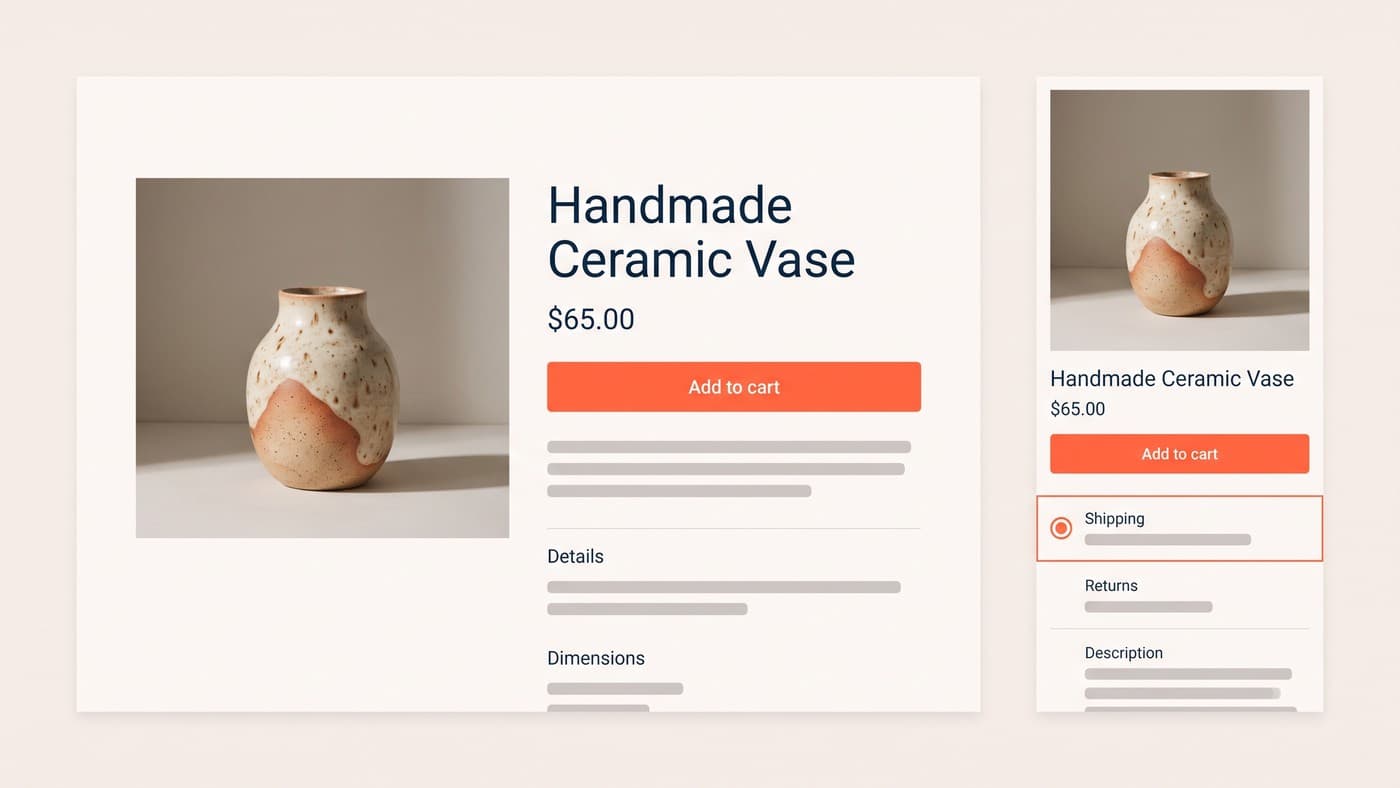
Every product on your store probably shares one template with the same three fields, while the questions that actually stop a sale, will it fit, what is in it, is it compatible with the one I already own, go unanswered on the page and get asked by email instead. Metafields close that gap, they are native to the platform, and a great many stores have five of them defined and none of them rendered anywhere a customer can see.
This post is about the mechanism: what a metafield is, why definitions matter, how the data reaches the storefront, and where metaobjects take over. What to do with the space once you have it is a design question answered in product page design, and the specific problem of fit and sizing data has its own post. Here we are building the plumbing and nothing else.
What a metafield actually is
A metafield is a custom field attached to a Shopify record, and the list of records is wider than most merchants realise: products and individual variants, collections, customers, orders and draft orders. Variant-level is the one people miss and the one that pays. A washing instruction belongs on the product; a specific colourway’s actual measured length belongs on the variant, and putting it there is the difference between a specification table and a specification table that is right.
The value lives against the record rather than in the theme, which is the property that makes this worth doing properly. Change your theme and the data survives. Export your products and it travels with them. Ask an app to render it and the app is reading your data rather than holding it in its own database, which is the single most useful question to put to any merchandising app before installing it: where does the content end up, mine or yours?
Definitions are the whole point
Namespacing is the other half of the same discipline and it costs nothing at the point of creation. Group your own fields under a namespace you control rather than scattering them, keep keys lowercase and stable, and never rename a key a template is already reading, because the field simply stops rendering and nothing anywhere reports an error. Apps create their own namespaces too, which is why an unfamiliar one appearing in your definitions list is usually an app taking up residence rather than a colleague being helpful.
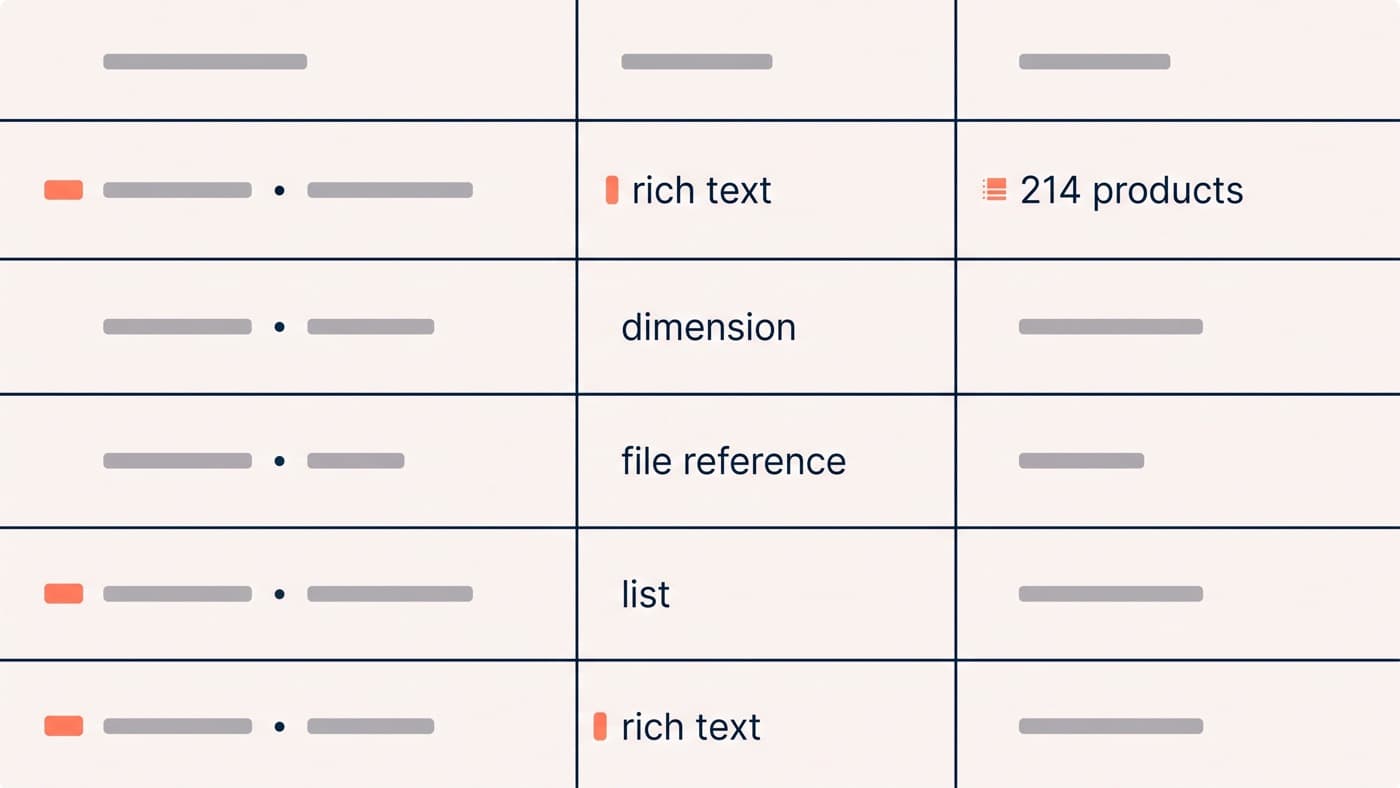
You can technically set a metafield without defining it. Do not. A definition gives the field a name, a type and validation rules, and the validation is what stops the data rotting over time. The type list is long and specific, and picking correctly is most of the work, because a value stored in the wrong type is a value you cannot filter, sort or feed anywhere:
- Text types, from single-line strings through multi-line to rich text, the last of which is for content that needs headings and links rather than for content that is a value.
- Numbers, booleans, dates and money, which sound trivial until you want to sort or filter on them, at which point having stored "2.5 kg" as free text costs somebody an afternoon.
- Measurement types that keep a value and its unit together, covering dimension, weight, volume, rating and a long tail of specialist units aimed at electronics and equipment catalogues.
- Reference types that point at another record: file references for spec sheets and diagrams, product references for compatibility and cross-sell, and metaobject references for structured content.
- List versions of almost all of the above, so one field holds several ordered values instead of being faked with a comma-separated string somebody has to parse later.

Getting the data onto the page
If your theme supports dynamic sources, most metafields can be connected in the theme editor without touching code: add a block, pick the definition, and the field renders for every product that has a value and disappears for those that do not. That last behaviour is the reason this beats hardcoding, because a specification row that vanishes when empty is what lets one template serve a catalogue where half the products have a wattage and half do not.
Vintage themes and the more unusual types still need code, and some layouts always will, because a definition list rendered as a table with units aligned is not something a generic block does well. That is ordinary Liquid work in any competent Shopify build rather than a project in its own right, and it is worth doing once and properly: the snippet you write is the one every future product inherits without anybody thinking about it again.
When one field is not enough: metaobjects
A metafield holds one value. A metaobject holds a structured record with several fields of its own, defined once and reused across products. The clearest case is a material: a metaobject definition with a name, a description, a care instruction and an image, then entries for organic cotton, merino and linen, referenced from a product metafield. Edit the entry once and every product using it updates, which is the thing a repeated text field can never do no matter how carefully it was filled in.
Metaobjects are readable in Liquid and through the Storefront API, so the same record serves your theme, a headless front end and anything else you point at it. The failure mode is over-modelling: a team builds an elegant content system that nobody populates, and eighteen months later the definitions are still empty. Model the thing customers ask about repeatedly, populate it fully for one category, ship it, and extend only once it is earning.
Do you need an app for this?
Usually not, and the honest test is whether you are buying storage or a workflow. Metafields, definitions, metaobjects and dynamic sources are all included, so an app offering to "add custom fields to your products" is offering you something you already have. What apps legitimately sell is bulk editing across a large catalogue, supplier feed imports, and prebuilt rendering for one specific pattern. Those are real jobs. Paying monthly for a field is not one of them.
Start from the questions rather than from the schema. Pull the last hundred pre-sale enquiries and your on-site search terms, count what people actually ask, and three or four questions will usually be carrying most of the volume. Those are your first definitions. A store with five definitions populated across 214 products beats a store with forty definitions and an empty catalogue, every single time, because the value is in the coverage rather than in the modelling.
The compounding benefit is that structured data outlives the page it was built for. The same fields feed your specification table, your storefront filters, your product feeds and whatever front end you end up on next, which is why this work belongs before a redesign rather than during one. If your catalogue already holds the answers and your product pages do not show them, get in touch.