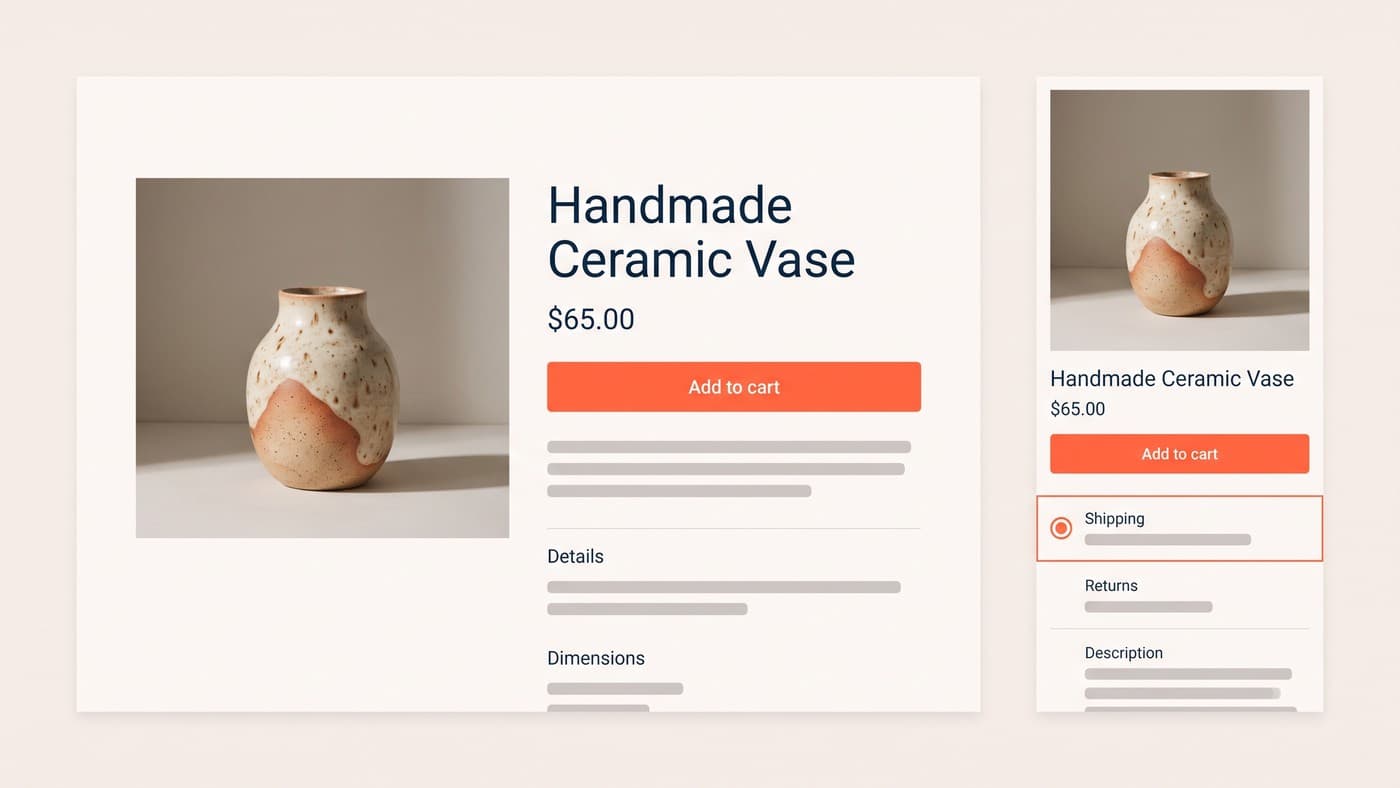
Shopify makes launching a store easy and testing one surprisingly awkward. Between theme architecture, app scripts and a checkout you cannot freely edit, most generic A/B testing advice breaks on contact with a real store. This is the guide we wish existed: every way to test on Shopify, what each is for, and the platform-specific traps that quietly corrupt results.
It assumes you know what A/B testing is already. What it adds is the Shopify layer: the four methods, choosing between them, and the failure modes we keep meeting in programmes we are asked to rescue.
One expectation to set before the methods: nothing here requires Plus except checkout work, and nothing here requires replatforming. Every store on a standard plan can run a serious programme on the product page, collections and cart, which is where most of the money is anyway. The platform limits are real, but they are fences around the checkout, not around testing.
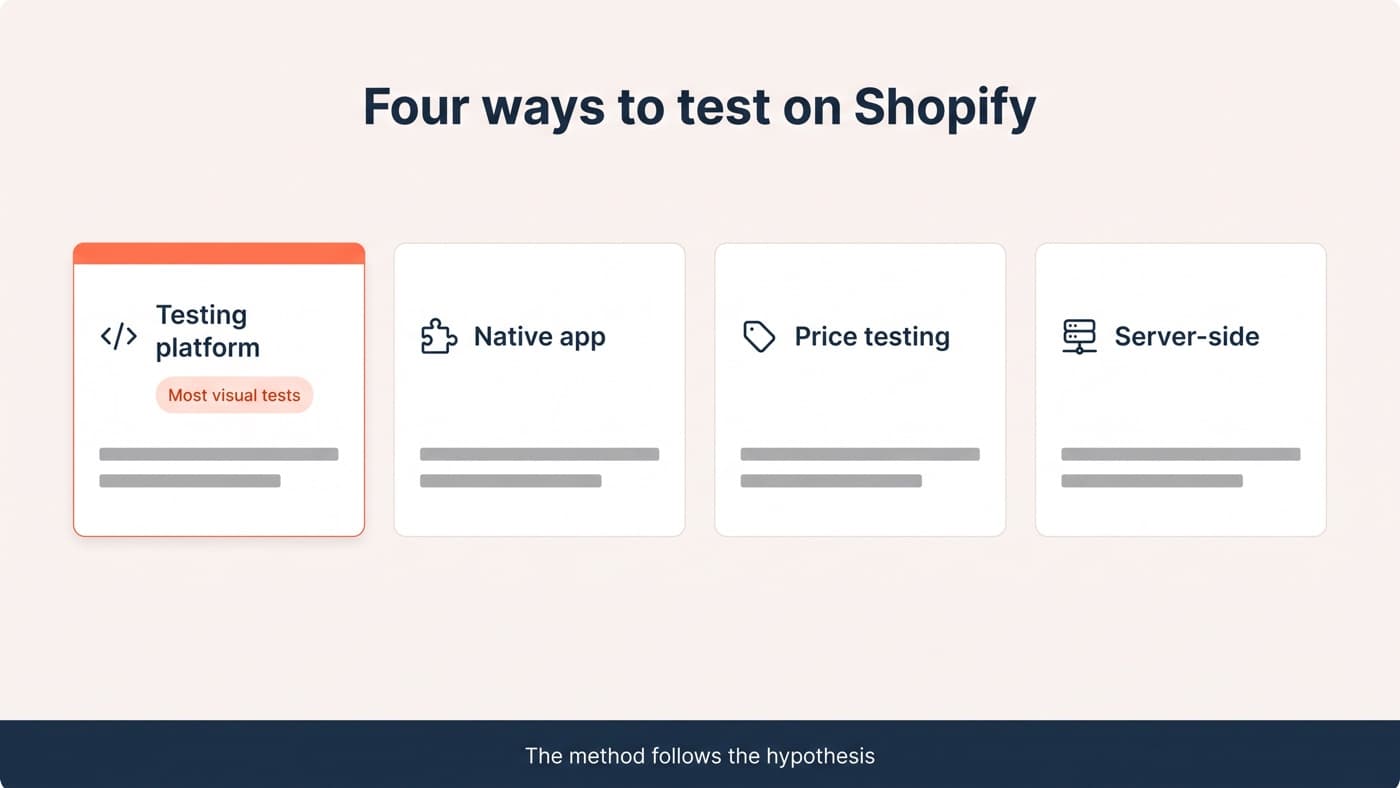
The four ways to test on Shopify
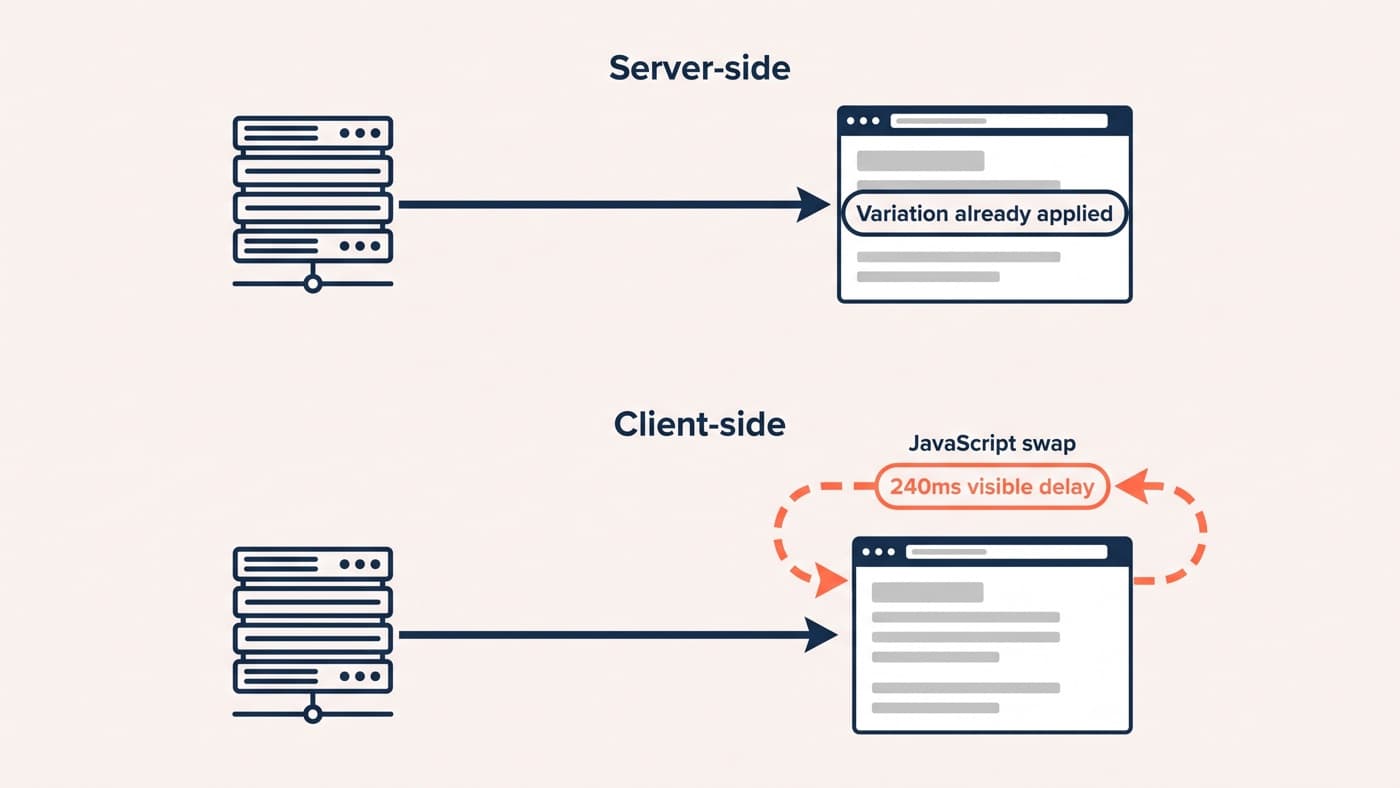
- Testing platforms. Optimizely, VWO, Convert, AB Tasty or Kameleoon injected through the theme. Good for: most visual tests across product, collection and cart. Limits: everything runs client-side, after your theme and your apps, which is where flicker and conflicts live.
- Shopify-native apps. Shoplift and similar, splitting traffic between theme or template versions. Good for: merchants without developers, and honest template-level questions. Limits: hypothesis depth is capped at what a theme split can express, and per-element control is coarse.
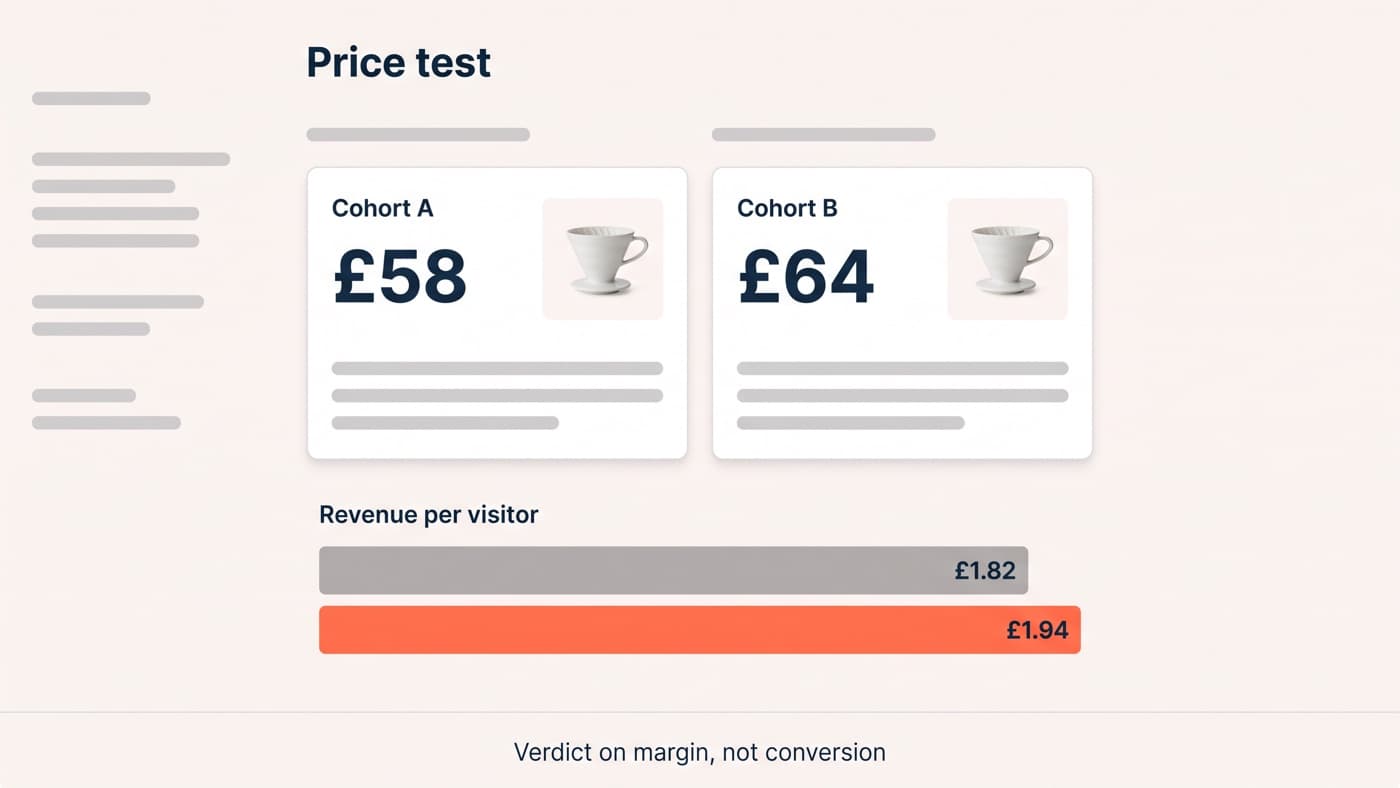
- Price testing tools. Intelligems and kin, assigning visitors to price cohorts with consistency guarantees. Good for: the one test category the general platforms handle badly. Limits: a specialist that joins your stack rather than replacing it.
- Server-side and Functions. Your own engineering: feature flags, Shopify Functions, checkout extensibility on Plus, or a headless storefront where you control the render. Good for: pricing logic, search, cart behaviour, checkout on Plus, and anything where flicker is unacceptable. Limits: real engineering cost and your release process.
The method follows the hypothesis, never the other way around. A backlog of visual product-page questions wants a platform; a template question can live in a native app; price wants its own lane; and logic belongs on the server. Programmes get into trouble when they buy one method and then bend every question to fit it: the store that runs template splits because that is what the app does, or squeezes a pricing hypothesis through a JavaScript swap because the platform licence is already paid for. The licence is a sunk cost. The corrupted result is a new one.
Method two honestly: what native apps can and cannot ask
The native testing apps deserve a fair hearing, because for a specific kind of merchant they are the right answer. If your question is template-shaped, whether the new product page layout beats the old one, whether a redesigned collection template earns its keep, an app that splits traffic between two published themes answers it without a developer, and answers it honestly.
The limits arrive with the second question. Theme splits are coarse: they cannot isolate which element in the new template did the work, they struggle with element-level hypotheses like moving reviews above the fold, and they duplicate maintenance while the test runs, because every content change now has to land in two themes. Merchants tend to outgrow them in the same quarter they start asking why a template won, rather than whether it did.
Method one done properly: platforms on a real theme
The platform snippet loads in the theme, the variation is written in JavaScript and CSS against your theme’s markup, and there are two Shopify-specific disciplines that decide whether the result means anything. First, anti-flicker: the swap must land before the visitor perceives the original, which on a heavy theme takes deliberate engineering, not a checkbox. Second, markup stability: Online Store 2.0 sections are merchant-editable, so a variation pinned to a fixed DOM position breaks the moment somebody drags a block in the theme editor. Variations are written against stable hooks, or they are written twice.
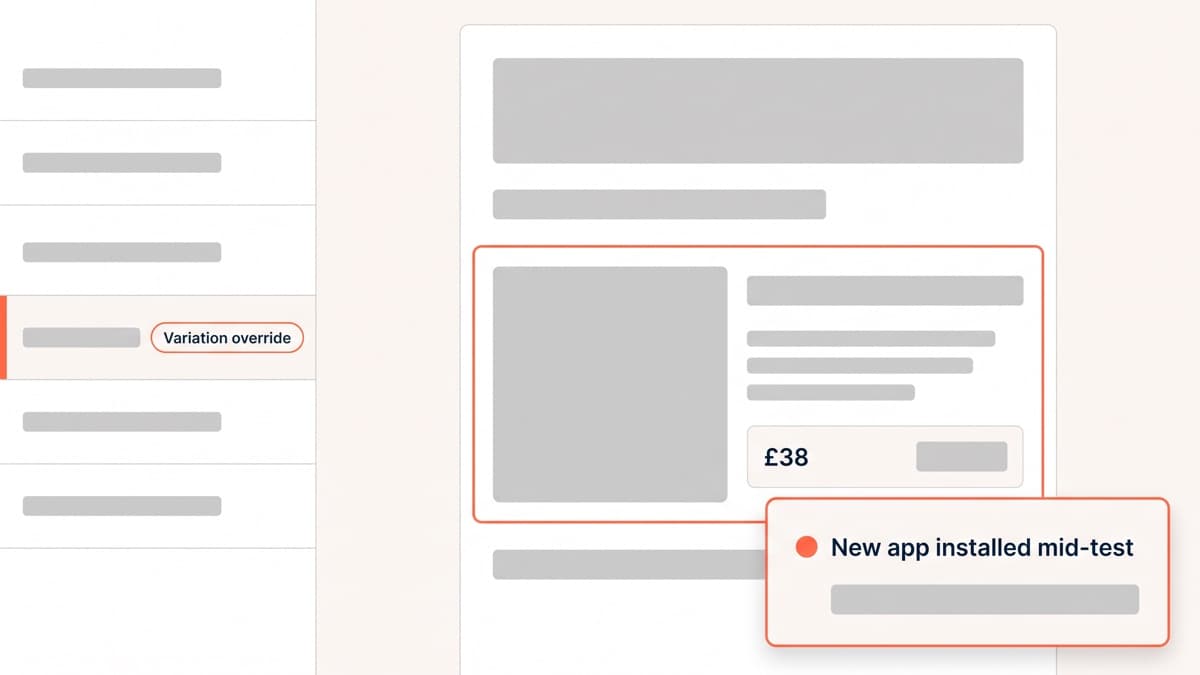
App scripts are the third force in the room. Reviews, upsells, bundles and chat all inject their own JavaScript, usually after yours, sometimes into the same elements. The professional habit is an inventory before every build: what else touches this template, and what happens to the variation when the client installs something new mid-test. That last question is not hypothetical; it is the most common uncontrolled change we see inside running experiments.
Checkout: what is actually testable
On standard Shopify, checkout is closed. You cannot inject scripts into it, which removes a testing surface and, in fairness, a whole category of risk. The testable perimeter is everything up to it: cart page, cart drawer, the information people carry into checkout. That perimeter matters more than it looks; in our published checkout work, the winning changes were mostly information delivered before or at the boundary, not fields rearranged inside it. A shopper who enters checkout already knowing the delivery cost, the arrival window and the returns terms has nothing left to leave and verify, and the closed checkout converts them just fine.
On Plus, checkout extensibility and Functions open real surface: delivery options and their presentation, payment method ordering, trust and returns content at the payment step, discount logic. These are server-side builds by nature, one experiment at a time on a funnel that thin, and they are where the highest-stakes wins on Shopify live. They are also where restraint pays best: a checkout experiment gone wrong is a revenue incident, so every build here ships behind a kill switch that falls back to the standard flow the moment anything unexpected fires.
Reading results on a Shopify store
Two Shopify-specific habits keep verdicts honest. First, check the traffic split before the result, every time. Shopify stores attract heavy bot traffic, app scripts occasionally break assignment on a subset of devices, and a redirect-based split that fails on older browsers will hand one arm a cleaner audience than the other. If you configured 50/50 and observe 48/52, the beautiful uplift downstream of it is the bug talking.
Reconcile against the order admin too, not just the analytics layer. Shopify’s own order records are the ground truth for revenue, and a testing tool whose reported revenue drifts more than a few percent from the admin over the same window has a tracking problem that no significance calculation can absolve. Ten minutes of reconciliation per test is the cheapest insurance in the whole programme.
Second, segment by wallet. Shop Pay, Apple Pay and Google Pay visitors move through checkout on a different path from card-typers, and a variation that helps one group can be invisible to the other. A test read only at the blended level routinely hides a real mobile-wallet effect inside a flat overall number, which is how good hypotheses get archived as failures.
The traps that corrupt Shopify results
- Theme updates mid-test. A theme deploy that touches the tested template changes the control under the experiment. Freeze the template, or version the variation with the theme.
- App-injected duplicates. Two apps both add urgency banners; the variation hides one; the test measures the other. Inventory first.
- Currency and market mixes. Shopify Markets shows different prices and shipping by geography. Segment or scope the test, or the mix shift reads as a result.
- Traffic split drift. If the split you configured is not the split you observe, stop and find the bug: redirects, bots or a broken assignment are manufacturing your uplift.
- Winners left in the tool. Every past winner still running as an override is JavaScript weight on every session and a future breakage. Implement in the theme, then remove.
What to test first, and when you need a developer
A sane first quarter on a Shopify store looks like this. Weeks one and two are not tests at all: fix the measurement, remove dead app scripts, and confirm the analytics agree with the order admin, because every verdict downstream inherits whatever is wrong here. Weeks three to six carry the first two experiments, both on the product page, both mobile-first, both with hypotheses that name the evidence behind them. The second half of the quarter adds the cart boundary and, if the store is on Plus, scopes the first checkout extension work for the quarter after. Three or four honest tests in ninety days beats nine sloppy ones in every archive we have ever audited.
Resist the urge to start with the homepage. It is the page the business stares at and the one with the least buying intent per visitor; its tests read slowly and teach little. The product page is where the decision happens, the cart is where the doubt happens, and the traffic mathematics favour both.
Start where the traffic and the money already are: the product page’s mobile first screen, delivery and returns clarity, and the cart boundary. Our Shopify CRO guide orders that work, and if the store is slow, fix speed first, because every test on a slow template is partly measuring the load. Before any of it, run the app audit: the scripts you remove make every subsequent build cleaner and every result sharper.
You need a developer the moment a test involves custom code on a live revenue path, which in practice is most tests worth running. The honest thresholds: template splits and simple visual swaps, a capable merchant can own; anything touching sections, apps, tracking or checkout deserves professional build and QA, because the cost of a corrupted result exceeds the build fee by an order of magnitude. Traffic sets the other threshold: around 1,000 orders a month on the tested funnel makes standard tests readable, and below it, test bigger swings with the sample maths done first. When a backlog outgrows the in-house bench, that is the moment test development becomes a service worth buying, and if it never does, this guide is still the map we would hand you.