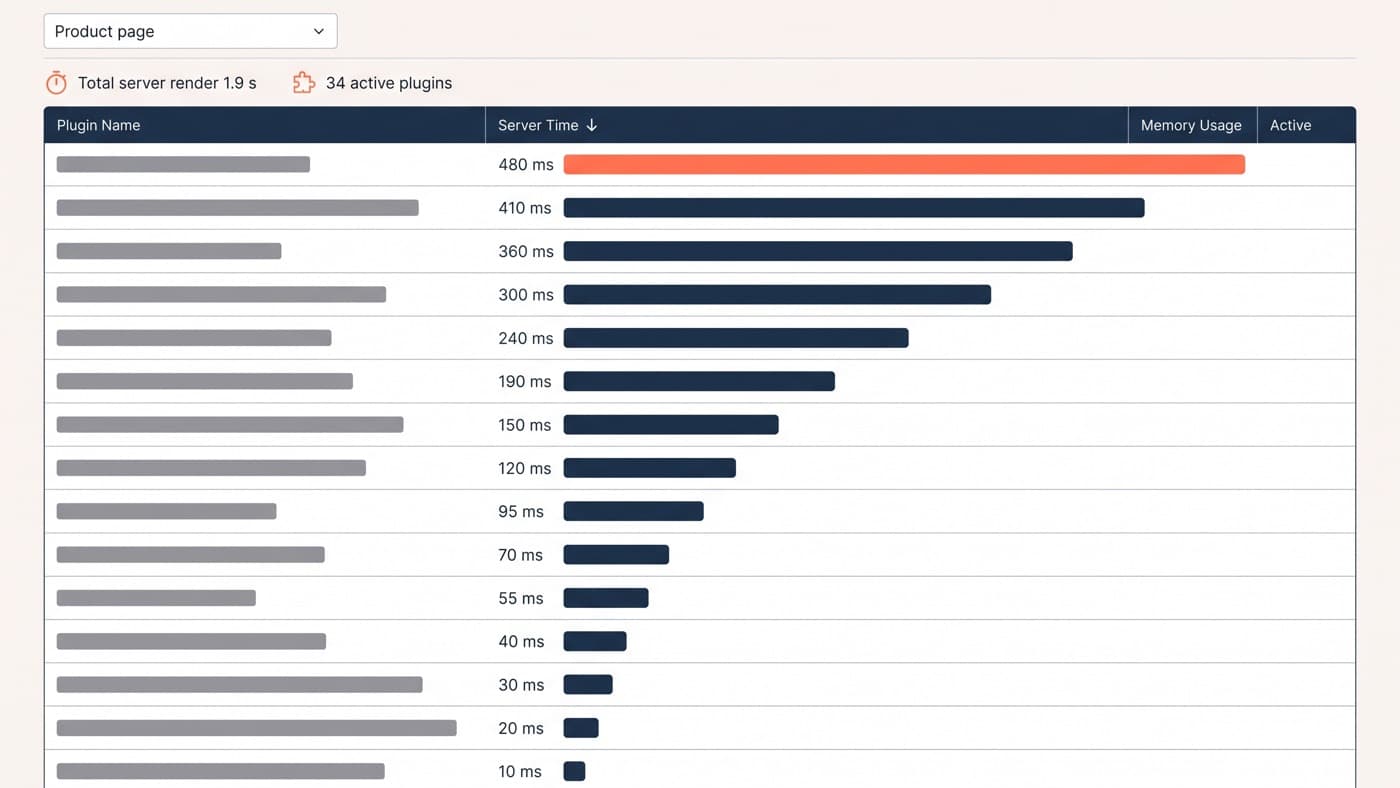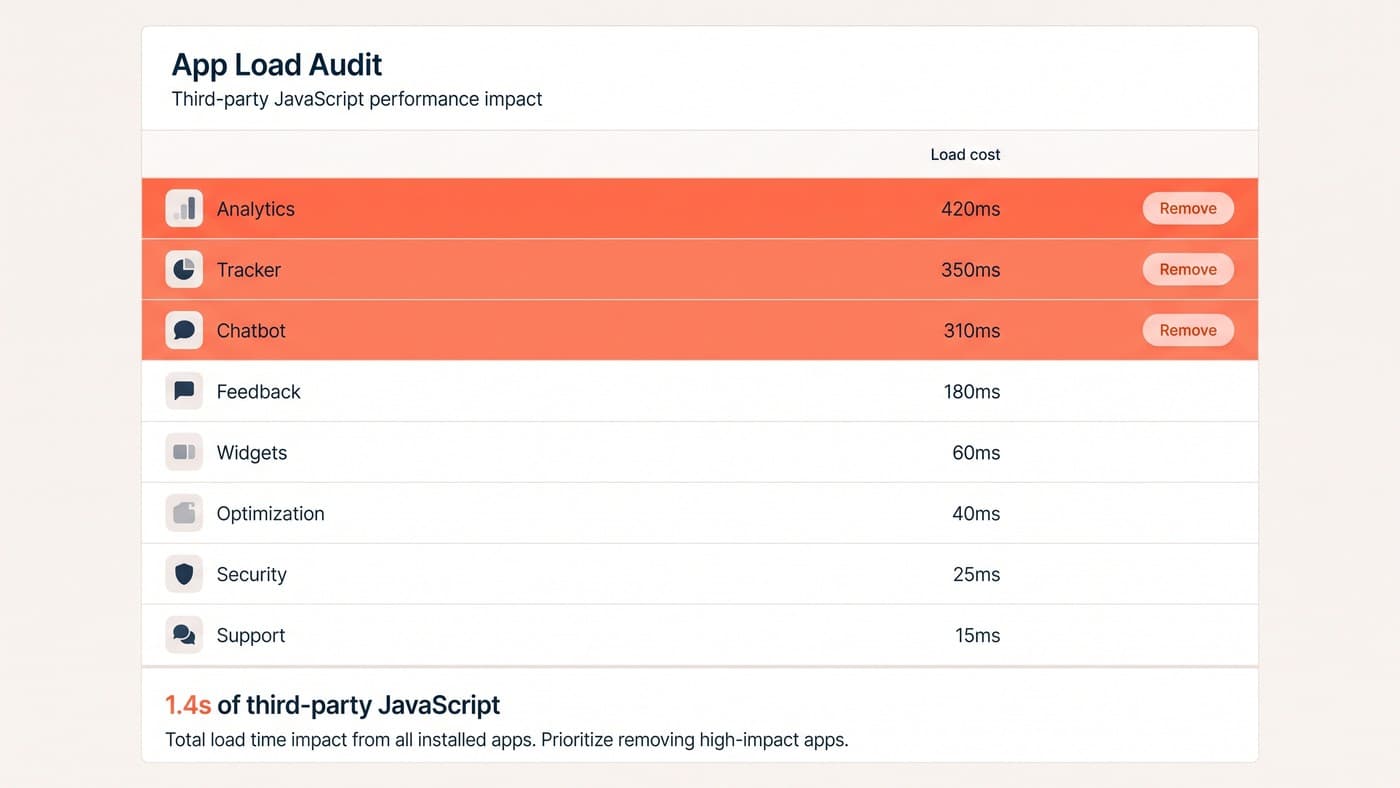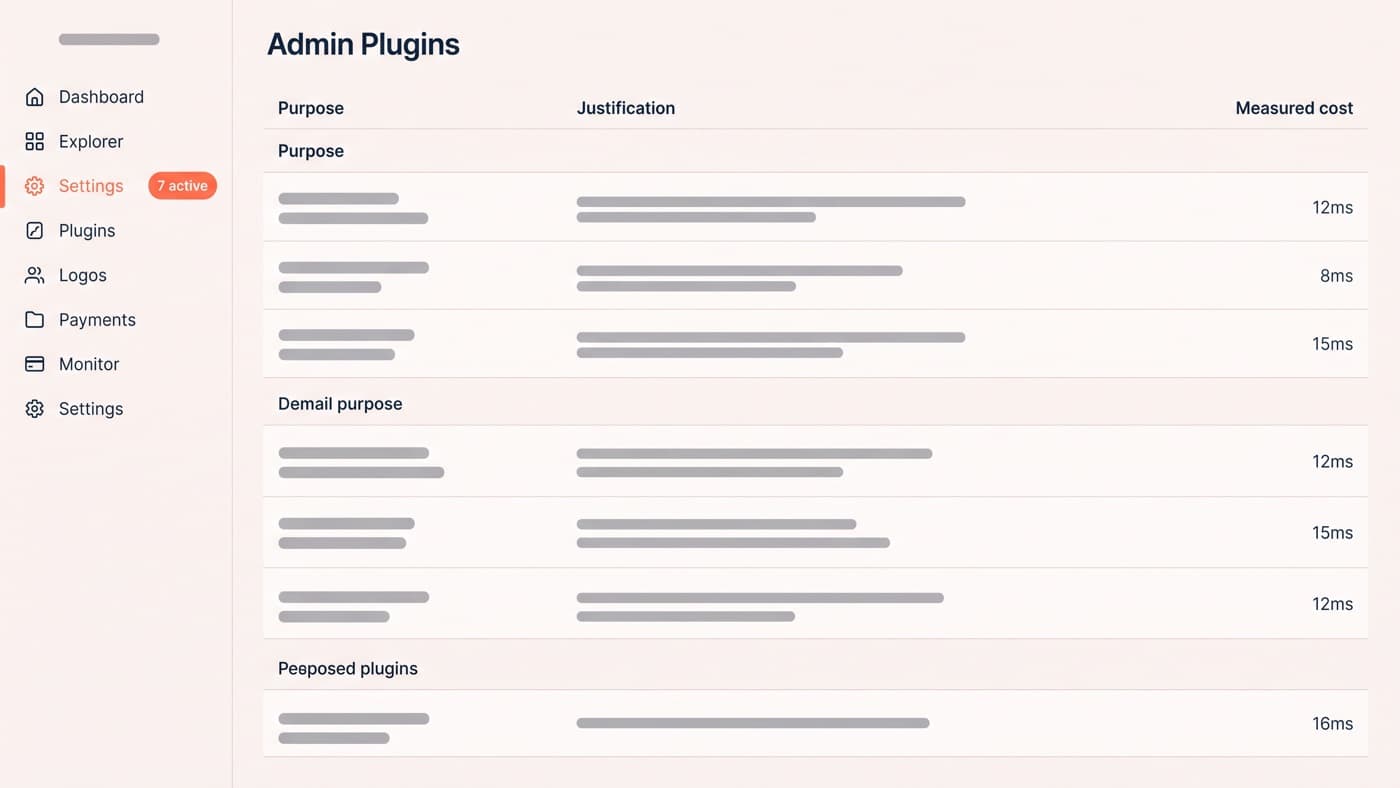
Every "best WooCommerce plugins" list runs to twenty-five entries because affiliates are paid per link rather than per result. This one names seven categories that have earned their place, a test to apply to anything claiming a spot in them, and a list of what to take off.
Plugin weight as a page-speed problem is a separate article, and it owns the profiling and the fix order. This is the commercial half of the same question: which categories of plugin have ever paid for themselves on a store, and how you decide before installing rather than eighteen months afterwards.
You will notice no product names below. That is deliberate. Ownership, pricing and maintenance status change faster than an article does, plugins we would have recommended without hesitation two years ago have since changed hands or stopped receiving updates, and a recommendation you cannot verify today is worth nothing to you. The criteria do not change, so the criteria are what this gives you.
The earn-their-weight test
Before anything gets installed on a store, it answers five questions. Any store can run this, and it does not require a developer for the first three:
- What does it cost on the pages that do not use it? Measure server time and transferred bytes on a product page and on the cart, once with it active and once without, and hold the number.
- What is the mechanism by which it makes money? Write the sentence out. If it comes out as "it makes the page look more professional", the answer is no.
- Does core or your theme already do this? WooCommerce absorbs plugin categories steadily, and stores routinely pay a subscription for something the platform shipped two releases ago.
- Who maintains it, and what happens if they stop? With 91 per cent of new WordPress vulnerabilities appearing in plugins, every install is a security commitment as much as a speed one.
- Can you isolate the difference it makes? If the effect cannot be measured against a control, install it knowing you will never find out whether it worked.
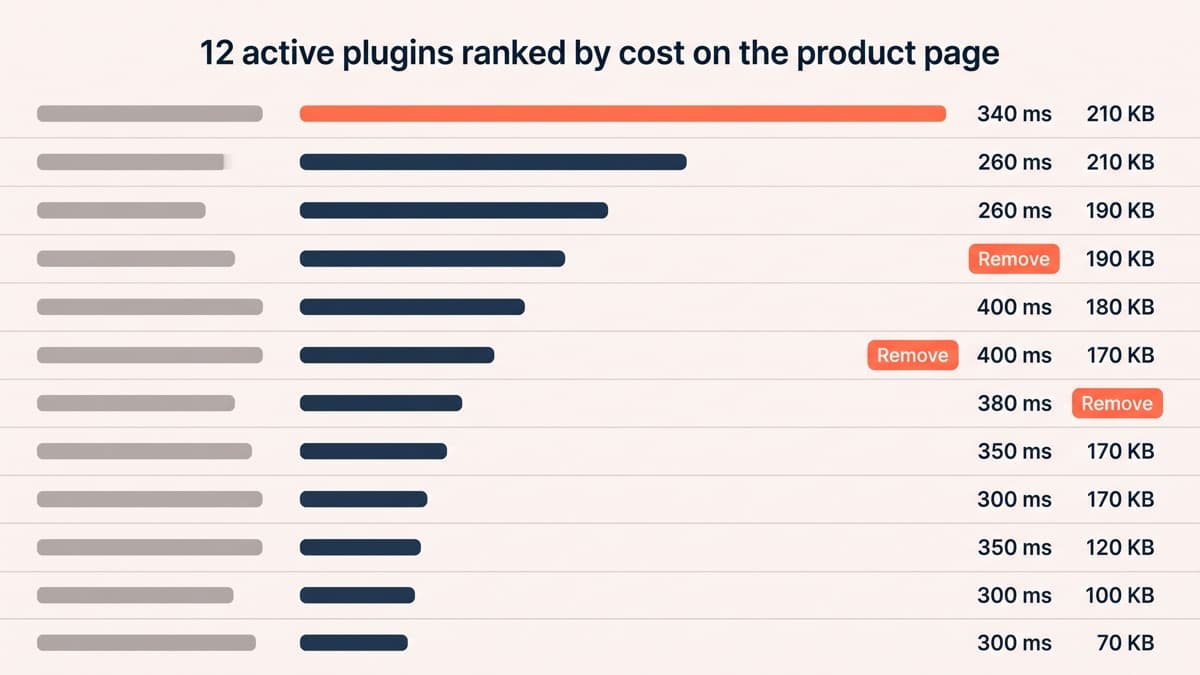
The threshold is blunt on purpose. A plugin that adds 210 KB and 340 milliseconds to a product page has to produce a real, sustained gain, and on a store converting at 1.9 per cent that means holding around 2.1 per cent, an 11 per cent relative lift, before it has broken even against what the extra weight costs you elsewhere. Most plugins are never asked for that number. The twelve-row audit table below is what asking looks like.
The seven categories that earn it
These are categories rather than recommendations, and the reasoning is the useful part, because it tells you what to demand of any product inside the category:
- Express payment and wallet support. It removes the single largest block of friction in the funnel by replacing a form with a fingerprint, and the mechanism is obvious enough that it does not need testing to justify.
- Real site search with its own index. The default search is a database query against post titles and content, which is why it fails on part numbers, synonyms and plurals, and search users convert at a multiple of browsers on almost every catalogue.
- Accurate shipping rates and delivery expectations. Unexpected delivery cost is the most cited reason for abandonment anywhere, so anything that shows the true cost and a credible date earlier is buying orders rather than decorating the page.
- Reviews that collect real content and emit correct structured data. The requirement is verified purchases, photographs, and markup that matches what is on the page, not a widget that imports testimonials from elsewhere.
- Analytics and experiment instrumentation. Nothing else on this list can be evaluated without it, and a store that cannot measure a change is buying every other plugin on faith.
- Lifecycle email and cart recovery, chosen with one eye on core. This category is actively being absorbed by WooCommerce itself, so check what you already have before renewing anything.
- Product-data enrichment: variation swatches, size and fit guidance, stock and lead-time display. These answer the specific question stopping the specific order, which is the only conversion mechanism that scales with catalogue quality.
The uninstall list
These categories reliably cost more in weight, trust or maintenance than they return. Some of them will have been sold to you as conversion tools:
- Manufactured urgency. Countdown timers that reset on reload and viewer counters generating random numbers are visible to anyone who looks twice, and they make every honest claim on the page less believable.
- Homepage sliders and carousels. They cost the largest contentful paint on the most-visited page on the site to show four messages where one would do.
- Currency switchers and live-stock widgets that query on every page load rather than caching the answer. The feature is fine, the implementation is what hurts.
- Popup suites installed sitewide to run one campaign. If it loads on every page to fire on two, it is a page-weight tax with an email address attached.
- Wishlist features nobody uses that write to the database on every click, turning a cacheable read into an uncacheable write.
- Duplicated jobs: two SEO plugins, two caching layers, two image optimisers. This is more common than anyone admits and the second one is usually doing harm.
- Anything deactivated. Deactivated is not deleted, and it is still on disk, still update-checked and still exploitable.
Check what core already gives you, annually
The platform keeps moving into this territory. WooCommerce 11.0, released in August 2026, enabled product object caching by default on new stores and reports variable products loading roughly 9 to 12 per cent faster on product pages and bundle products processing 6 to 12 per cent faster at checkout. The same release carries checkout recovery messaging in beta and a block-based email editor, and cart and checkout blocks with the Store API underneath them have been core for years.
Put an hour in the calendar once a year to check your paid stack against that list. Stores routinely renew a subscription for a feature the platform absorbed two releases ago, and every one of those is a plugin that could simply be gone.
When the answer is forty lines of code
A surprising share of plugin installs exist to solve something small: reordering the elements on a product template, adding one field, showing a delivery message under the button. Those are hooks and a small site-specific plugin, not a suite. Forty lines beat two megabytes on speed, on attack surface and on the number of things that can break during an update.
The honest trade is that the code becomes yours to maintain. That is the right call for stable logic and the wrong call for anything that needs continuous compatibility work with payment, tax or shipping systems, where a maintained plugin is doing work you genuinely do not want to own. Knowing which side of that line a requirement sits on is most of what competent WordPress development contributes here, and if your store is carrying plugins nobody can justify in a sentence, the audit is where to start.