Most B2B stores are consumer stores with a discount code bolted on. That works right up until a trade customer wants to order 400 units across six product lines against an agreed price list and a purchase order — at which point they give up and email your sales team, and everybody pretends the website is working.
WooCommerce handles trade properly, but only if you build for how trade buyers actually buy, which is nothing like how consumers buy.
Trade buyers are doing a different job
A consumer is deciding whether to want something. A trade buyer already knows exactly what they need and is trying to complete a task quickly, usually for the fourth time this quarter, often while somebody waits on the answer.
That inverts the design priorities. Lifestyle photography matters far less. Stock levels, lead times, part numbers, order history and rapid reordering matter far more. A trade customer who can repeat a previous order in three clicks is a trade customer who does not phone anyone.
Pricing is the hard part
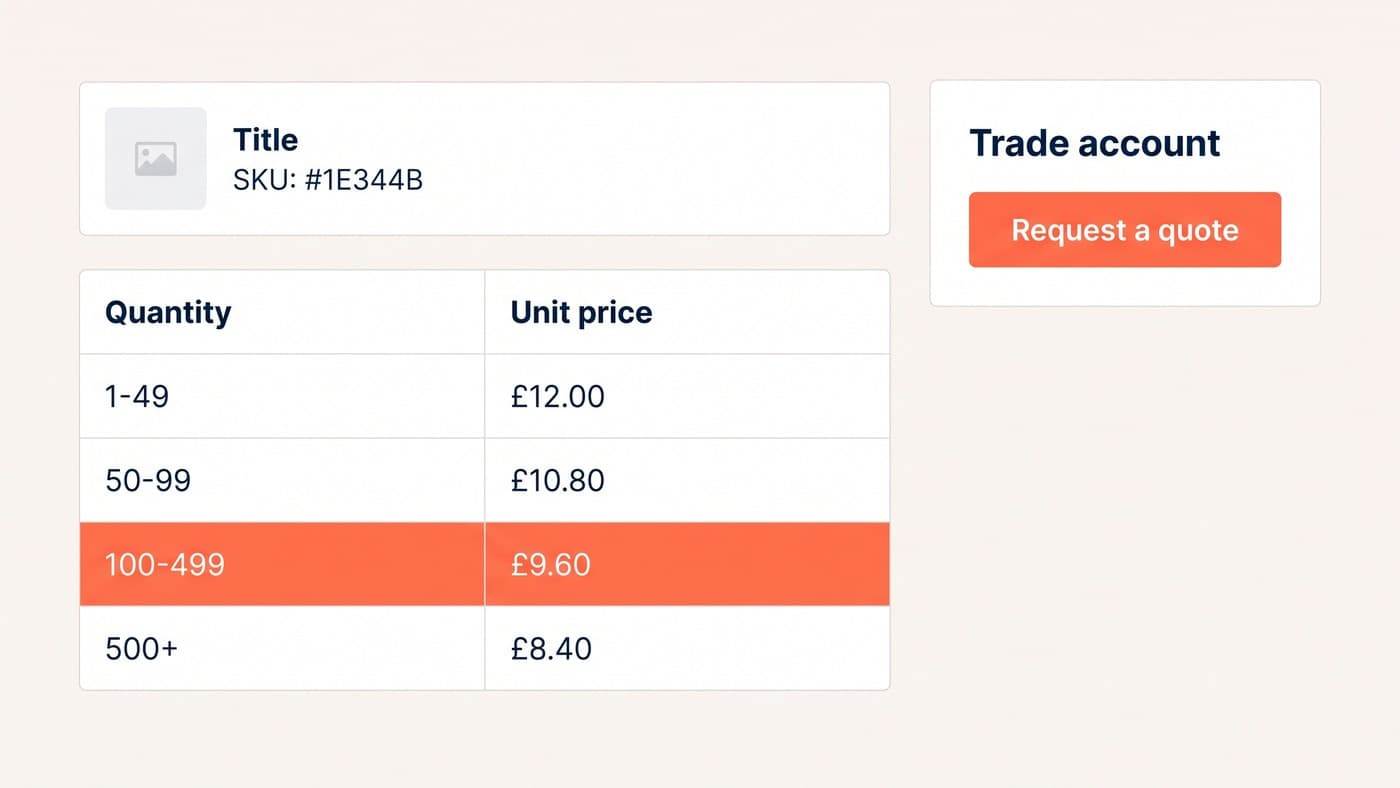
Consumer pricing is one number. Trade pricing is a matrix: quantity breaks, customer-group rates, negotiated account prices, and occasionally a bespoke list for one large customer that must never be visible to anybody else.
Get the model right before writing any code, because retrofitting it is painful. Decide who sees prices at all before logging in — many trade businesses show nothing — and decide whether prices display ex-VAT or inc-VAT by customer group, since showing a trade buyer consumer prices erodes trust immediately.
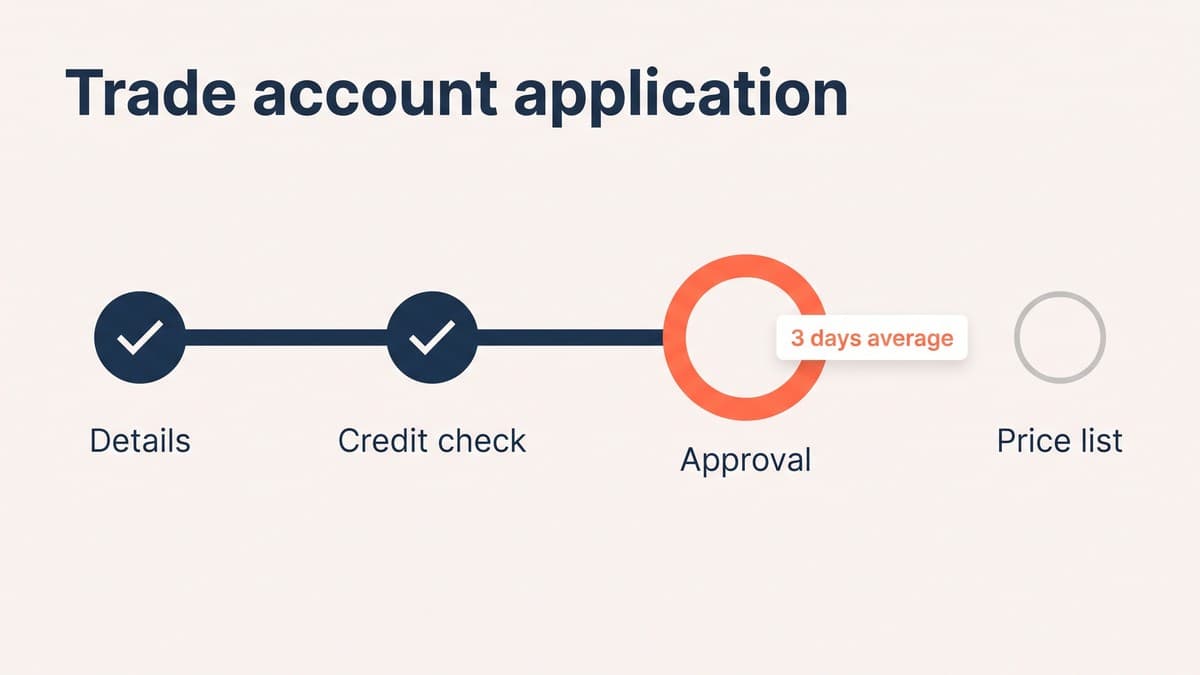
The account application nobody designs
Trade registration is usually a default form nobody has looked at since launch, which then disappears into an inbox for three days. That gap is where the customer goes to a competitor.
Ask only what you genuinely need to approve an account. Say clearly how long approval takes and what happens next. And let people browse and build a basket while they wait, so the relationship starts before the paperwork clears.
What a working trade store needs
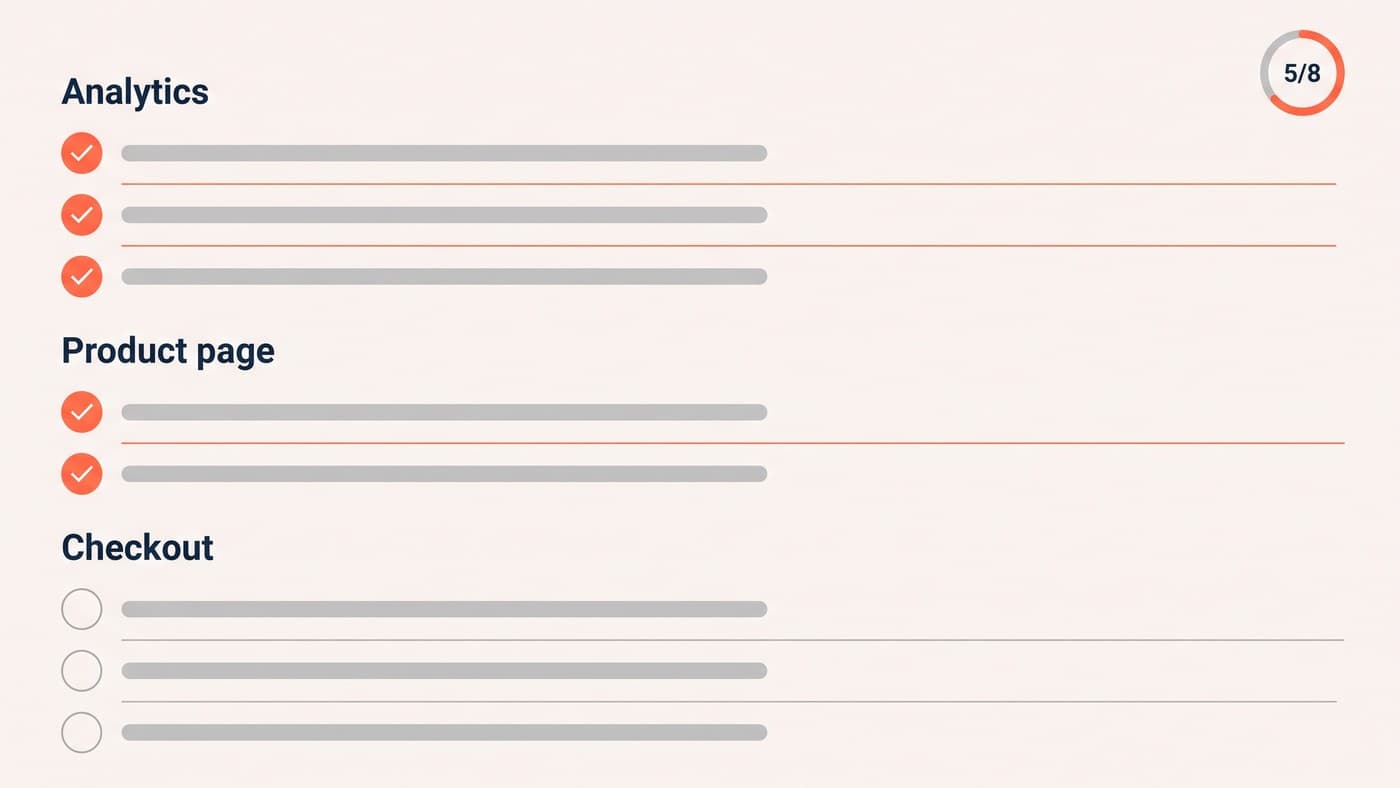
Consistently, these are what trade customers ask for and consumer builds omit:
- Quantity-break pricing visible on the product page, not applied silently at the cart.
- Reorder from order history in one action, with the whole previous basket restored.
- CSV or bulk-quantity ordering by part number, for buyers working from their own list.
- Request-a-quote alongside buy-now, because some orders will never be self-serve.
- Purchase-order and pay-on-account options at checkout, not card-only.
- Downloadable invoices and statements without emailing accounts.
Tax, shipping and payment terms are not edge cases
On a consumer store these are solved problems. On a trade store they are the requirements most likely to derail a launch, because they interact with the pricing model in ways nobody models until the first real order.
Trade buyers expect prices ex-VAT and invoices with VAT itemised. Export customers need their VAT number validated and the tax removed accordingly. Shipping is rarely a flat rate — it is palletised, zoned, or quoted per order, and a trade customer offered a £4.95 courier rate on 400 units will assume the site is broken.
Payment is the third. A meaningful share of trade orders will never be paid by card. Pay-on-account with agreed terms, purchase-order references carried through to the invoice, and credit limits enforced at checkout are ordinary requirements in B2B and completely absent from a default install.
Map these against your actual customer list before choosing extensions, because they determine which ones can work. Retrofitting account terms onto a build that assumed card payment is close to starting again.
Where WooCommerce needs help
Core WooCommerce does not do quantity breaks, customer-group pricing or quote workflows on its own, so every B2B build involves extensions — and extensions are where these projects get slow and fragile.
One more thing worth building early: a way for your sales team to see what a customer sees. Trade support calls usually start with "I cannot find the price", and an internal view that renders the site as that account resolves in seconds what otherwise becomes a twenty-minute investigation.
Get the data model right first, too. Which customer belongs to which price group, how a group maps to a tax treatment, and what happens when somebody sits in two — these are decisions that look like configuration and behave like architecture, and every trade build that goes badly went badly here.
It is also worth deciding early how much of the trade relationship stays human. Not everything should be self-serve — negotiated pricing, bespoke lead times and large one-off orders often work better through a person, and a site that tries to automate them tends to produce worse outcomes than a well-placed request form. The goal is to remove the routine work from your sales team, not to remove your sales team.
Expect the build to take longer than a consumer store of the same catalogue size, and budget accordingly. Trade functionality is mostly logic rather than layout — pricing rules, account states, tax and payment terms — and logic is where the time goes. Teams that scope a B2B build as "the consumer site plus a login" are the ones that run out of budget with the quoting flow unbuilt.
A last point that matters more than any plugin choice: talk to two or three of your actual trade customers before designing anything. Ask how they order today, what they do when the site cannot help, and what they would need before they stopped emailing your sales team.
The answers are usually specific and unglamorous — a spreadsheet upload, a copy of last month's invoice, seeing stock before committing to a delivery date. Those are the features that get a trade customer to self-serve, and none of them appear in a generic B2B requirements document.
Choose few, choose well maintained, and check how they behave together before committing. The same performance discipline applies here as anywhere else: a trade catalogue with 8,000 SKUs and four pricing plugins will crawl unless somebody is watching. That is ordinary WordPress development work, and it is worth doing before launch rather than after the complaints. If you are running trade orders through email today, get in touch.