You can run a legitimate conversion practice for exactly nothing. Analytics, heatmaps, session recordings, speed data, on-site surveys and split testing all have versions that cost zero a month and are not trials. What the paid tools sell is rarely capability. It is ceilings: more sessions, longer retention, more seats, and fewer things you have to assemble yourself.
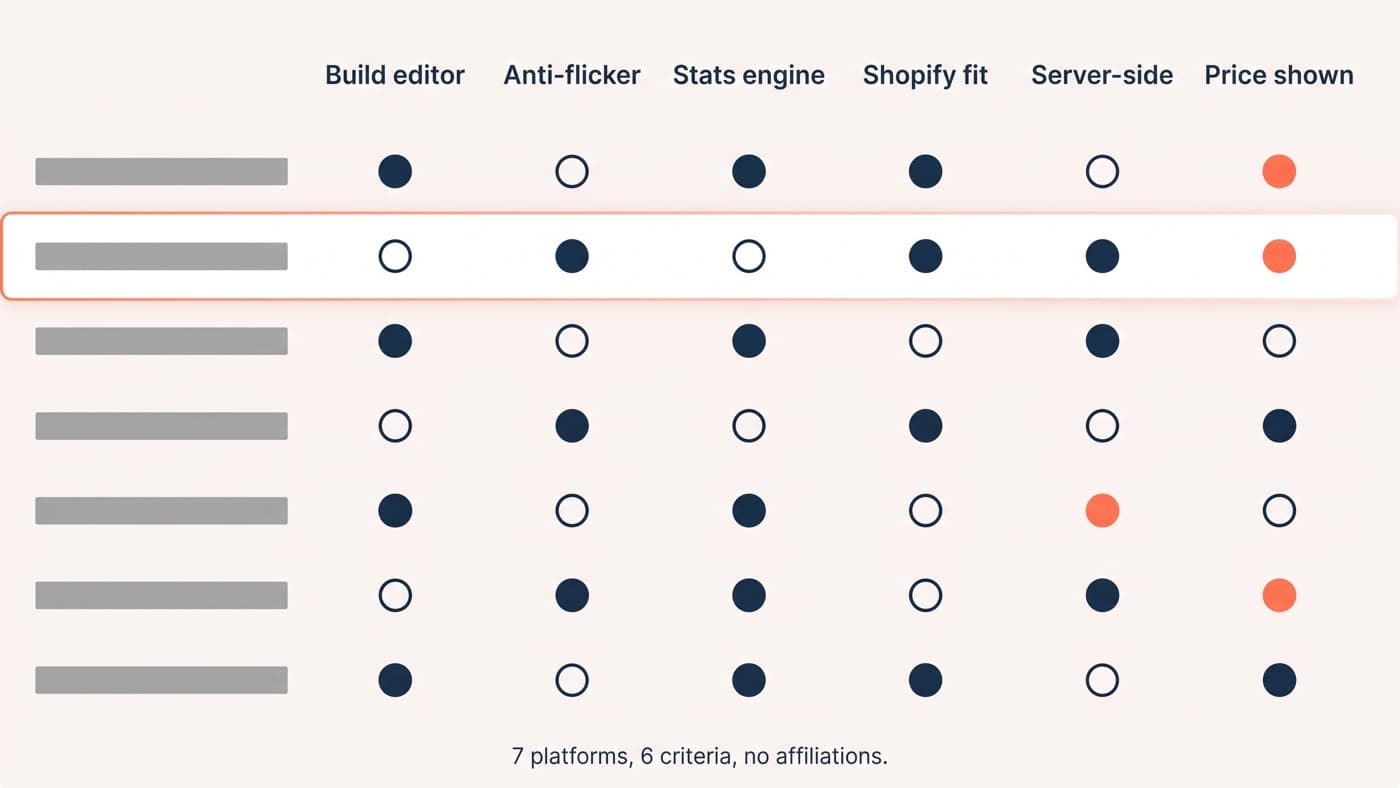
This article owns the genuinely zero-cost stack and the four jobs it has to cover: measure, watch, ask and test. The paid comparison belongs to our guide to A/B testing tools for ecommerce, configuring GA4 belongs to the funnel analysis walkthrough, and what to do with a recording once you have one belongs to the heatmaps and recordings article. None of it is repeated here. Free tiers also move, so every limit below was checked in August 2026 and is worth rechecking before you build a plan on it.
Measure: analytics, search and speed
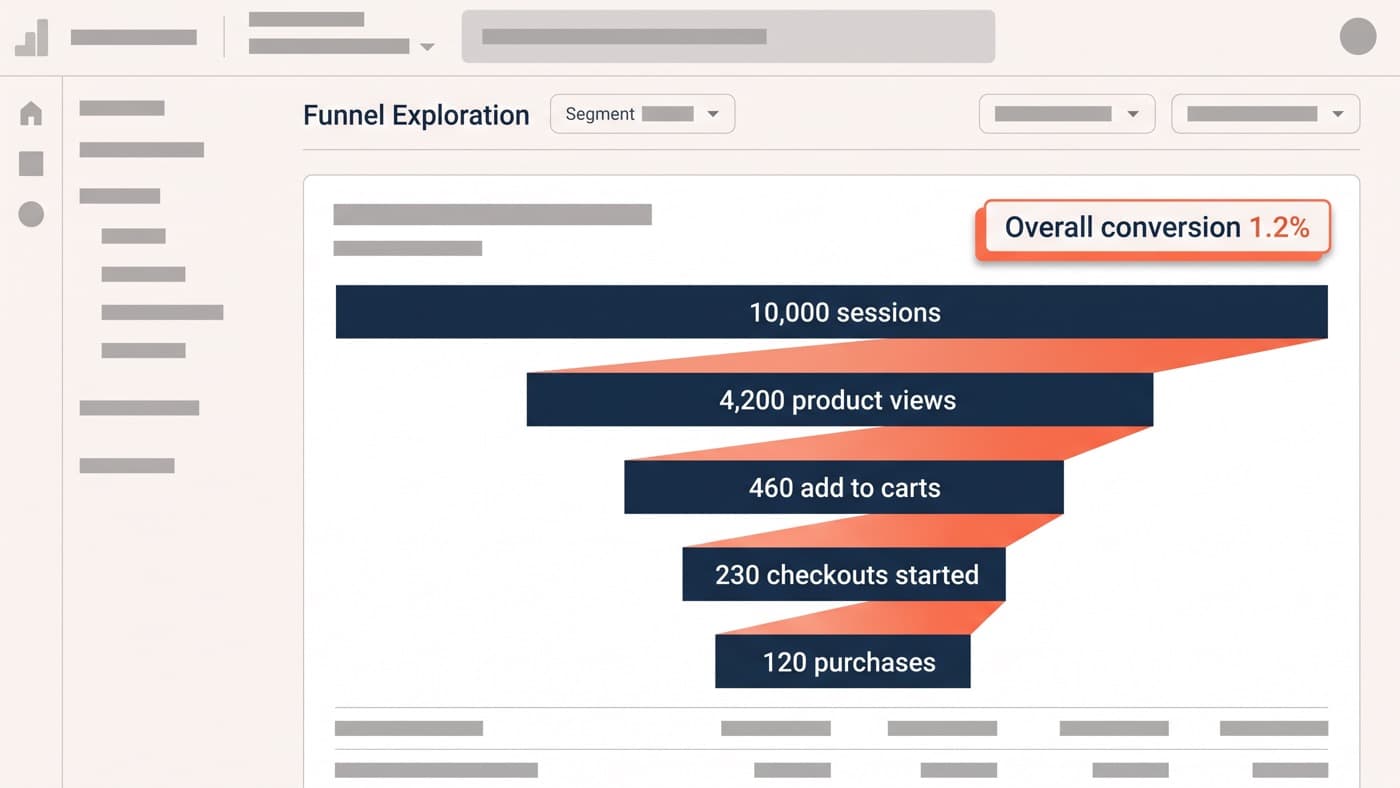
Google Analytics 4 is free at any traffic volume on a standard property, and three of its limits change how you use it rather than whether you can. Data retention is set to two months by default and can be raised to fourteen, which is the ceiling, so anything you want to compare against the same week last year has to leave the product first. That is what the free BigQuery export is for. Explorations query up to ten million events on a standard property, above which you are reading a sample rather than your data. And high-cardinality dimensions get collapsed: GA4 stores fifty thousand values, treats a dimension with more than five hundred unique values in a day as high cardinality, and buckets the overflow into a single row labelled other.
Google Search Console is the other free half of measurement and the one most stores under-read. Sixteen months of query and page data, at no cost, with two limits worth knowing: the interface truncates a report to a thousand representative rows, while the API will return up to twenty-five thousand rows per request. That gap is the difference between browsing and analysis.
Speed data is free at both ends. Lighthouse runs in the browser you already have, PageSpeed Insights wraps it, and the Chrome UX Report supplies the field half from real Chrome users as a twenty-eight day rolling average. The CrUX API is offered without charge at a hundred and fifty queries per minute per Google Cloud project. The catch is coverage: a page only appears in CrUX once it has enough traffic, and Google deliberately does not publish the threshold, so a quiet product page may have lab data and no field data at all.
Watch: heatmaps, recordings, and what stopped being free
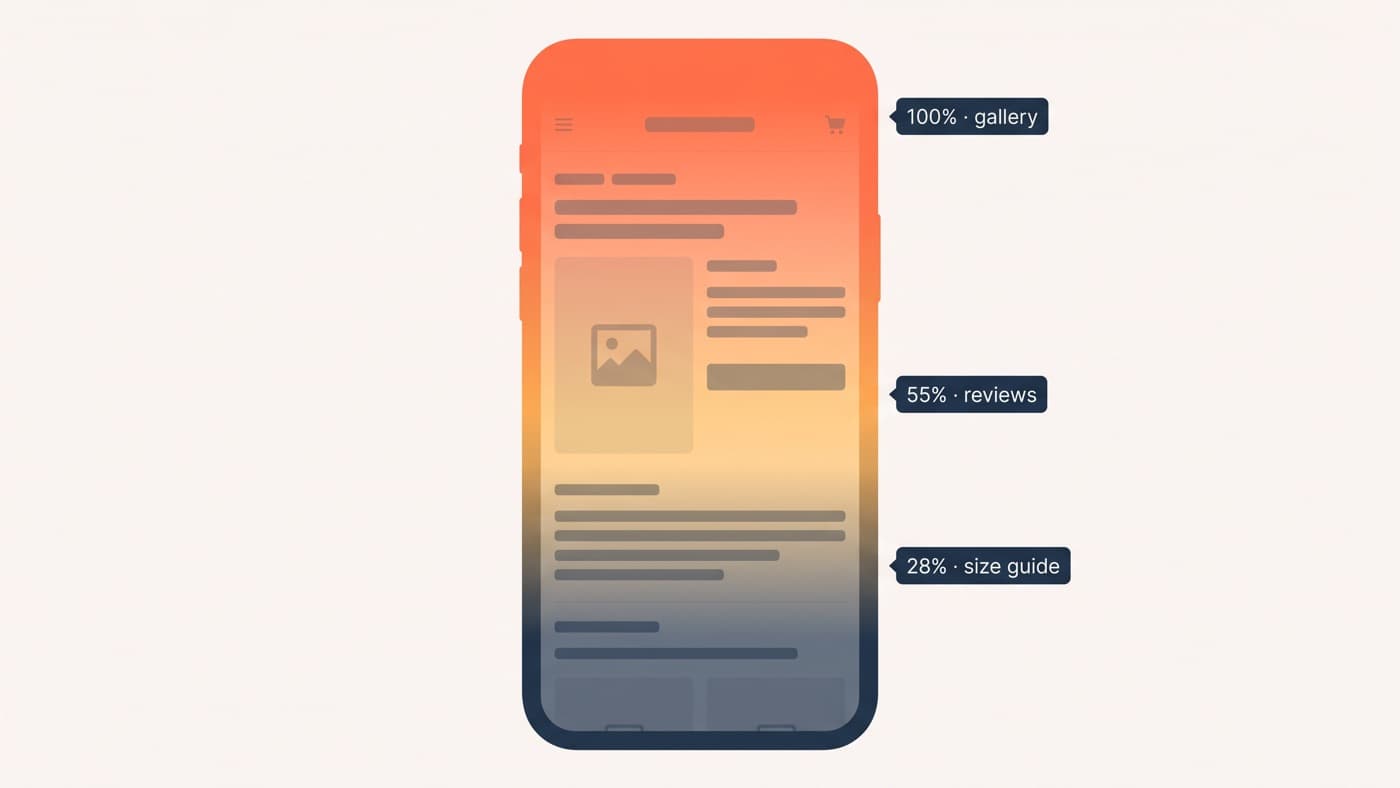
Microsoft Clarity is the strongest argument in this article. It is free permanently, with no traffic limit, no sampling and no cap on the number of projects, and it gives you heatmaps, session recordings and its AI summaries at zero cost. There is no paid Clarity tier to be upgraded into.
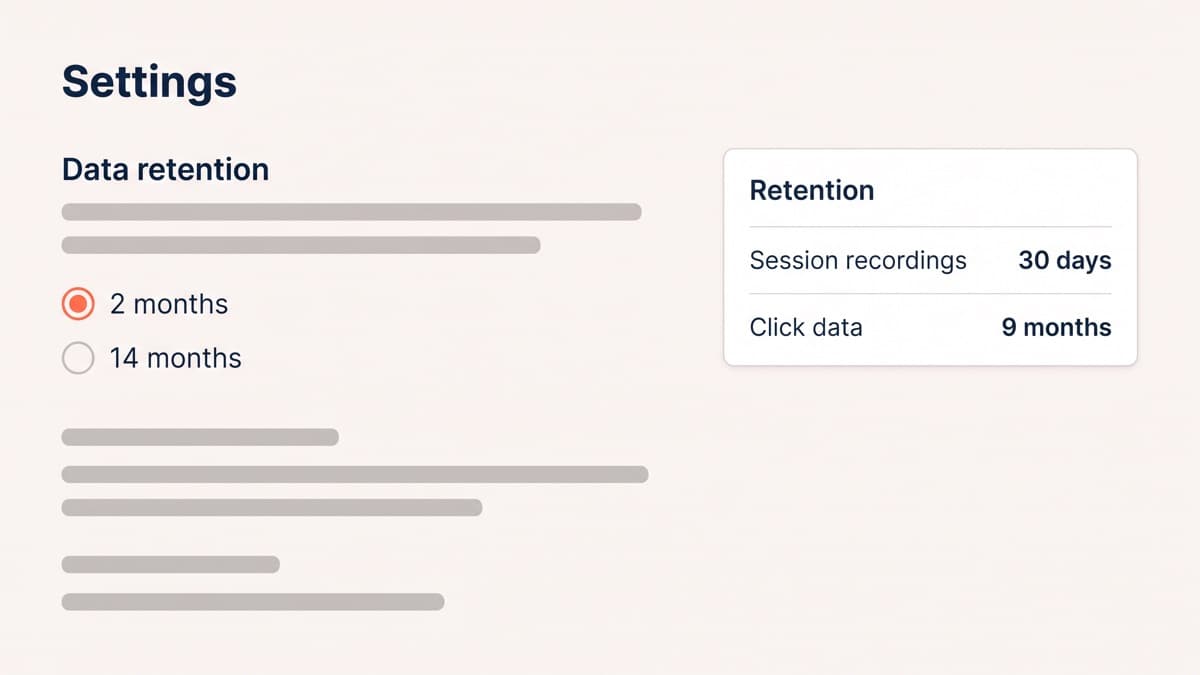
Retention is the real constraint, and it is shorter than most write-ups claim. Playback data, meaning the recordings themselves, is kept for thirty days. Aggregated click and portal data is kept for nine months, as are any sessions you label or favourite, which makes labelling the single habit that turns Clarity from a live view into an archive. Watch on a schedule, tag what matters that week, and the thirty-day window stops mattering.
Two free options readers remember have changed. Hotjar’s Basic plan, thirty-five sessions a day, no longer exists in that form: Hotjar is now part of Contentsquare and its pricing page redirects there. The replacement free plan is far more generous on volume and much tighter on time, at two hundred thousand sessions a month, ten thousand replay captures and one month of retention. Mouseflow still has a free plan at five hundred sessions a month on one site with a month of retention. Lucky Orange offers a seven-day trial and no free tier at all, which is a different thing wearing similar clothes.
Ask: surveys and voice of customer
The cheapest research in conversion work has always been asking, and the tooling for it has never been the obstacle.
- Google Forms costs nothing and has no response cap worth worrying about, though features degrade at scale: past fifty thousand responses the summary view stops working, and past a hundred thousand the responses stop syncing to Sheets.
- Tally is free for unlimited forms and submissions within a fair-usage policy it does not put a number on, which is worth knowing before a research programme depends on it.
- Typeform’s free plan is capped at a hundred responses a month on a single seat, which is a pilot rather than a programme.
- Contentsquare’s free plan includes on-site surveys at a hundred responses a month across three active surveys, which is the free way to ask a question on the page rather than in an email.
- PostHog’s free allowance includes fifteen hundred survey responses a month alongside everything else it gives away, and it targets them by behaviour rather than by page.
None of these is the constraint. The constraint is that most stores never write the question, and a badly worded exit survey collects noise at any price.
Test: free split testing genuinely exists
Free A/B testing has a stale reputation, for a reason. Google Optimize was withdrawn on 30 September 2023, VWO has since sunset the free Starter plan that briefly replaced it, and Optimizely publishes no free tier at all. Anyone who checked in 2024 and concluded that free testing was over checked at the worst possible moment.
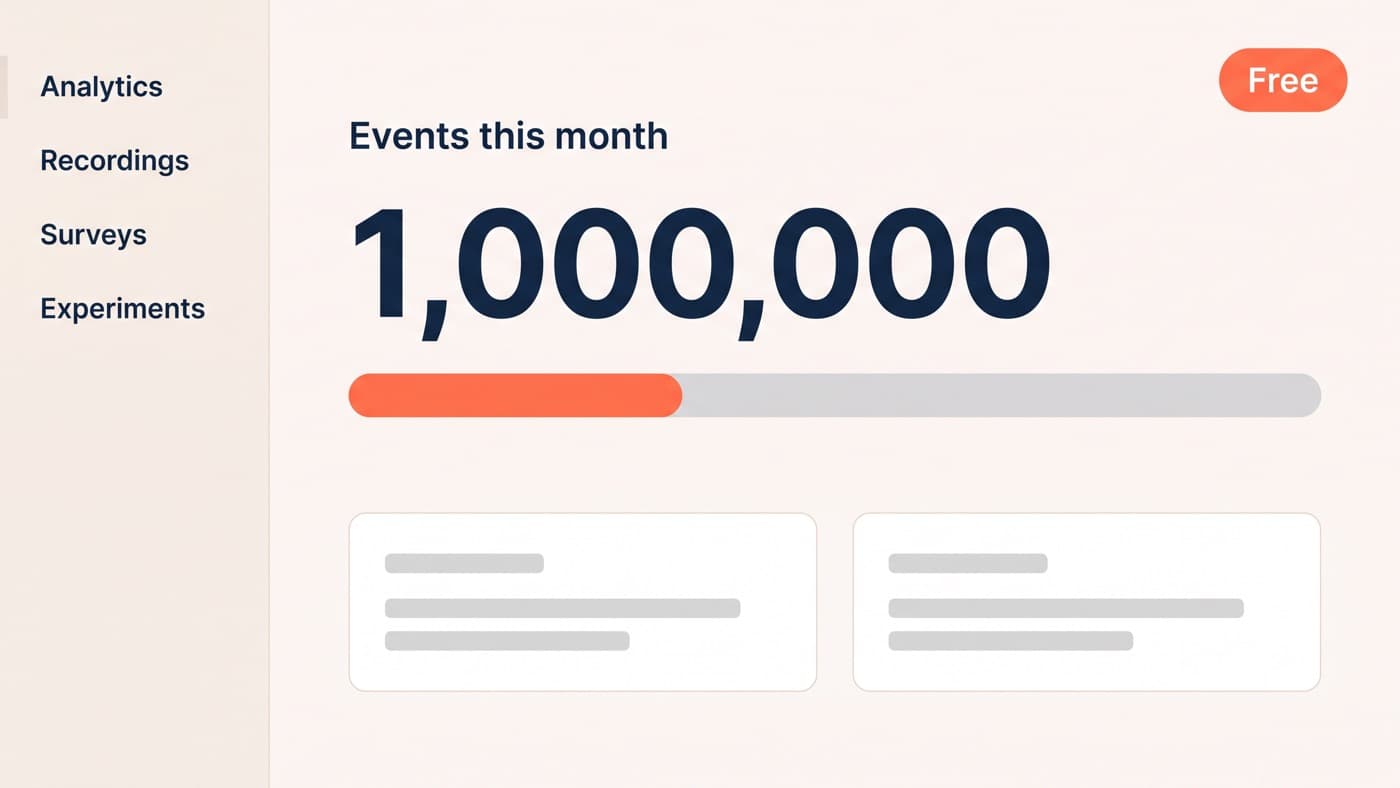
Three options now cover it. GrowthBook is open source under a permissive licence and can be self-hosted with no seat limit; its hosted Starter plan is free for up to three users on one project with unlimited feature flags and experiments, inside an allowance of a million CDN requests and five gigabytes of bandwidth a month. PostHog gives a monthly free allowance of a million events, five thousand session replays and a million feature flag requests, and because its experiments bill as feature flags, testing sits inside that allowance. Statsig’s free developer tier runs to two million events a month, fifty thousand replays, unlimited seats and a year of analytics retention.
What none of them gives you is the variation. Every one of these tools assigns traffic, holds the split and does the arithmetic; the code that changes the page is still yours to write, still yours to QA, and still where flicker and tracking errors come from. Free tooling removes the licence, not the engineering, which is the honest reason paid platforms feel easier. You are buying an editor and a support contract, not better statistics.
The order to install it, and the trap
- Analytics and Search Console first, on day one, because every later decision reads from them and neither can backfill the history you did not collect.
- Clarity second, because it costs nothing and starts a recording archive you will want in three months.
- Speed measurement third, as a monthly check rather than a dashboard, since the field data updates on a twenty-eight day window anyway.
- A survey fourth, once you have a question the first three cannot answer.
- A testing tool last, and only when you have more hypotheses than you can ship, which is later than most stores assume.
That order is deliberate, and reversing it is the commonest mistake made with free tools. Installing the whole list in a fortnight produces five sources of data and no decisions, and the tool-collecting phase feels productive precisely because installing is easy and deciding is not. Building the sequence a conversion programme actually needs matters far more than any tool choice on this page.
Paid tools earn their money at a predictable point: when a retention window starts cutting into an analysis you genuinely run, when several people need seats and permissions, or when you want server-side assignment that a free client-side script cannot give you. Until one of those is true, the ceiling is not the tool. If you are unsure which of the three you have hit, a look at what you are already collecting is a shorter conversation than a procurement process.