We do not sell either of these tools. We inherit sites built with both, usually about three years after the excited install, and that view, the one from the maintenance retainer rather than from the demo, is the comparison an affiliate review cannot give you.
Building a block theme a marketing team will actually use is a separate subject, and a sibling post owns it. This one answers the narrower question people ask before they commit: across speed, lock-in and maintenance, which of the two costs less to live with.
Both tools moved in 2026, so most verdicts you will read are stale
Elementor 4.0 became the official release in March 2026, and from April new Elementor sites default to what the company calls the Atomic Editor. The change is architectural rather than cosmetic. Styling moves from inline rules attached to individual widgets to a reusable class system, and Elementor states that the markup behind its atomic elements is built from plain HTML tags rendered without additional wrapper layers. At the time of writing the plugin sits at version 4.2.2, reports more than ten million active installations, and tests against the current WordPress release.
WordPress moved as well. Version 7.0 shipped in May 2026 and, unusually, without a new default theme, so Twenty Twenty-Five is still what a fresh install hands you. The site editor now covers templates, headers, footers and navigation in the same interface as posts, which is precisely the capability the original comparison was missing when everyone made their minds up about it.
Two honest caveats before any numbers. This is genuinely in flux: benchmarks published before March 2026 measured a version of Elementor that no longer ships, and Elementor itself says the gains vary on pages that mix legacy widgets with atomic elements, which describes most real sites mid-migration. And nothing below is a verdict on either company. It is a verdict on what each approach costs a marketing team over three years.
The speed verdict, stated carefully
The structural point has not changed. Core blocks render markup close to what a developer would have written by hand, and the styles they need come from the theme you were already loading. A builder is an additional rendering layer with its own stylesheet, its own script bundle and its own settings to resolve at render time. The atomic rewrite narrows that gap honestly. It does not remove the layer, because the layer is the product.
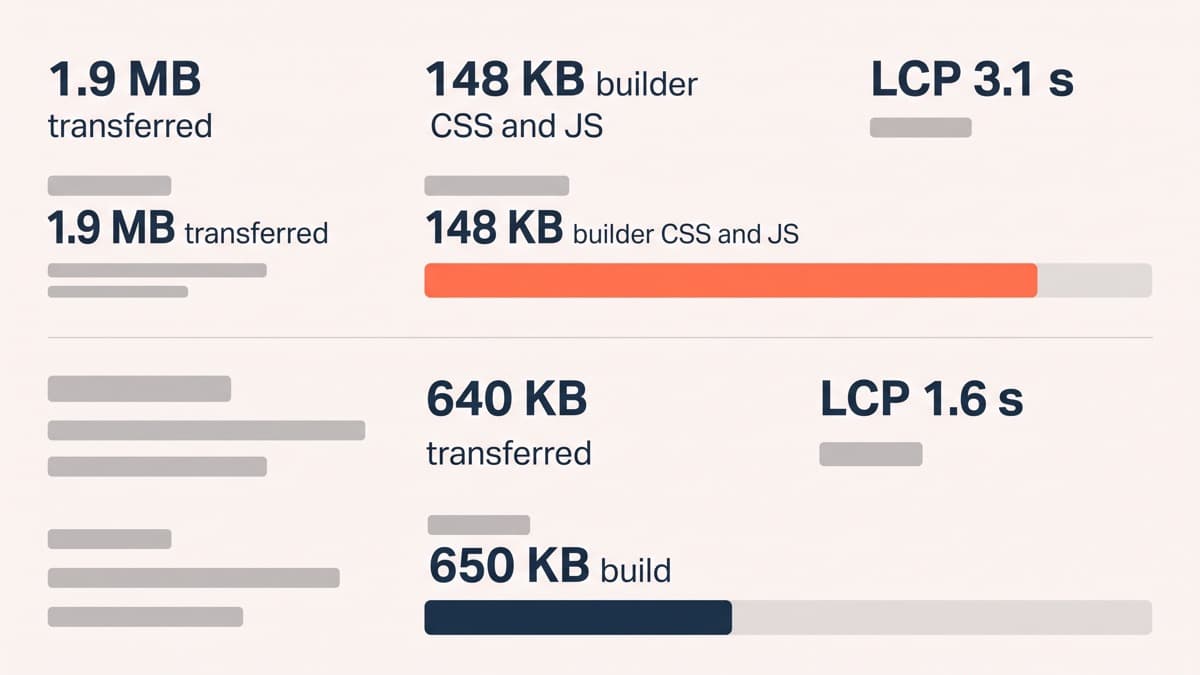
The last inherited comparison we ran makes the size of it concrete. A five-page marketing site built on a popular builder with three addon packs transferred 1.9 MB on its busiest page, of which 148 KB was builder CSS and JavaScript, and returned a largest contentful paint of 3.1 seconds on a mid-range Android handset over 4G. Rebuilt on the theme’s own blocks with no builder at all, the same page and the same content transferred 640 KB and returned 1.6 seconds. Nothing clever happened in between. We deleted a layer.
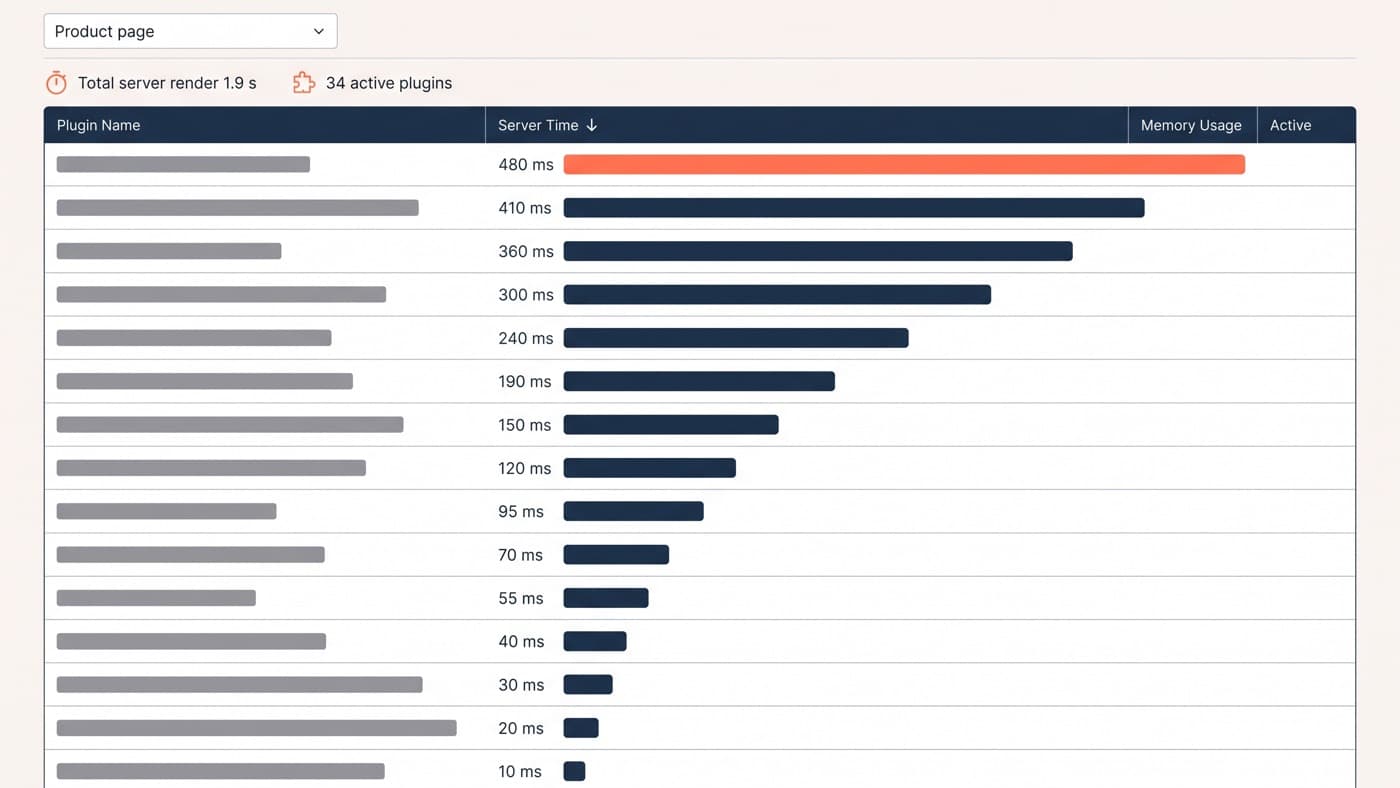
Be fair about the cause, though, because the builder was rarely the whole bill. Addon packs are where the weight actually accumulates: each one registers its entire widget library on every page in order to serve the two widgets you use, and a team that installs three of them has installed three more plugins with three more release cycles attached. A disciplined single-builder build with no addons sits much closer to the block build than that comparison implies.
Lock-in is the line item nobody prices
This is the difference that shows up years later, and it is the one worth arguing about. Block content is stored in post_content as HTML with comment delimiters wrapped around it, so a page built in the block editor is still a page if you deactivate everything on the site. Builder content is stored as the builder’s own structured data and assembled on request, so the page exists only while the builder is active.
That is not a scandal. It is the trade you agreed to. But it means the exit cost is not proportional to the number of pages, it is proportional to the number of distinct layouts, and it falls due all at once rather than spreading out. We rate the difficulty of getting out roughly like this:
- Plain content pages of text and images: minutes each by hand, and pasting the rendered content into the block editor gets most of the way there on its own.
- Sectioned marketing pages with repeated layouts: build the block pattern once, then rebuild each page against it. Slow, but predictable and delegable.
- Pages driven by builder-specific dynamic content or custom queries: budget real development, because the equivalent is a query loop or a custom block rather than a paste.
- Theme-builder templates for headers, footers, archives and single posts: a separate rebuild in the site editor, and the part teams most often forget to scope.
- Third-party addon widgets: assume no equivalent exists, and decide whether the feature survives the move at all rather than trying to reproduce it.
The maintenance surface is a security question
Patchstack’s 2026 report counted 11,334 new vulnerabilities across the WordPress ecosystem during the previous year, a 42 per cent rise, and 91 per cent of them were in plugins rather than in themes or core. The weighted median time between disclosure and the first exploitation attempt was five hours. That is the context in which every additional plugin is a decision rather than a convenience.
A builder plus three addon packs is four more of those decisions, permanently, on a site where updating them is not optional. It is also four more things that have to stay compatible with each other, with the theme and with the next WordPress release. The block route does not make this disappear, because block libraries are plugins with exactly the same property, but the default shape of a block build has fewer moving parts than the default shape of a builder build, and that gap is most of the maintenance difference.
Who each genuinely suits
The builder wins in one specific and very common situation: a team producing a high volume of visually varied pages, with nobody in-house who writes CSS and no development retainer to call. There the builder is not bloat, it is the only thing standing between the marketing team and a two-week ticket queue, and the extra page weight is a price worth paying knowingly.
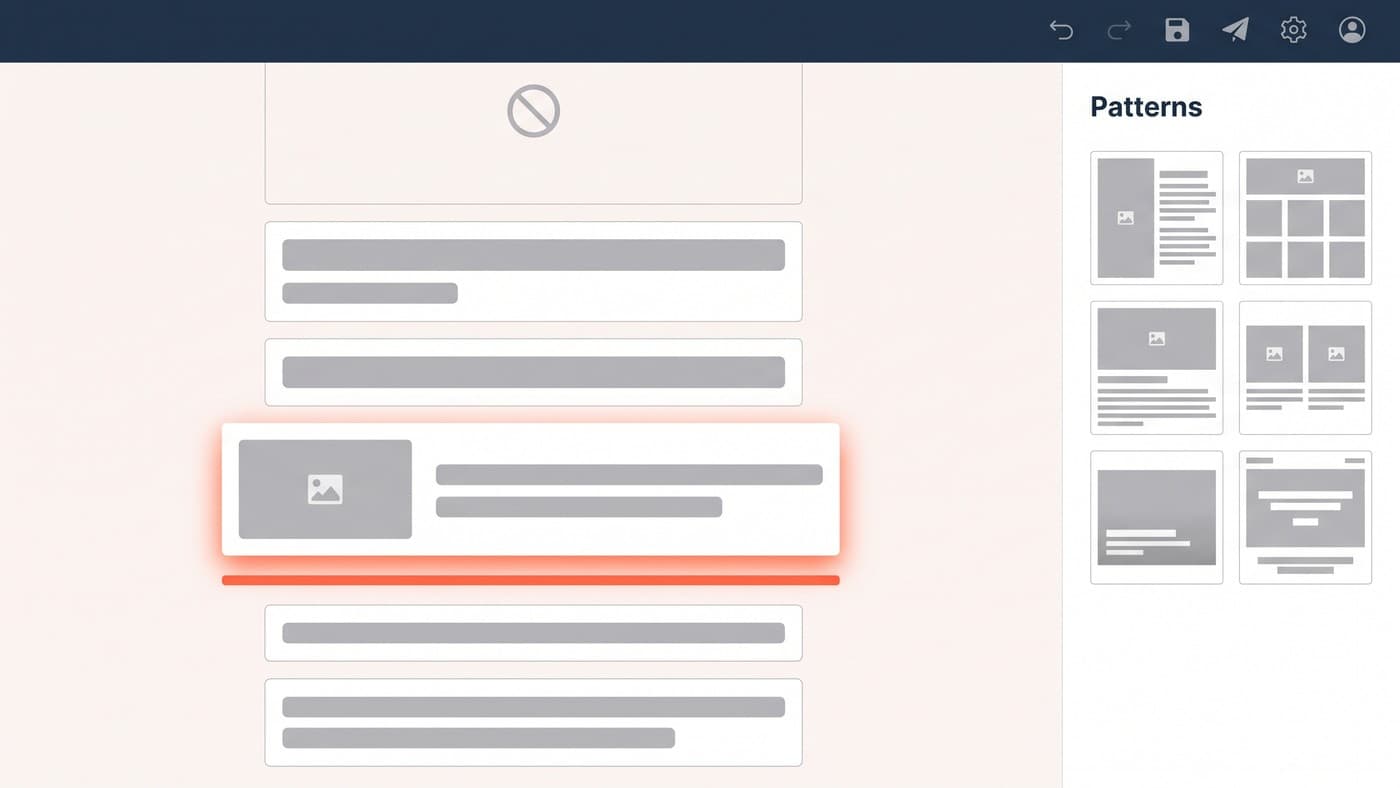
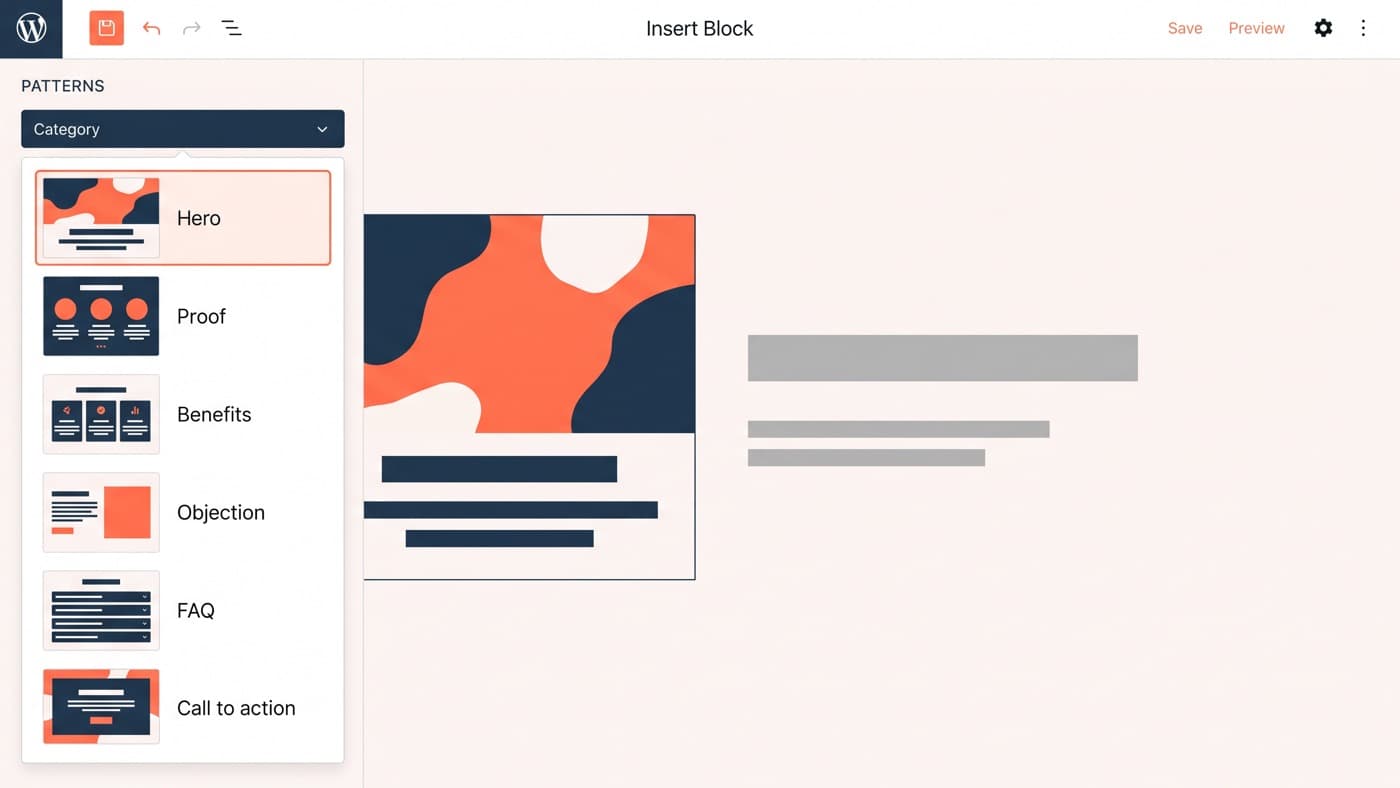
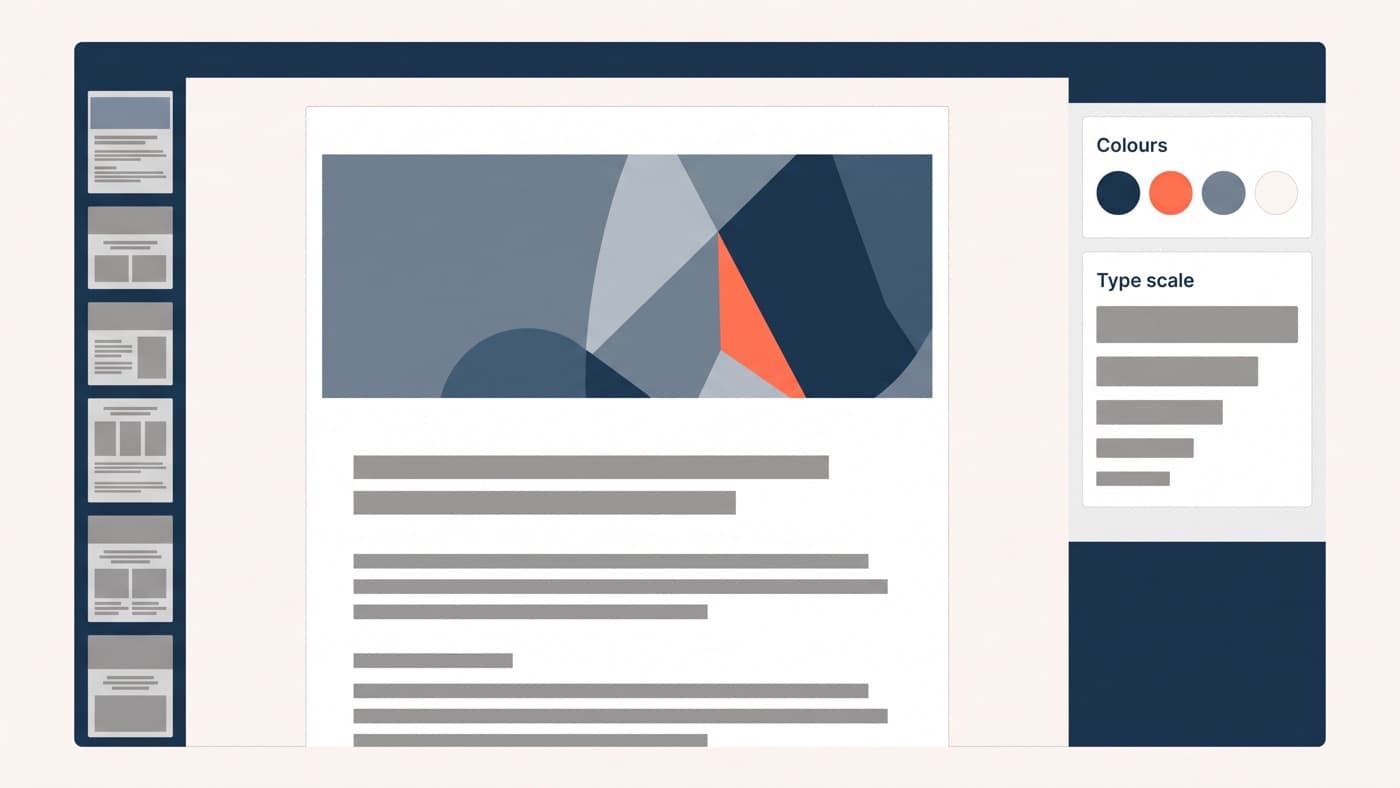
The blocks route wins when somebody will set it up properly, which is the condition the enthusiasts skip. Blocks reward a designed system: a theme.json that exposes four brand colours and five type sizes rather than the entire palette, and a small library of section patterns a marketer assembles instead of composes. Handed over as a blank canvas with every control unlocked, blocks are worse than a builder, and pretending otherwise is how block themes get a bad name.
There is a middle path that suits more teams than either extreme: a block theme plus a handful of purpose-built custom blocks for the two or three layouts marketing genuinely needs to vary. It costs more up front than installing a builder and considerably less than the three-year total of one, and it is the shape most of the WordPress development work we do on marketing sites ends up taking.
If you are moving, move page by page
If you inherited a builder site and it is working, leave it alone. Migration earns its cost when you are already redesigning, when the addon stack has become unmaintainable, or when speed is measurably costing you money on pages you can name. Do it page by page rather than as a big-bang rebuild: convert the highest-traffic templates first, keep the builder active until the last page is off it, and profile as you go, because the same plugin-weight discipline applies whether there is a builder involved or not. If you have inherited a build and cannot tell which of these situations you are in, we will tell you.