The page-builder subscription on most marketing sites exists because nobody ever showed the team what block patterns can do. Set up once, the native route builds a landing page faster than the builder does, and the page it produces loads in a fraction of the weight.
What belongs on a landing page and why is a strategy question answered in its own article, and setting up a block theme a marketing team will use is a third subject entirely. This post owns the build: assembling landers out of native patterns instead of a builder, and the workflow that keeps them assembled.
Build the kit once, then stop building
A landing page is not a bespoke design. Across every campaign a business runs, it is the same small set of sections in a predictable order, with different words in them. Write that set down once and the building problem disappears, because there is nothing left to design at 4pm on a Thursday.
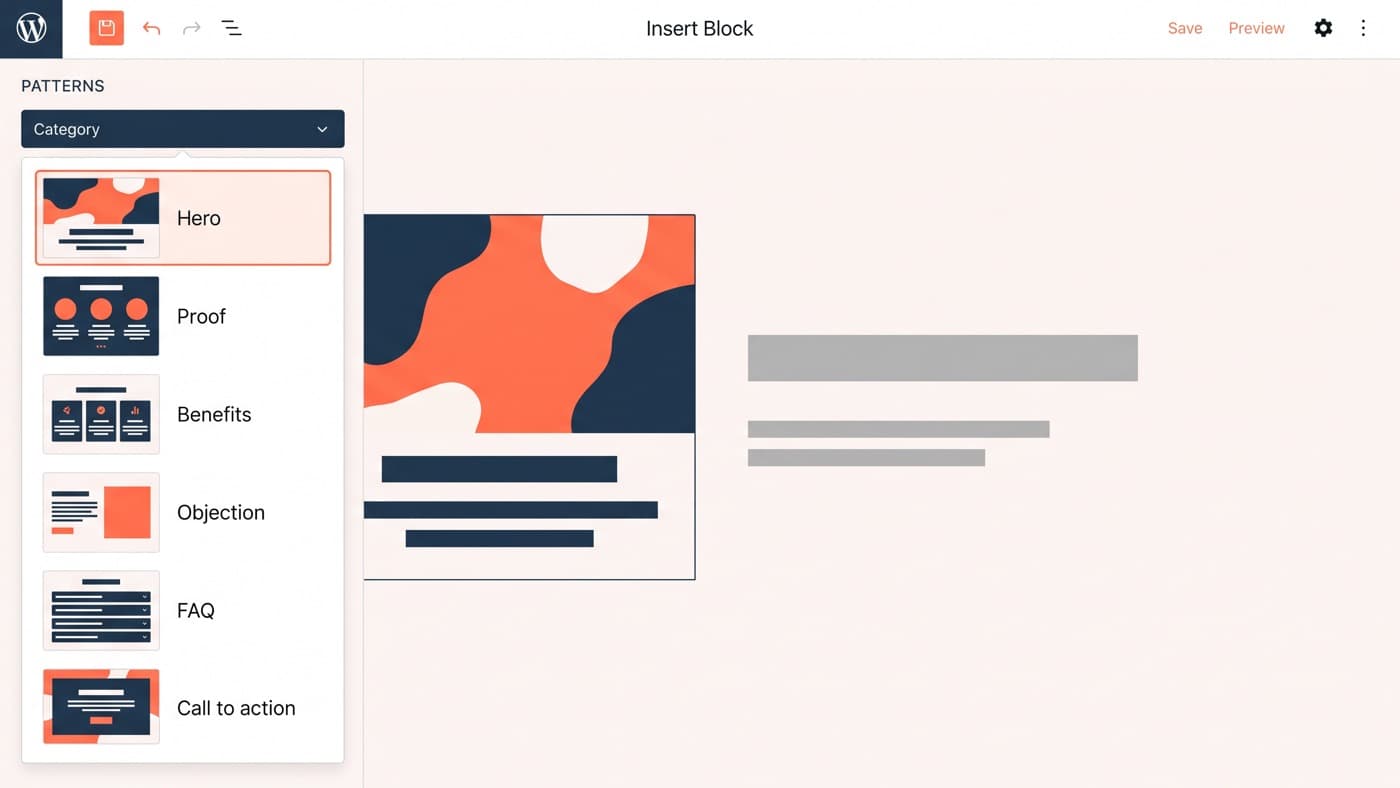
The kit that covers almost everything is six patterns:
- Hero: one promise, one supporting line, one action, and an image slot sized so nobody has to think about the crop.
- Proof: logos, a metric row or a single quote, placed immediately under the promise because that is where the disbelief lands.
- Benefits: three or four items with room for a sentence each, and the discipline that it is never five.
- Objection: the specific worry that stops this audience, answered plainly. Usually price, delivery, fit or lock-in.
- FAQ: four to six questions, which doubles as the structured-data section and stops the objection block growing indefinitely.
- Call to action: the same action as the hero, restated, with whatever reassurance the objection block established.
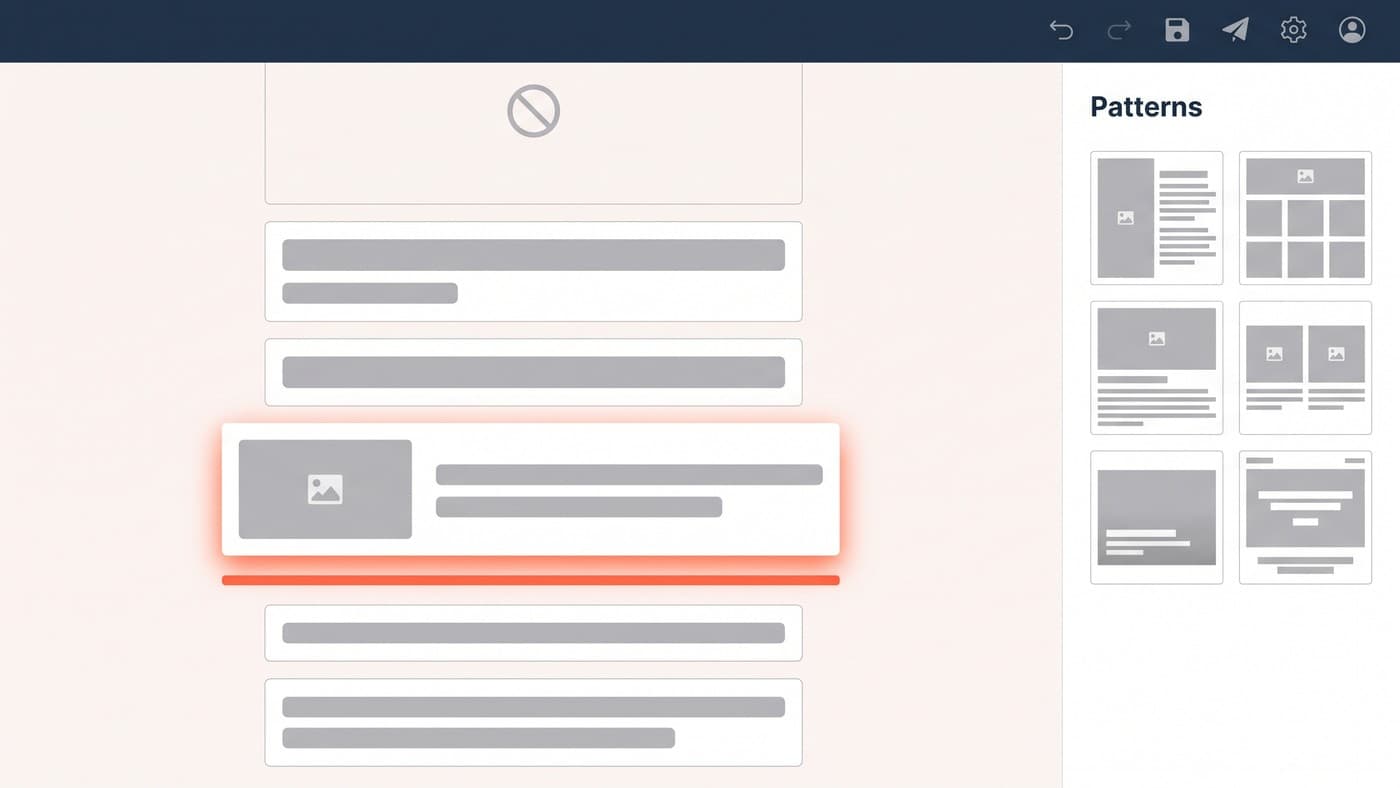
Register them as theme patterns in the theme’s patterns directory with your own category header, and they appear in the inserter grouped under the brand name rather than lost among the defaults. A marketer opens a blank page, inserts six patterns, and writes. Nobody is composing a layout, which is the entire point.
Resist adding a seventh, and an eighth, on the grounds that one campaign might want something different. A pattern library grows the way a component library grows, which is to say quickly and then unusably, and the value of six is precisely that a person can hold all of them in their head. If a campaign genuinely needs a section the kit does not have, that is a request worth making once and adding deliberately, not an argument for shipping fourteen variants on day one.
Synced patterns, overrides, and what changed in WordPress 7.0
The distinction that trips teams up is synced versus unsynced. An unsynced pattern is copied into the page and then belongs to that page, which is exactly right for landing page sections that need different copy every time. A synced pattern stays connected to a single source, so one edit changes every instance, which is exactly right for the header, the footer and the legal block that must never diverge across a campaign.
Between the two sits pattern overrides, introduced in WordPress 6.6 on top of the Block Bindings API, which keeps a pattern connected to its source while allowing named fields inside it to differ per instance. WordPress 7.0 extended that to custom blocks: any attribute registered through the block_bindings_supported_attributes filter is now available to overrides, which matters if your theme ships blocks of its own rather than only core ones.
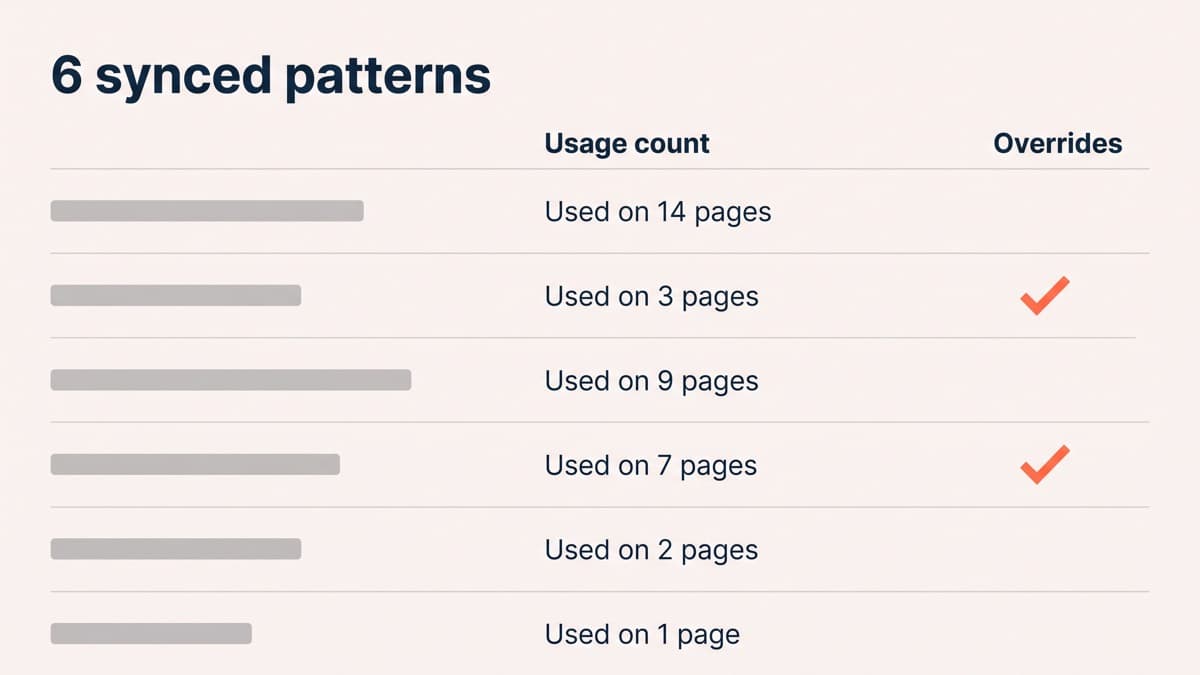
In practice the split is easy to hold. Section patterns unsynced, site chrome synced, overrides for the handful of components that repeat with small variations. On the last kit we set up, the header pattern is synced across fourteen landers and the objection block across nine of them, and two of the six patterns have overrides enabled. Editing the header once updates all fourteen pages, which is the moment a marketing team stops filing tickets.
The speed difference is structural, not a tuning job
A pattern is core blocks styled from theme.json. There is no additional stylesheet to fetch before your page can paint, no script bundle resolving settings at render time, and no widget library registering itself for widgets this page does not contain. The page loads the theme’s styles and the small per-block styles it genuinely uses, and then it is finished.
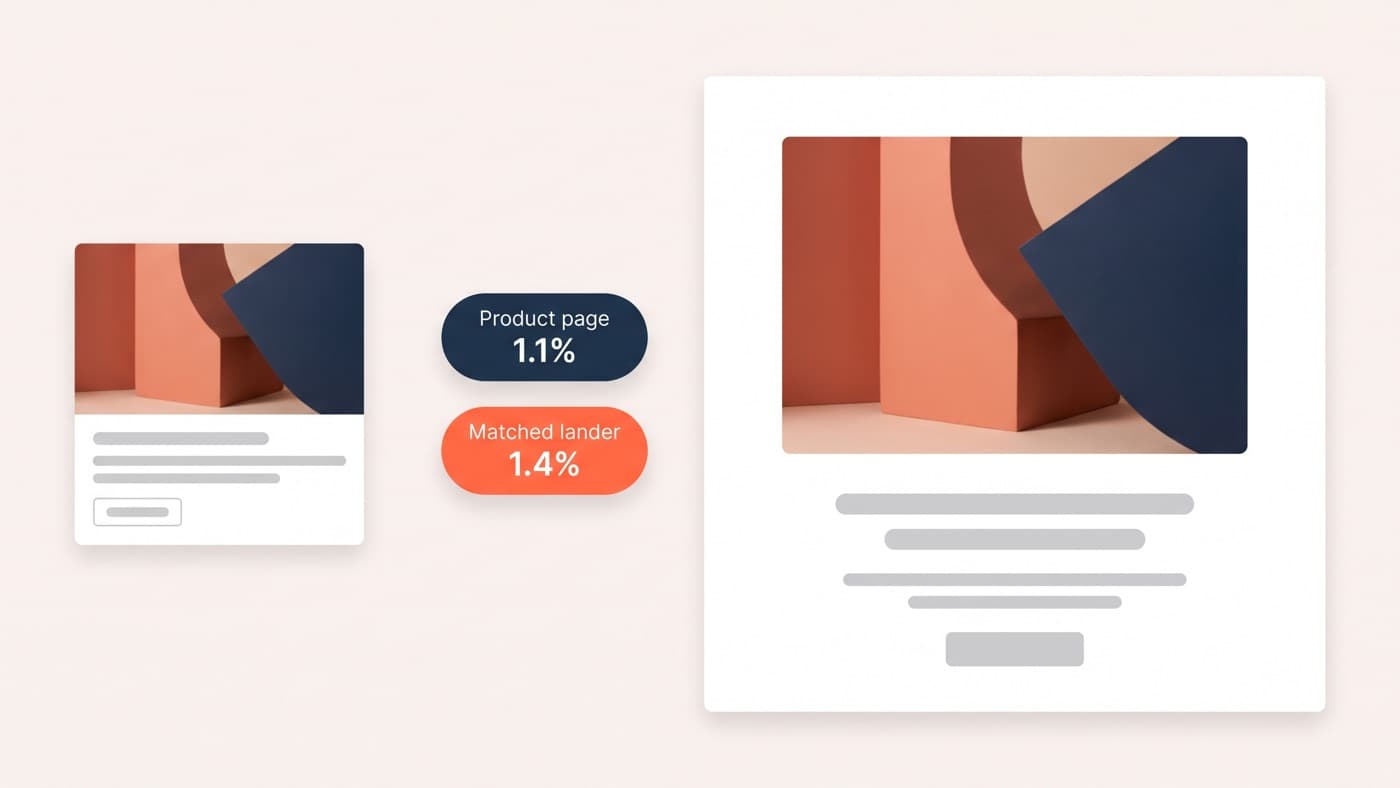
The last direct comparison we measured had a native pattern lander transferring 310 KB with a largest contentful paint of 1.3 seconds, against 1.2 MB and 2.6 seconds for the equivalent page built with a builder and one addon pack. On paid traffic that gap stops being an aesthetic argument fairly quickly, because it is the difference between paying for a click and actually receiving a session.
Do not oversell it, though. A block build can be slow too. Install a large third-party block library to get one accordion and you have reproduced the problem exactly, with a different logo on it. The saving comes from not adding the layer, not from the word "blocks".
The workflow a marketing team can actually run
Keep one template page as the starting point, duplicated per campaign. The person building the lander changes words, one image and one link, and publishes. That is a fifteen-minute job for someone who has done it twice, and it does not degrade over six months because there is nothing in the flow that lets it.
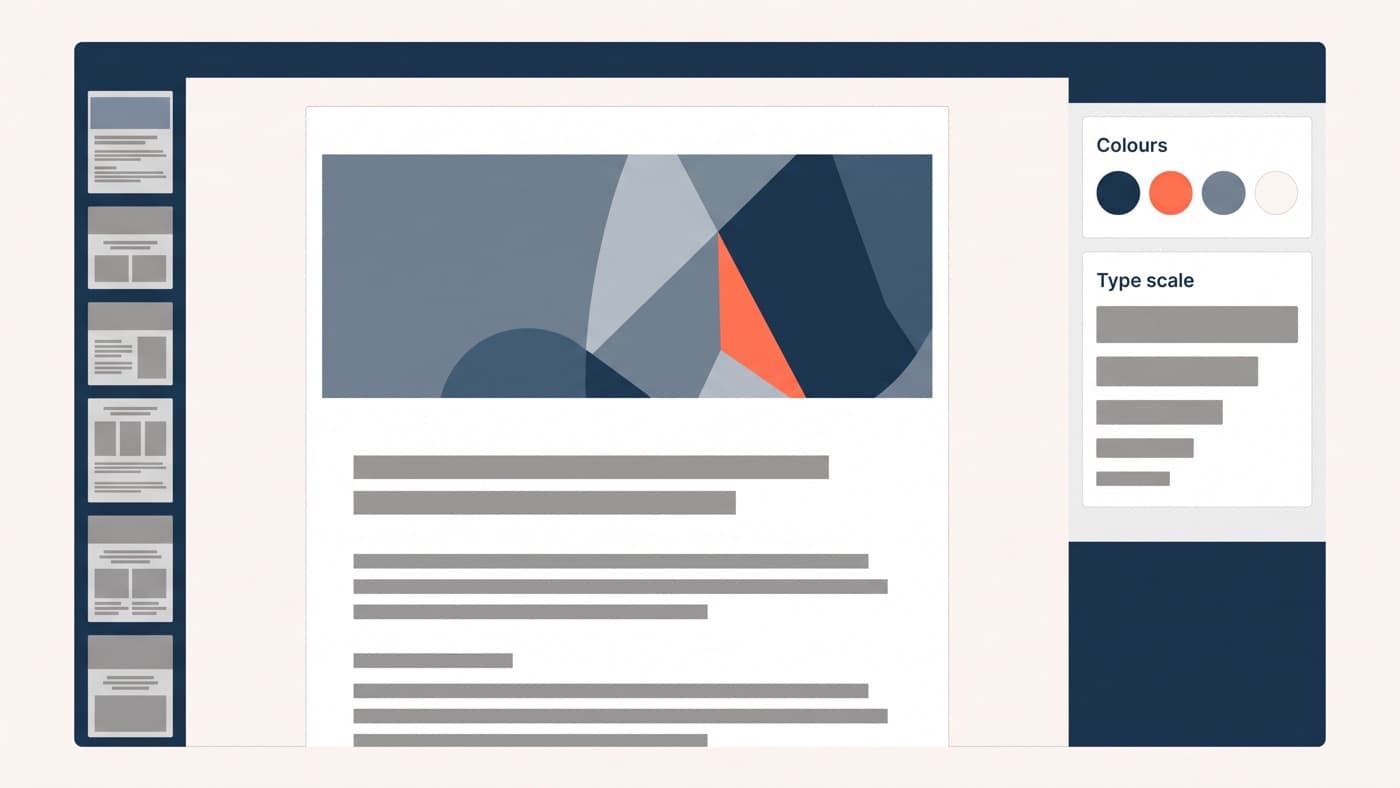
Locking is what makes that claim true. Block locking stops the sections that carry the layout being moved or removed, templateLock restricts what can be inserted, and a theme.json exposing four brand colours and five type sizes rather than the full palette means the worst outcome of a rushed afternoon is the wrong words rather than a broken page. The measure of success is simple: nobody files a ticket to publish a landing page.
Where the native route is genuinely worse
Three honest limitations. Interaction beyond hover and reveal is still more work natively than in a builder that ships it as a checkbox. Popups, sticky bars and exit-intent behaviour need a separate solution rather than coming free. And conditional content, showing different sections to different audiences, is not something core patterns do at all.
The fourth limitation is the one that decides it. This approach requires somebody to build the kit first, and if nobody will, a builder is the correct answer rather than a compromise. Patterns are code, so they need an owner in the same way a theme does. Setting the whole thing up, six patterns, a locked palette and type scale and a template page, is a day or two of WordPress development and it replaces a subscription that renews every year. If your team is currently waiting on a developer to publish a landing page, that is the thing worth fixing.