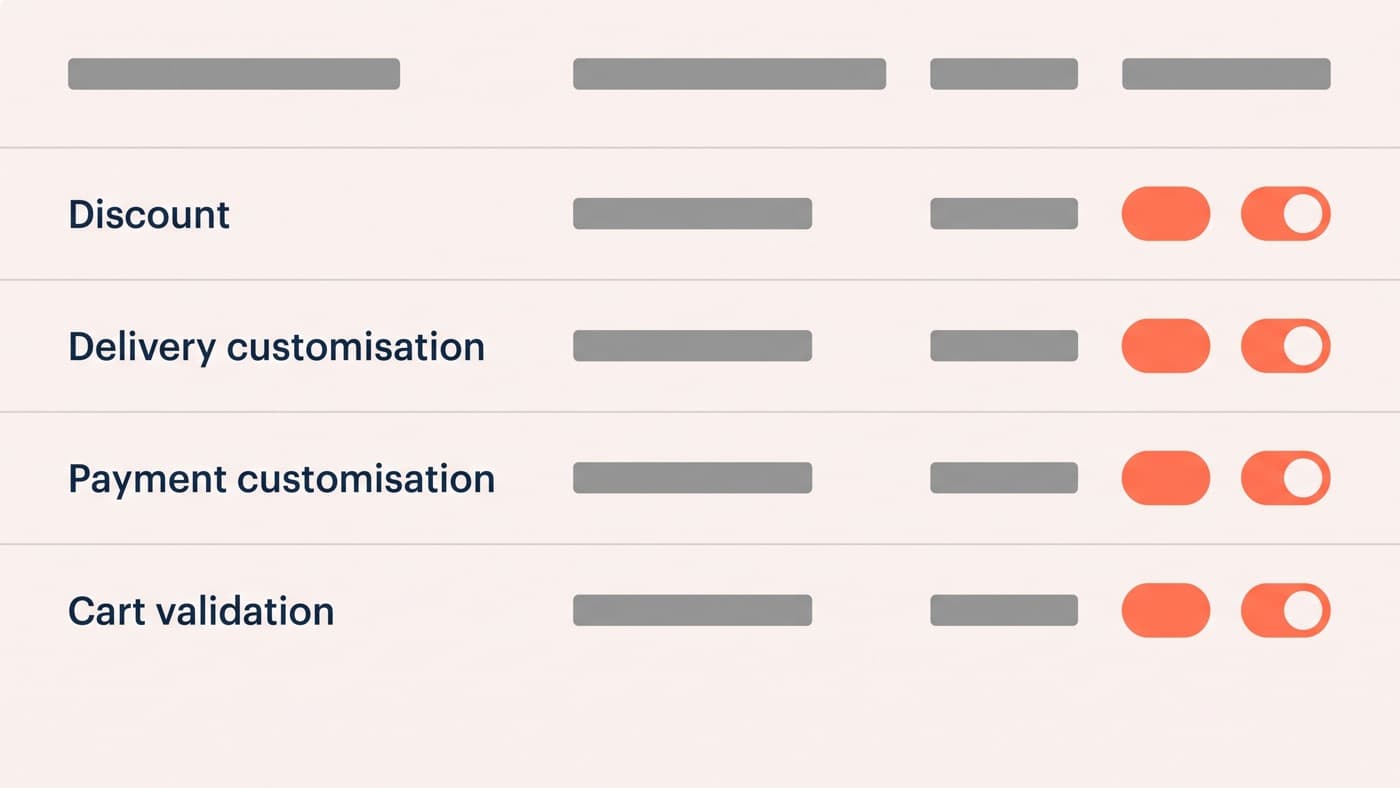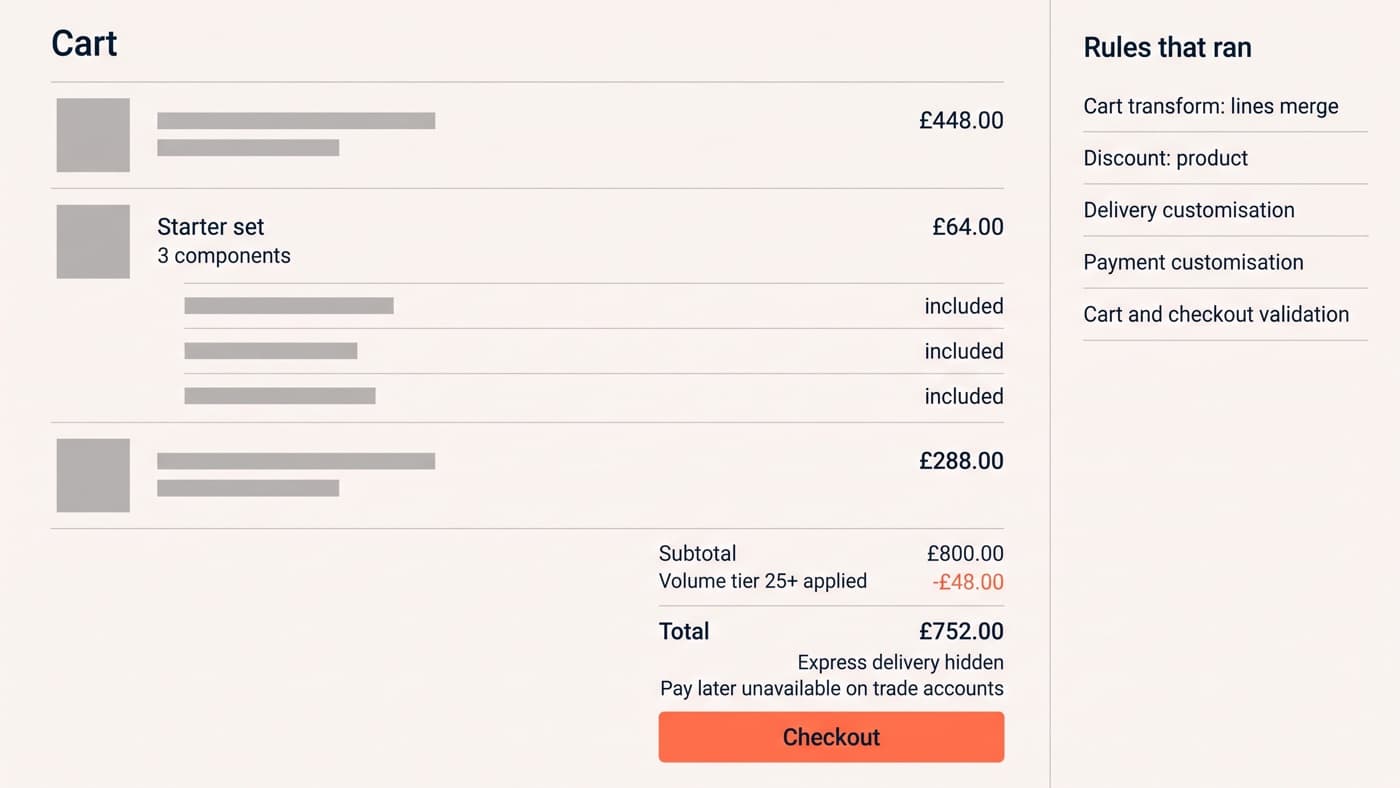
The rules worth building a Shopify Function for are the ones that cost you margin every week and cannot be expressed anywhere else: quantity-break pricing the native discount engine refuses, an express shipping option that should never appear for a pallet, pay-later hidden above a value, a bundle priced as one line, and an order the store should decline. Five shapes, five Function APIs, and four published limits that decide whether yours fits.
What a Function is, why it runs server-side and which plan may install what are answered in the companion post. This one starts from the rule rather than from the technology, because the useful question in a scoping call is never "what is a Function", it is "can the platform be made to do this, and what will it cost to find out".
Volume and tiered discounts the native engine will not express
This is the case that pays for itself fastest. A discount function computes the discount itself rather than configuring one, so the tiers, the exclusions, the stacking order and the "this promotion never applies to clearance" rule are your logic instead of the platform’s. Shopify groups discounts into three classes, order, product and shipping, and one function can reach more than one of them, which is how a promotion reduces both the line price and the delivery charge without two separate discount codes fighting over the same cart.
The rules that justify the build are the ones somebody in finance can already recite: buy nine and the tenth is free but only within a product family, trade accounts get their quantity break on the total across a category rather than per line, or a percentage that steps at 25, 100 and 250 units and stops stepping for anything already marked down. Every one of those is a spreadsheet somebody maintains by hand today. The API surface is documented at shopify.dev/docs/apps/build/discounts.
Delivery rules: hiding, renaming and reordering shipping options
Delivery customisation does not calculate rates. It decides which of the rates you already have a customer is shown, in what order and under what name, which turns out to be most of what merchants actually want. Hide next-day for anything over a weight threshold. Suppress a courier for postcodes it has never delivered to on time. Rename "Standard" to "Free over £50, 2 to 4 working days" so the choice explains itself. Push the option you can actually fulfil to the top.
The value here is operational rather than promotional, and it is easy to underestimate. Every shipping option offered and then not honoured is a support contact, a refund and usually a review, so a rule that removes an option is worth more than a rule that adds one. It is also the cheapest Function to specify, because the logic is a condition on the cart and the destination and nothing else.
Payment rules: who may pay with what
Payment customisation is the same idea applied to the other list. Hide pay-later above a value your risk appetite does not cover. Offer a manual or invoice route only to approved trade accounts, and to nobody else. Remove a method for a market where it settles badly. Reorder so the method with the lowest fee sits first, which is a margin decision disguised as a layout one.
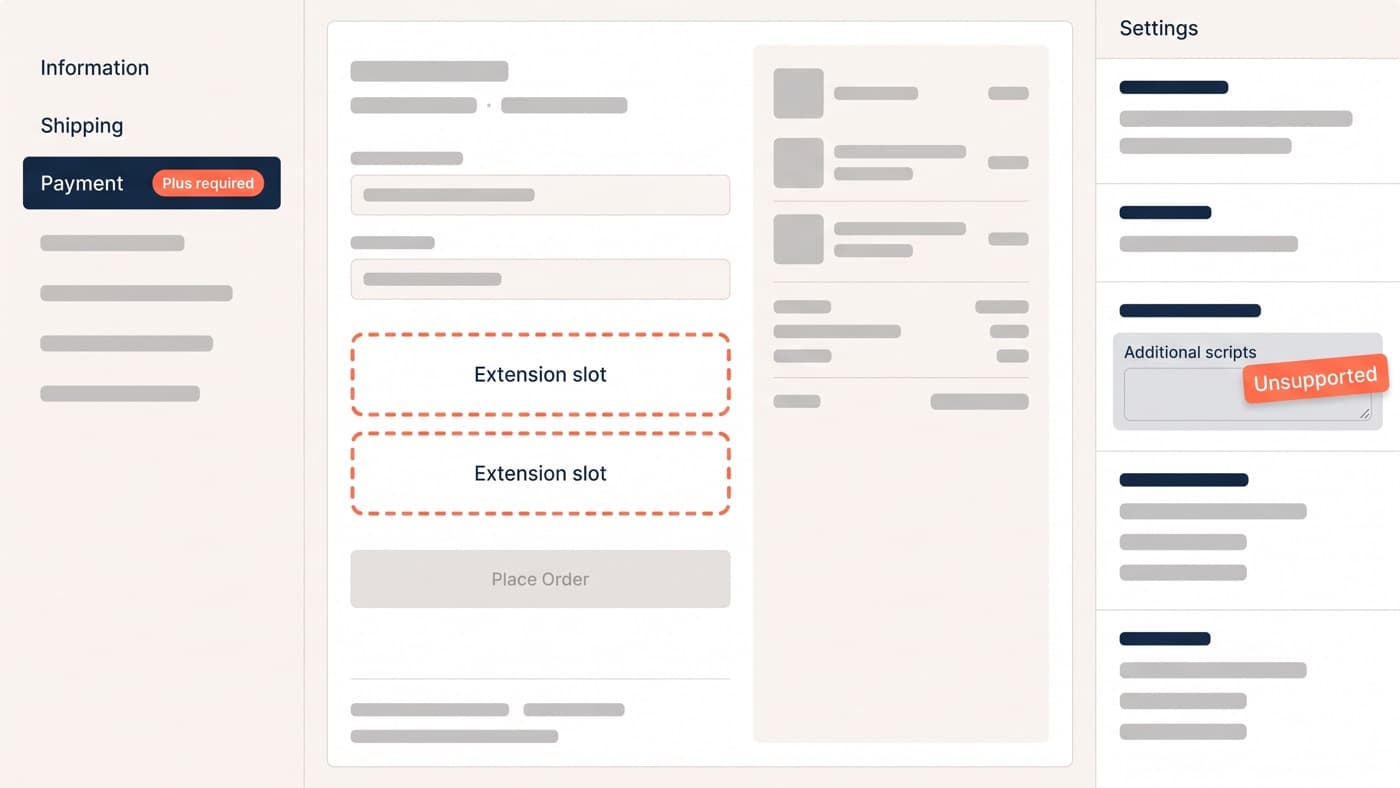
What makes this a Function rather than a theme change is that it has to hold at checkout, where your theme does not run. That boundary is worth being clear about: everything in this post decides an outcome, and everything about what the checkout page looks like while it decides belongs to checkout extensibility.
Cart transform: bundles that behave like one line
Cart transform has exactly three operations and each one answers a different merchandising question. Expand takes one cart line and turns it into a bundle of components, so a kit ships and picks as its parts while the customer bought one thing. Merge takes several lines and presents them as one, which is how a genuine bundle stops looking like a discount code with good manners. Update overrides the price, title and image of a line.
The constraints on it are unusually specific and worth reading before promising anything. Expand and merge require a development store or a Shopify Plus store; update requires Plus outright; and all three are rejected when a selling plan is present at checkout, which is the documented reason a bundle and a subscription do not combine in the same cart. That last line, at shopify.dev/docs/api/functions/latest/cart-transform, has ended more bundle projects than any budget has. If bundling is a revenue tactic rather than a fulfilment one, the wider set of ways to raise order value is the better place to start.
Validation: the orders you want the store to refuse
Cart and checkout validation is the least glamorous and the most defensible. A trade account below its minimum. A hazardous item to an address that cannot receive it. A quantity that is not a valid multiple of a case. A promotional line item bought on its own. Every one of those is an order somebody would otherwise cancel by hand, badly, three days later.
Validation earns its place because it runs on Shopify’s servers rather than in the browser, so it cannot be skipped by a customer with developer tools open or broken by a theme update that removed the script somebody added in 2023. The rule is enforced or it is not, and there is no third state where it works for most people.
What Functions replace, and the limits that decide the build
| The rule you want | Function API | What it replaces |
|---|---|---|
| Quantity breaks, family-wide tiers, exclusions from a promotion | Discount | A discount app, a spreadsheet of manual price changes, or a retired Script |
| Hide, rename or reorder the shipping options a customer sees | Delivery customisation | A shipping-rules app, or nothing at all and a support queue |
| Restrict pay-later, or expose an invoice route to approved accounts only | Payment customisation | A payment-rules app, or a policy nobody enforces |
| Sell a kit as one line, or ship one line as its components | Cart transform | A bundle app that models a bundle as a discount code |
| Block an order that breaks a commercial rule | Cart and checkout validation | A theme script anyone can bypass, and a cancellation by hand |
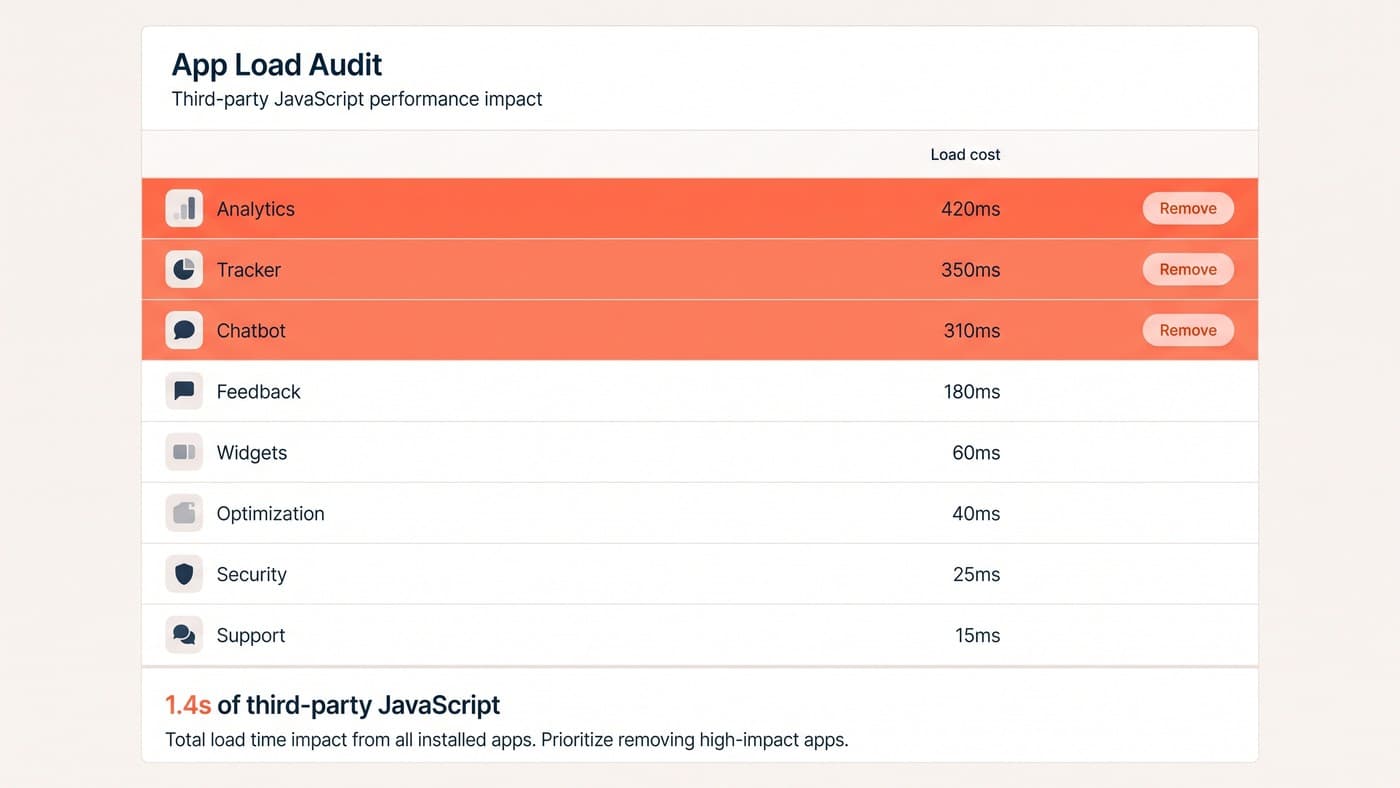
What none of them replace is judgement about whether to build at all. A published app carries its own maintenance and its own upgrade path against API version changes, and the honest default is still to install one; the case for building is a rule genuinely specific to your commercial model, or a stack where the fourth app is being installed to do a fraction of what the previous three already do, which is the argument the app audit makes at length.

Four published ceilings decide whether a rule can be expressed at all, and they are the first thing to check rather than the last:
- Compiled binary size of 256 kB, which is generous for logic and unforgiving of a large embedded data table.
- An execution instruction count of 11 million on carts of up to 200 line items, which is the ceiling a rule that loops over every line against every other line will hit first.
- Function input of 128 kB, so the input query has to select the fields the rule needs rather than everything about the cart.
- Function output of 20 kB, which quietly caps how many separate operations one run may return.
- Rust is recommended and strongly preferred over the JavaScript template, and the instruction budget is why rather than taste.
The whole reference, limits included, sits at shopify.dev/docs/api/functions. Reading the input schema for the relevant API and confirming the rule can be expressed takes an afternoon and settles the argument before anyone has quoted for it, which is the shape Shopify work of this kind should always take. If you have a commercial rule somebody has told you the platform cannot do, bring us the rule and not the workaround.