WooCommerce’s greatest strength, that you can change anything about the checkout, is exactly why its checkouts are so often worse than Shopify’s, where for years you could change almost nothing. Freedom without a decision is just the default, and the WooCommerce default is a billing form with a cart attached to it.
This post owns what is specific to the platform: the default template and what it asks for, how to take fields out safely, and the block-versus-shortcode decision that is now unavoidable. The principles that decide whether any checkout converts, on any platform, are a separate question, and the reasons people leave a full cart before reaching checkout at all belong to abandonment. Neither is re-argued here.
An autopsy on the default
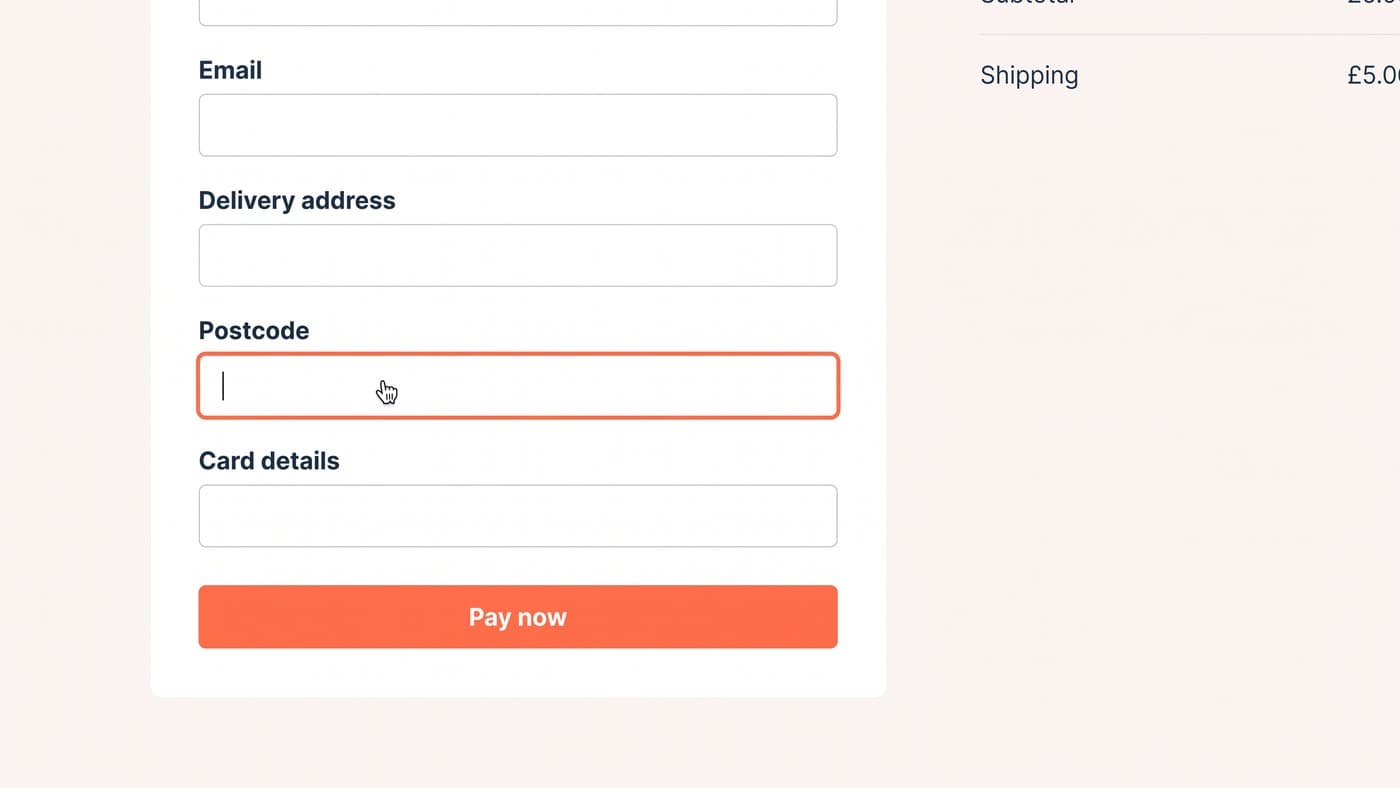
Install WooCommerce, enable shipping, and the classic checkout asks a first-time buyer for first name, last name, company, country, street address, a second address line, town, county, postcode, phone, email and order notes: twelve fields before a payment method appears. If the shipping address differs from billing, most of them appear a second time.
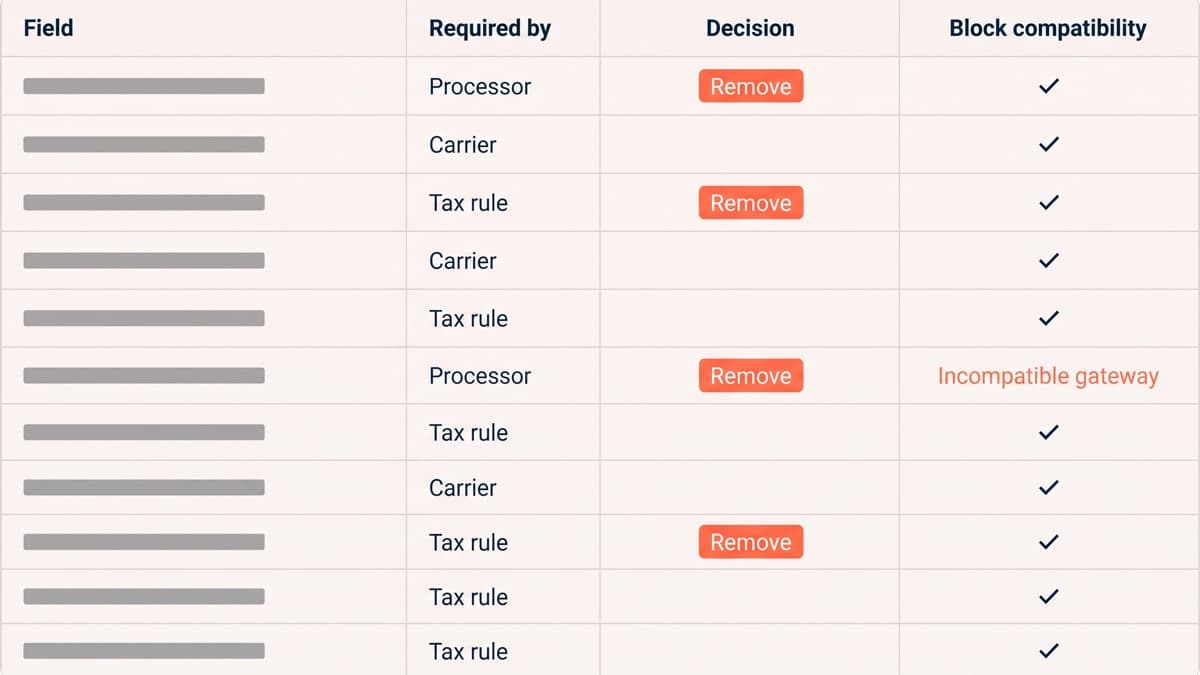
Some of that is genuinely required by the payment processor or the carrier. Some of it is there because it was there in 2012 and nobody has been paid to think about it since. The useful exercise is not shortening the form for its own sake, it is producing a reason for every field, and stores that have never done it typically find three with no reason at all.
Which fields are actually required
Work down the default list and write the justification next to each one. The honest answers look like this:
- Email. Required, because it carries the receipt and every service message after it. Nobody should be arguing about this field.
- A name. Required by most gateways for cardholder matching, though splitting it into first and last is a convention rather than a rule in much of the world.
- Country and postcode. Required for tax jurisdiction and for a delivery price that is not a guess. On a digital-only store the postcode is frequently the only address data you need.
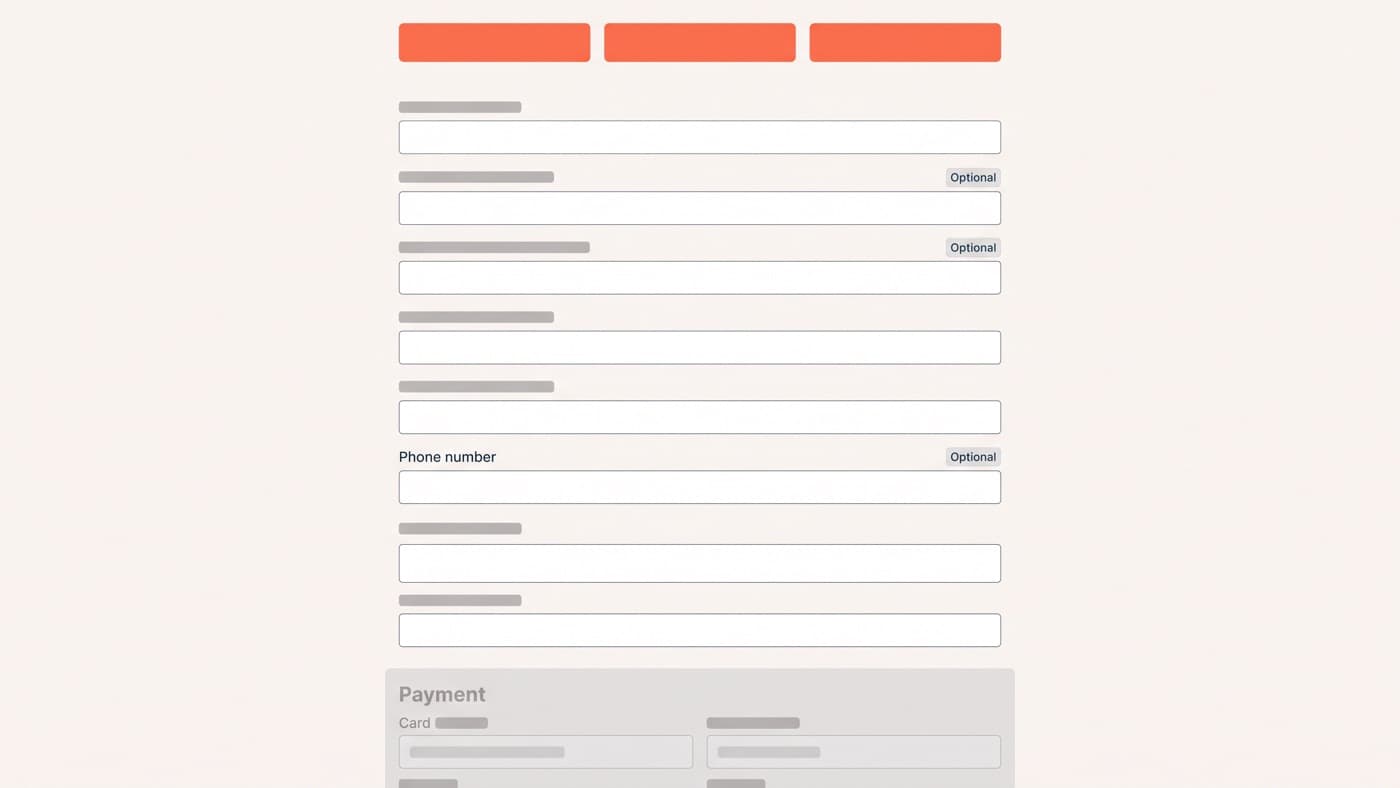
- Street address and town, for anything physical. The second address line is optional, and labelling it optional is the cheapest useful change on the page.
- Phone, if and only if a carrier genuinely requires it for the services you offer. It is otherwise the highest-friction field on the form.
- Company, county and order notes. Almost never required. Company earns its place on a trade store and nowhere else.
The discipline cuts both ways. A checkout that drops a field the carrier needs buys an uplift and pays for it in failed deliveries, which is a worse trade than the one it replaced.
Blocks or shortcode, and where that decision actually stands
Since WooCommerce 8.3 in November 2023, the Cart and Checkout blocks have been the default experience for newly created stores. Existing stores were not converted. They kept the woocommerce_checkout shortcode and have to opt in, which is why a large share of the install base is still on the classic template and does not always know which one it is running.
The honest position is that this is still in flux, and it is worth saying so rather than picking a side. WooCommerce has stated it has no plans to phase out the classic cart and checkout in core, and both shortcodes remain documented and supported for backward compatibility. At the same time its own documentation describes the extensibility interfaces for the blocks as under active development, and the platform deliberately chose explicit APIs over one-for-one parity with the classic action and filter hooks. The shortcode is not dying next quarter. It is also not where the new capability is landing.
What that means when you plan a migration:
- Payment gateways are the blocking risk. WooCommerce documents the case plainly: if every active gateway is incompatible with the block, the checkout renders with no payment methods at all.
- Compatibility is declared per extension and surfaced as an admin notice. Read those notices before you migrate, not while the store is down.
- Custom fields do not carry across. Anything built on the woocommerce_checkout_fields filter has to be rewritten against the block’s additional checkout fields API.
- Reverting is a one-click operation, and cart and checkout should be reverted together rather than left mismatched.
- Analytics almost always breaks. The block replaces the markup your add-to-cart and begin-checkout events were bound to, and the symptom is silence rather than an error.
WooCommerce has publicly cited its own data showing the block checkout converting better than the classic one. Treat that as a reason to migrate and measure, not as a result you can bank. A vendor’s average across thousands of stores is not a prediction about yours, and the only way to find out is to record your own funnel before the switch and compare it after.
Taking fields out without breaking the order
On the classic checkout, fields are shaped by the woocommerce_checkout_fields filter, which lets you unset, relabel, reorder and change what is required in a few lines. On the block, additional fields are registered through woocommerce_register_additional_checkout_field once WooCommerce has initialised, with its own validation and sanitisation hooks attached to each one.
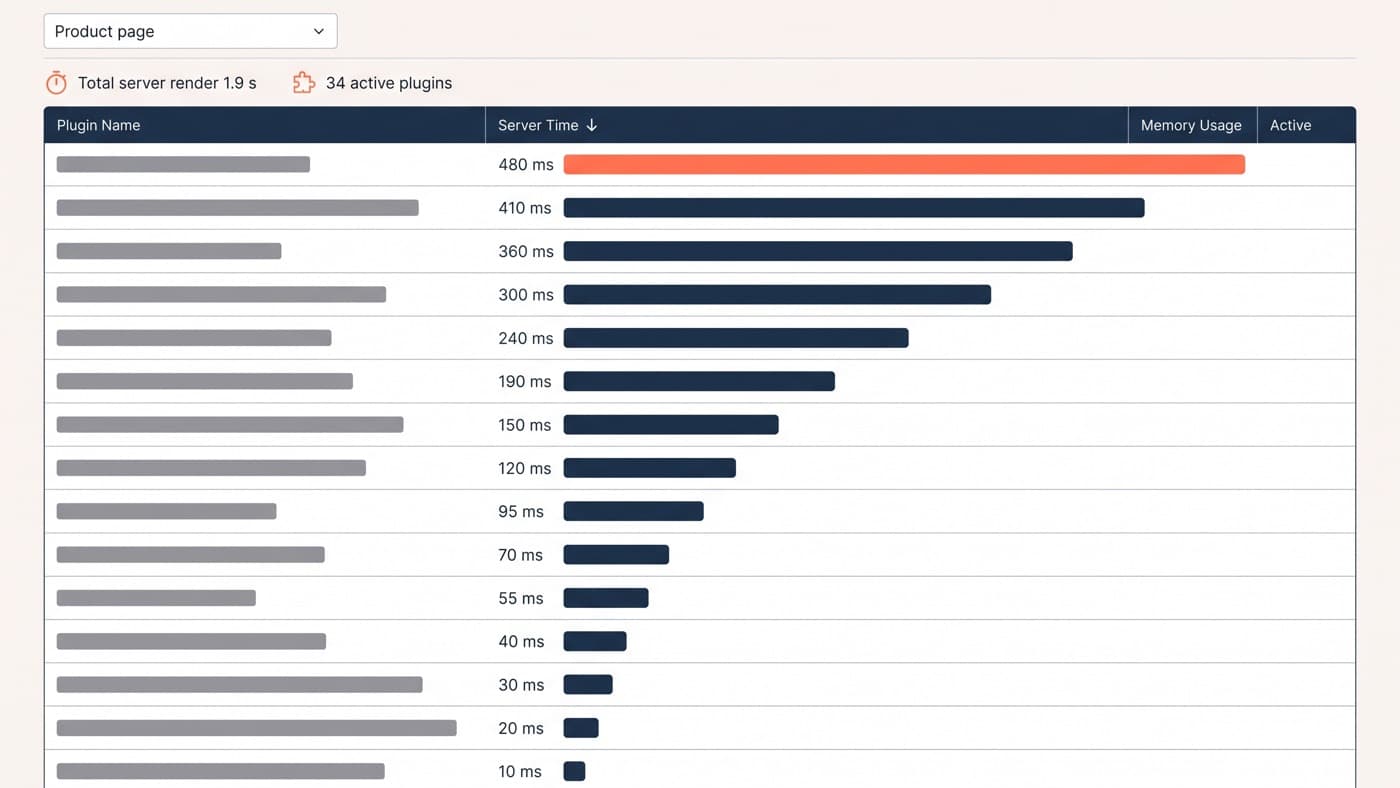
Whichever side you are on, the rule is the same: make the change in code you control, in a child theme or a small site-specific plugin, rather than by installing a checkout-field manager whose configuration lives in a database row nobody will find in two years. The plugin is faster on the day and it is the reason so many WooCommerce checkouts cannot be explained by anyone currently employed.
Express payments and the shape of the page
Wallet buttons belong above the form, not underneath it, because their entire value is letting a returning customer skip the thing you just spent a week shortening. The detail worth testing specifically is what happens inside the wallet sheet: express payment resolves shipping and tax through a different code path from the form, and a store that has never checked it can ship a checkout that quotes one delivery price on the page and another in the sheet.
Also decide what the page looks like when a wallet button fails to load, which happens on a proportion of sessions regardless of what you do. A reserved space that collapses cleanly is fine. A permanent grey rectangle where a payment method should be is not.
One page or several
The evidence on one-page against multi-step is genuinely mixed, and anyone quoting a universal winner is quoting a single case study. Multi-step tends to do better on long forms and on mobile, because it reduces the visible commitment and lets you validate in smaller pieces. One page tends to do better once the form is already short, because the extra steps become extra taps for no reduction in work.
Which is a way of saying: shorten the form first, and the question mostly answers itself afterwards.
Testing a WooCommerce checkout properly
Client-side split testing on the block checkout is a poor fit, because the block re-renders in response to its own state and a script rewriting the DOM underneath it will fight the framework and flicker while it loses. Run checkout tests server-side, behind a flag that decides which template a session gets, and keep the assignment stable for the whole session rather than per page view.
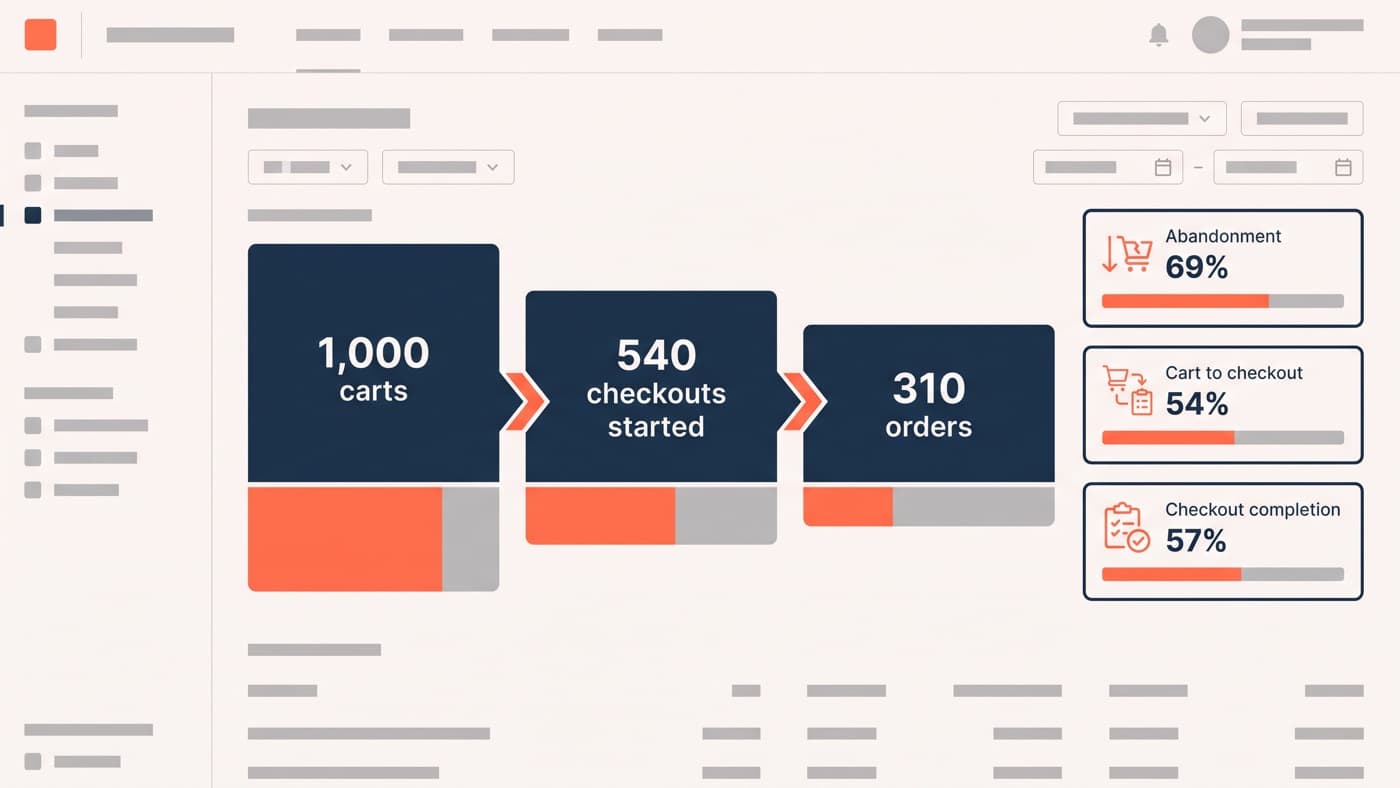
Then guard the result. Checkout completion rate on its own will happily reward a change that raises completions and lowers average order value, so watch order value and payment failure rate alongside it, and reconcile order counts in the admin against analytics for a fortnight after any structural change. Rebuilding a checkout is WordPress development rather than a theme setting, and it should be scoped by somebody who has read the current block compatibility position before promising a layout. If your checkout still asks for twelve fields and nobody can say why, that is the place to start.