The migration itself takes a weekend. Recovering the organic traffic you lose by doing it carelessly takes a year, and the difference between those two outcomes is a redirect map that existed before launch day rather than one assembled in a panic afterwards.
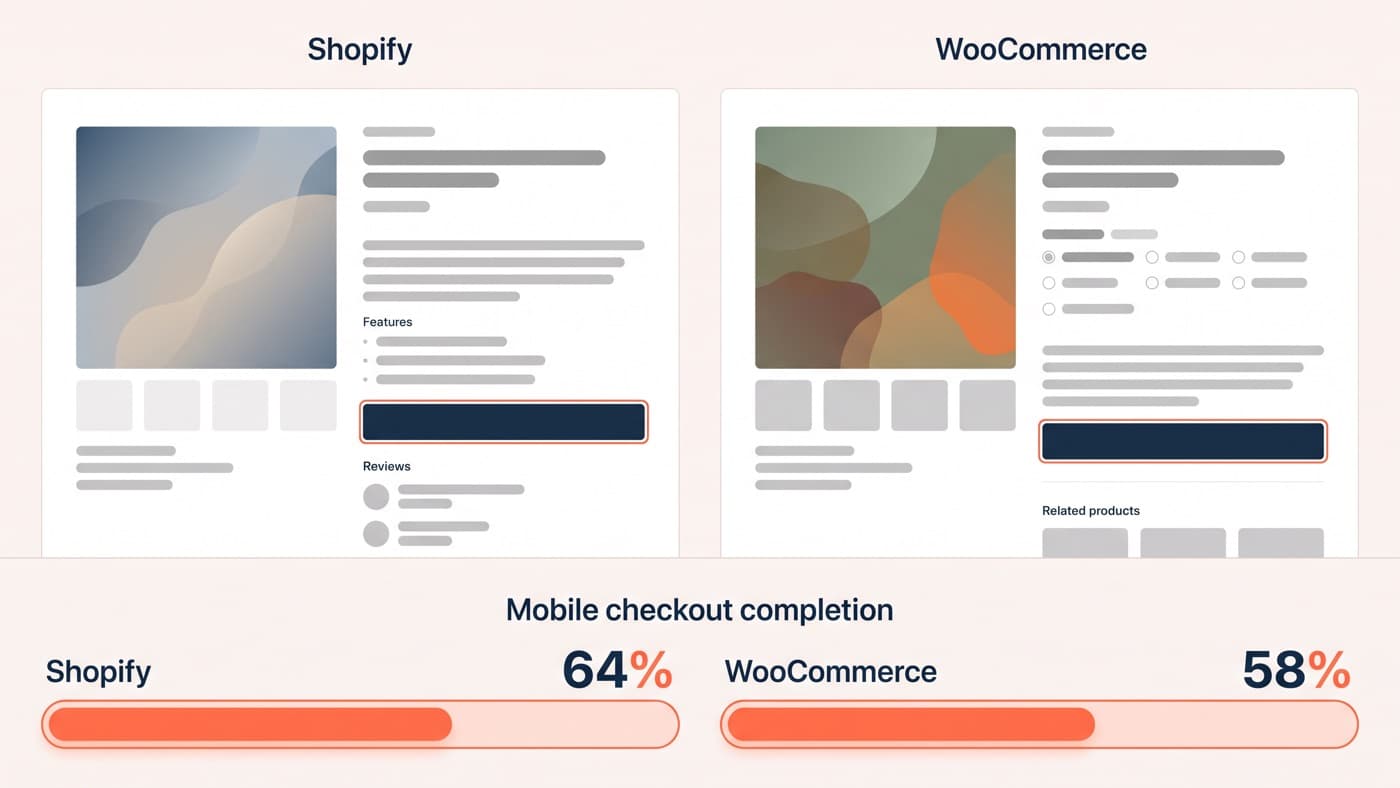
Whether you should move at all is a different argument and it is settled elsewhere: which platform converts better for your kind of store is a question about platforms, not about migrations. This post assumes that decision is made and you are now the person responsible for moving a catalogue without losing the rankings that pay for it.
Crawl the store you still have
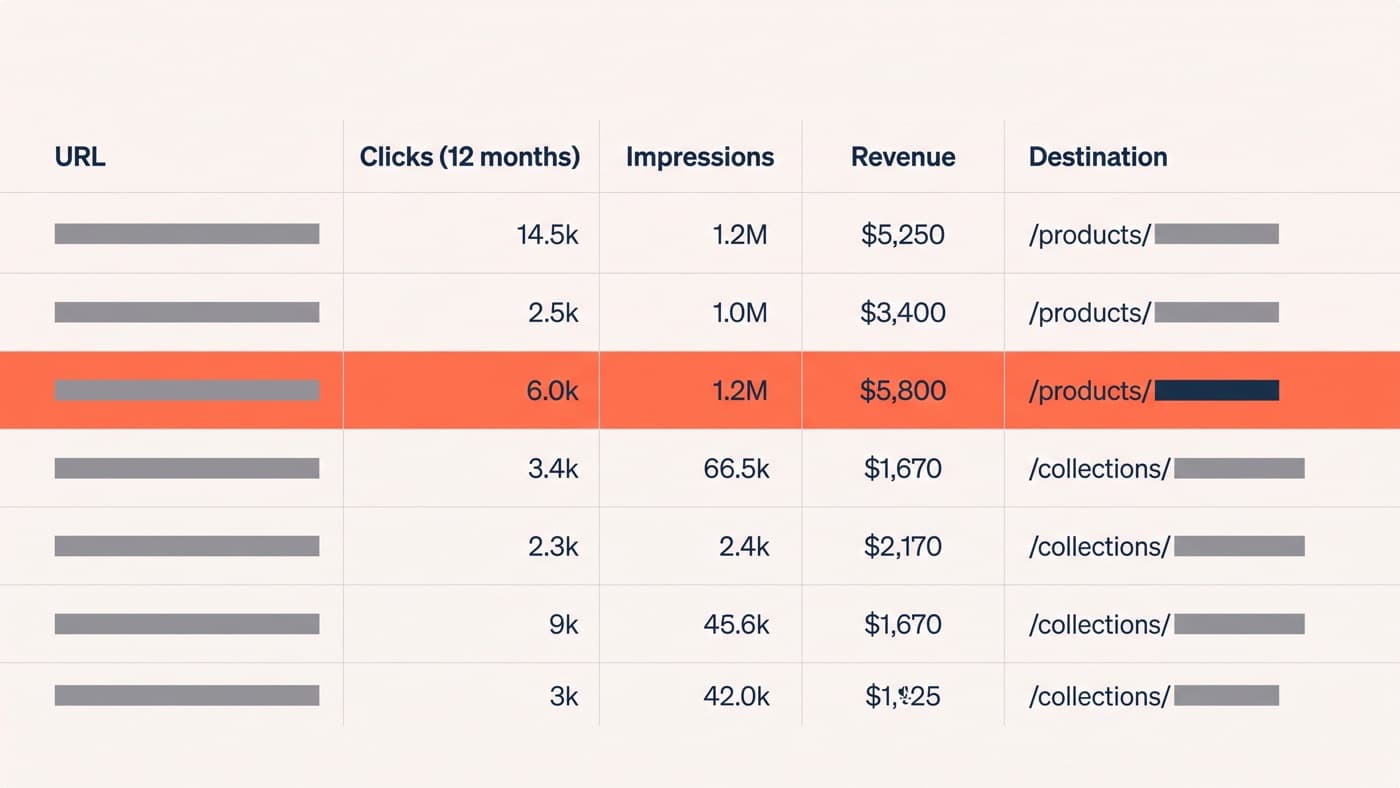
The first artefact of a safe migration is a full crawl of the live WooCommerce store, taken while it is still live. Export every URL that returns a 200, then join that list to two others: twelve months of Search Console data at URL level, and twelve months of analytics revenue by landing page. What you want at the end is one spreadsheet in which every row is a URL with clicks, impressions and revenue beside it.
This step is dull and it is most of the job. Migrations fail in week three, when somebody discovers that a set of tag archives, a paginated shop feed running to page eleven and a handful of attribute-filtered URLs between them earned a fifth of the store’s organic clicks and were never on anyone’s list. A URL nobody knew about cannot be redirected, and a redirect written after the traffic has gone recovers a fraction of what it would have protected.
The URL map is the migration
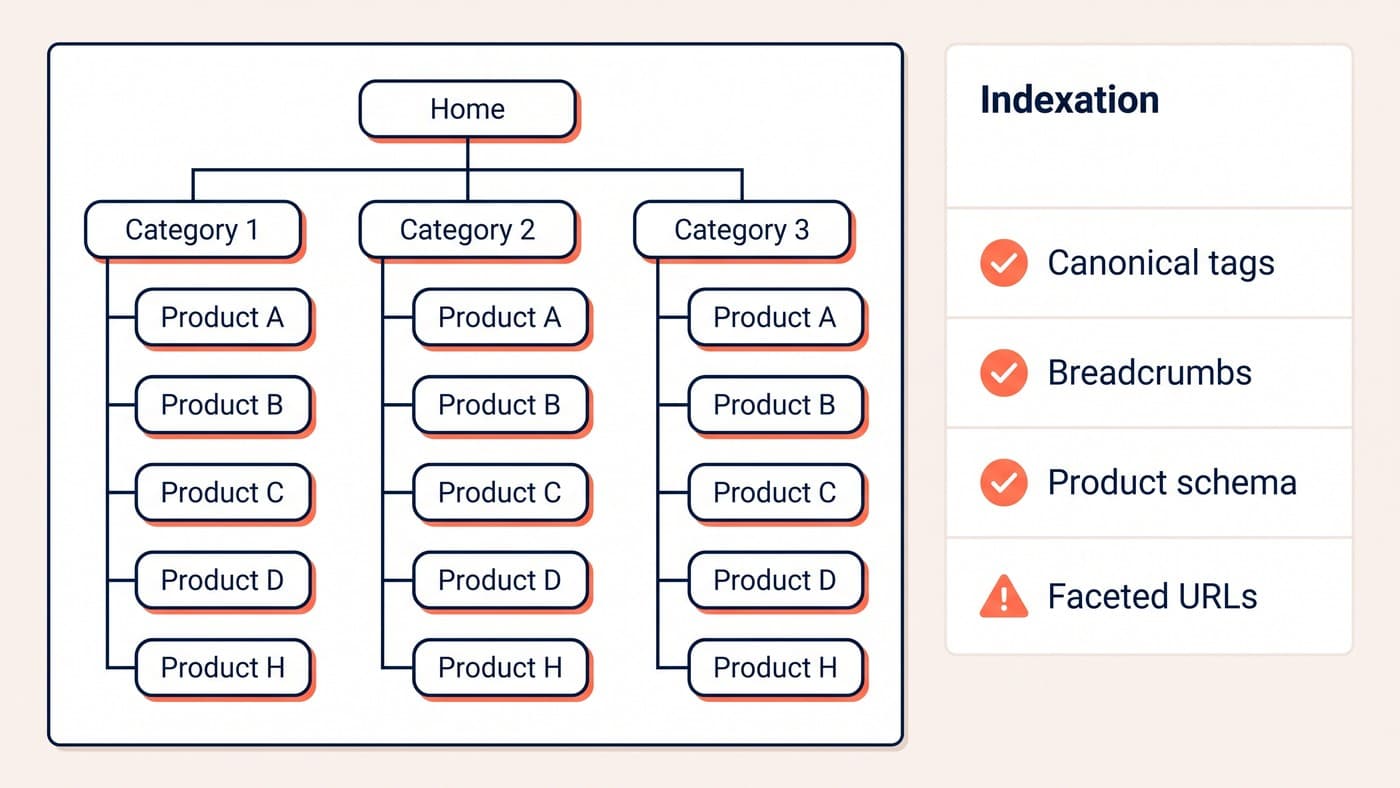
Shopify’s URL structure is fixed in the places where WooCommerce’s is arbitrary. Products live under /products/, collections under /collections/, articles under /blogs/, and a product reached through a collection can also be served at a longer collection-scoped path. You cannot reproduce a nested category path and you should not try. You map to the nearest genuine equivalent and accept that the string changes.
Decide the rules once, apply them mechanically, then hand-check the top hundred URLs by revenue rather than trusting the rule at the point where it costs money:
- Product pages map to /products/ with the old slug preserved as the handle wherever that slug was clean. Renaming products during a migration doubles the number of things that can go wrong at once.
- Categories and subcategories map to collections, which flattens the hierarchy. Where a deep subcategory ranked on its own, it needs its own collection rather than a filter on the parent.
- Blog posts move into /blogs/ and dated permalinks lose their dates. That is fine, provided every old dated URL has a row in the map and a destination that is actually the same article.
- Attribute-filtered URLs that earned clicks have no native equivalent. Point each one at the closest collection, and consider rebuilding the handful that genuinely rank as real collections with their own copy.
- Tag archives, author archives, attachment pages and paginated feeds each need one deliberate decision: redirect to the nearest useful page, or return a 410 and let the index clear cleanly.
- Plugin-generated URLs that no human ever links to still get crawled. Cart, account and endpoint paths belong in the map even though nothing on the site points at them.
Three ways redirects go wrong
Shopify accepts a bulk redirect import, so the mechanics are easy and the failures are editorial rather than technical. The first is redirecting everything to the homepage. Search engines treat that as a soft 404, the old URL’s equity does not transfer, and a thousand such redirects produce roughly the outcome of no redirects at all plus a worse experience for anyone arriving from an old link.
The second is chains. A URL that already redirected once on the WooCommerce store now redirects again, and by launch you have three-hop chains that crawlers follow reluctantly. Flatten every chain to a single hop against the final destination before import. The third is the map nobody tested: import into a password-protected development store, request every old URL against it, and log the status codes instead of assuming them.
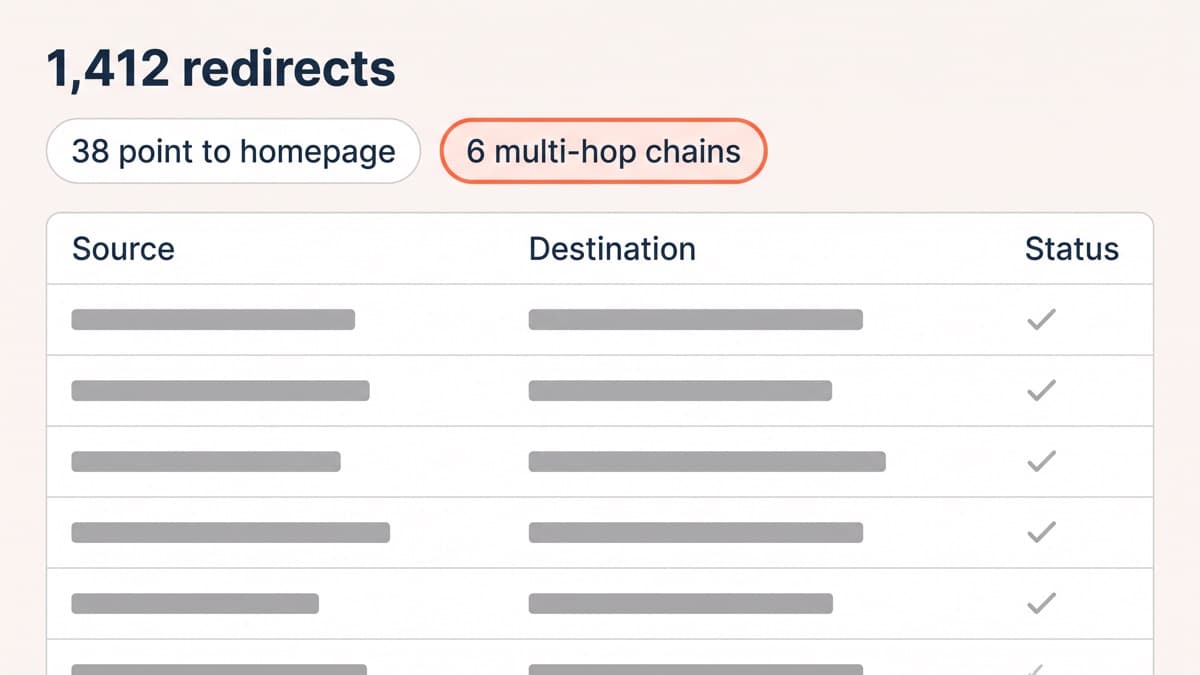
A mid-size catalogue produces something like 1,412 rows. Of those, perhaps 38 have been quietly pointed at the homepage because nobody could face finding the right destination, and 6 are chains inherited from an older WordPress rebuild that nobody remembers. Those two small numbers are where the traffic goes.
What the export does not carry
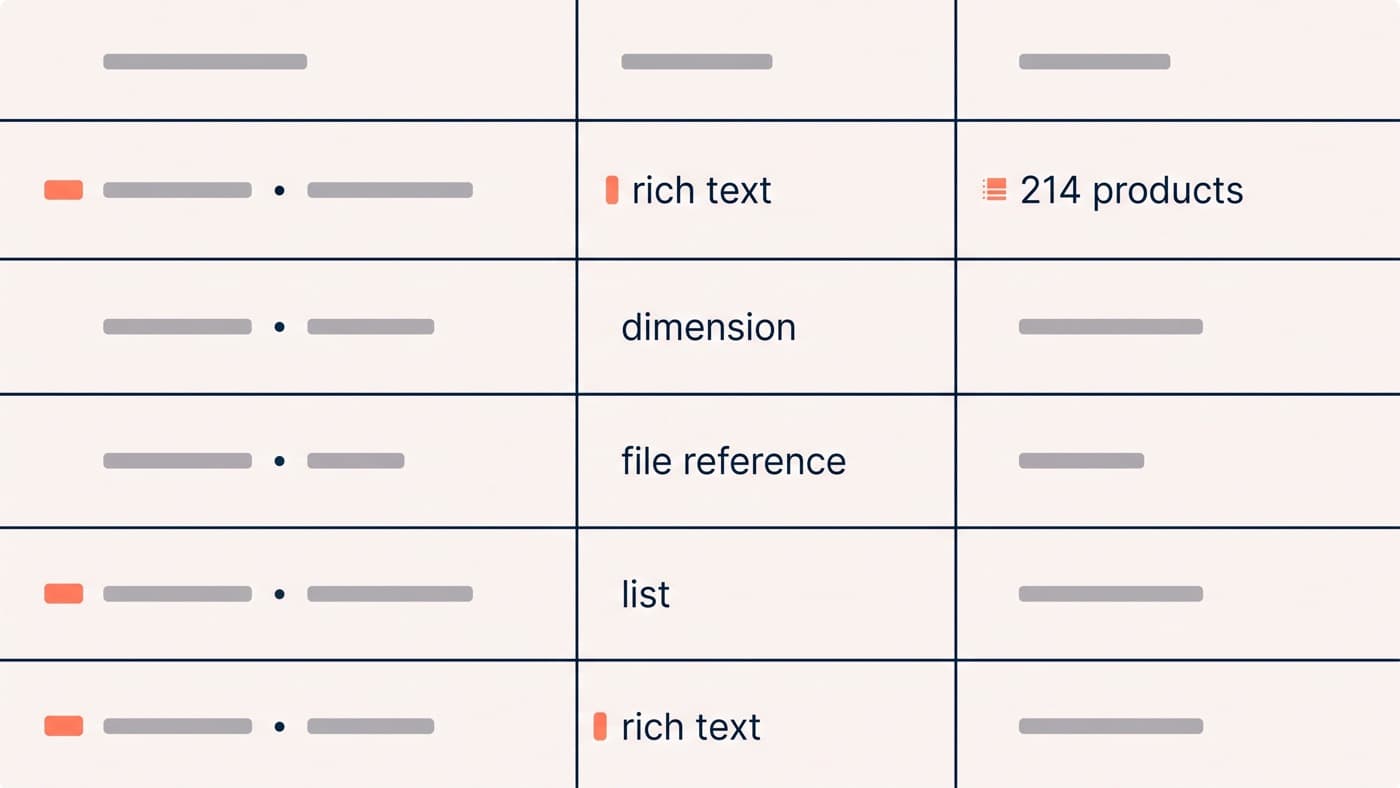
Product data moves more cleanly than everything attached to it, and the attachments are where launch weeks are lost. The custom-field question eats the most time: anything a WooCommerce plugin stored as post meta has to be rebuilt as a metafield with a definition and a type, which is a modelling decision rather than an import setting. Plan for the rest of it explicitly:
- Reviews are portable in principle and rarely portable in practice. Agree the destination app before export, or you will lose the ratings that carry your best product pages.
- Customer passwords never migrate. Every customer is asked to reset, so the launch email has to explain that before support hears about it from three hundred people at once.
- Order history imports as records rather than as working transactions, and refunds against pre-migration orders usually cannot be processed natively.
- Discount codes need re-creating with their rules re-read, because the conditions available on the two platforms are not the same set.
- Anything with a recurring obligation attached is a contract rather than a row, and a live subscription programme is a migration project of its own.
Parity on the page, not just at the URL
A redirect preserves the address. It does not preserve the reason the page ranked. Carry title tags and meta descriptions across as data rather than regenerating them from a template, keep the H1s, and rebuild internal links to point at the new URLs directly instead of leaning on redirects to do that work. Product structured data should be present and valid on day one, with price and availability intact, because losing rich results is a visible loss of clicks that has nothing to do with your rankings changing.
The wider question of how an ecommerce site should be structured for search does not change with the platform, and the URL and faceted-navigation decisions that apply to WooCommerce stores are the same decisions you are now making in Shopify’s vocabulary.
Launch week, and the window where you find out
The cutover checklist is short and every item on it has ruined somebody’s launch: remove the store password, confirm the theme is not serving a noindex, point the DNS, submit the new sitemap, and check that the twenty highest-value URLs from your spreadsheet return 200 within the hour. Launch on a Tuesday morning. Nobody has ever been glad they launched on a Friday afternoon.
Then watch, on two clocks. Daily for the first fortnight: crawl errors, the 404 log, and requests for URLs you never mapped. Weekly for three months against the same twelve-month baseline you built at the start. Expect a dip; 10 to 20 per cent off organic sessions for two to four weeks is ordinary and recovers on its own. A shortfall still sitting there in week eight is a defect, and the defect is almost always in the map rather than in the platform.
Migrations are cheap to do badly and expensive to repair, which is why the sequence matters far more than the tooling. If the crawl, the map and the monitoring window are not each owned by somebody with a name, the migration is a hope rather than a plan. Moving a catalogue safely is Shopify development work rather than an afternoon with an import app, and if you want a second pair of eyes on a redirect map before it goes live, get in touch.