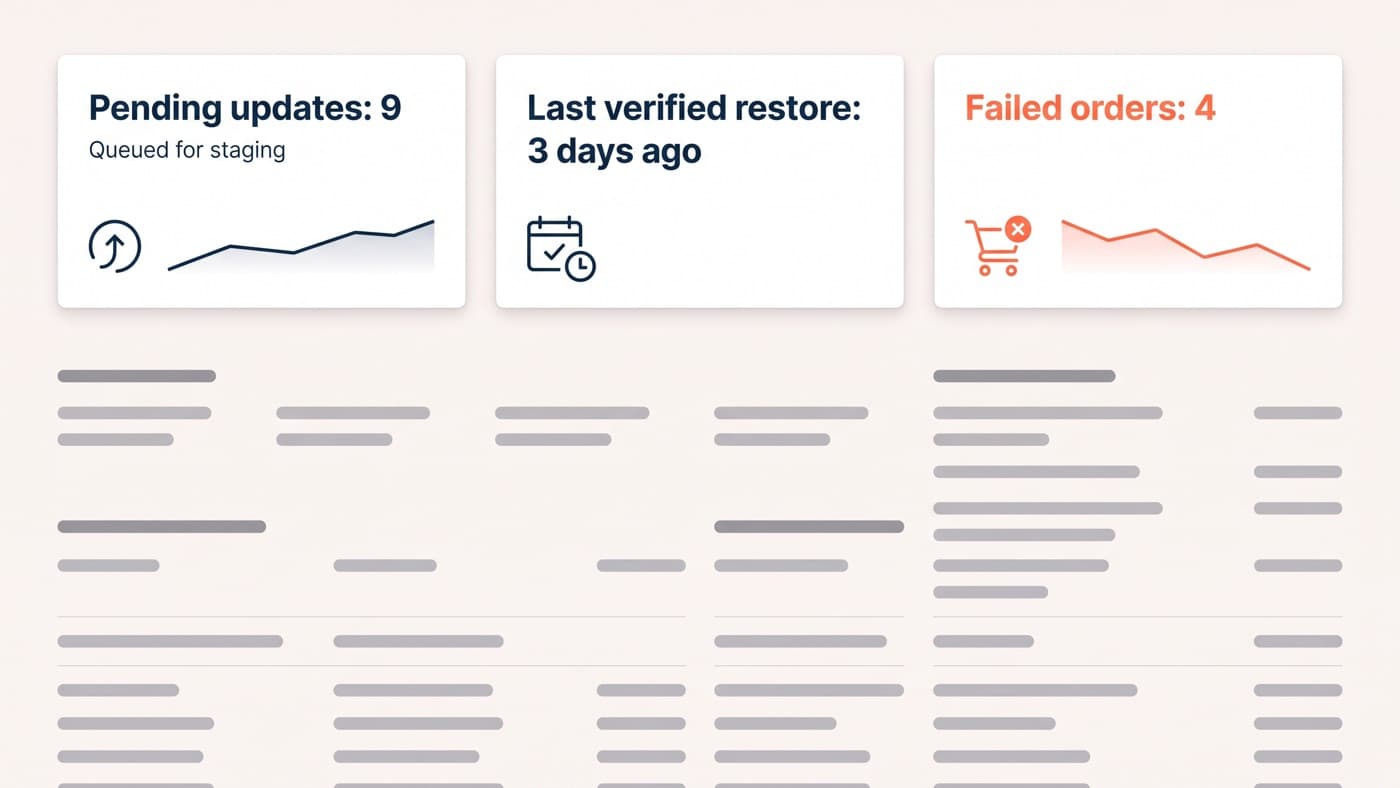
Your store is being probed right now by bots that have no idea how small you are. They know it runs WordPress, and that is the entire targeting criterion. The reassuring part is that stopping the attacks which actually succeed takes about eight controls, not another security suite bolted on top of the last one.
The rhythm of keeping a store patched, backed up and restorable belongs to the maintenance checklist. This post owns the layer underneath it: what is actually attacking a WordPress store, and the controls that answer each threat rather than the ones that look reassuring in a plugin dashboard.
The threat model is narrower than the marketing suggests
Three things realistically take a WordPress store down. Automated exploitation of a publicly disclosed plugin vulnerability, by a bot that scanned the internet for the version string. Credential attacks against wp-admin, using passwords leaked from somewhere else entirely. And card skimming, where injected JavaScript quietly copies what a customer types into the payment fields. Everything else is a rounding error by comparison.
The distribution is not a matter of opinion. Patchstack counted 11,334 new vulnerabilities across the WordPress ecosystem in 2025, a 42 per cent rise on the year before, with 91 per cent of them in plugins, 9 per cent in themes and six in WordPress core, all of the core ones low priority. High-severity findings rose 113 per cent. The weighted median time from disclosure to the first exploitation attempt was five hours, and roughly half of high-impact vulnerabilities saw exploitation within twenty-four.
Read that twice, because it decides where the effort goes. Core is not your problem. Your plugin list is your problem, and the window between a public disclosure and an attempt against your site is measured in hours rather than in the weekend you had pencilled in for updates.
Do not expect the host to cover the gap either. In Patchstack’s own testing, typical hosting-level protection blocked 26 per cent of attacks overall, and as little as 12 per cent of attacks aimed at WordPress-specific vulnerabilities, with effectiveness ranging from 12 to 47 per cent across providers. A firewall in front of the site is worth having and is not a substitute for patching the thing behind it.
The eight controls that carry the weight
None of these are exotic. All of them are boring, which is the point, and most stores are missing three or four of them right now:
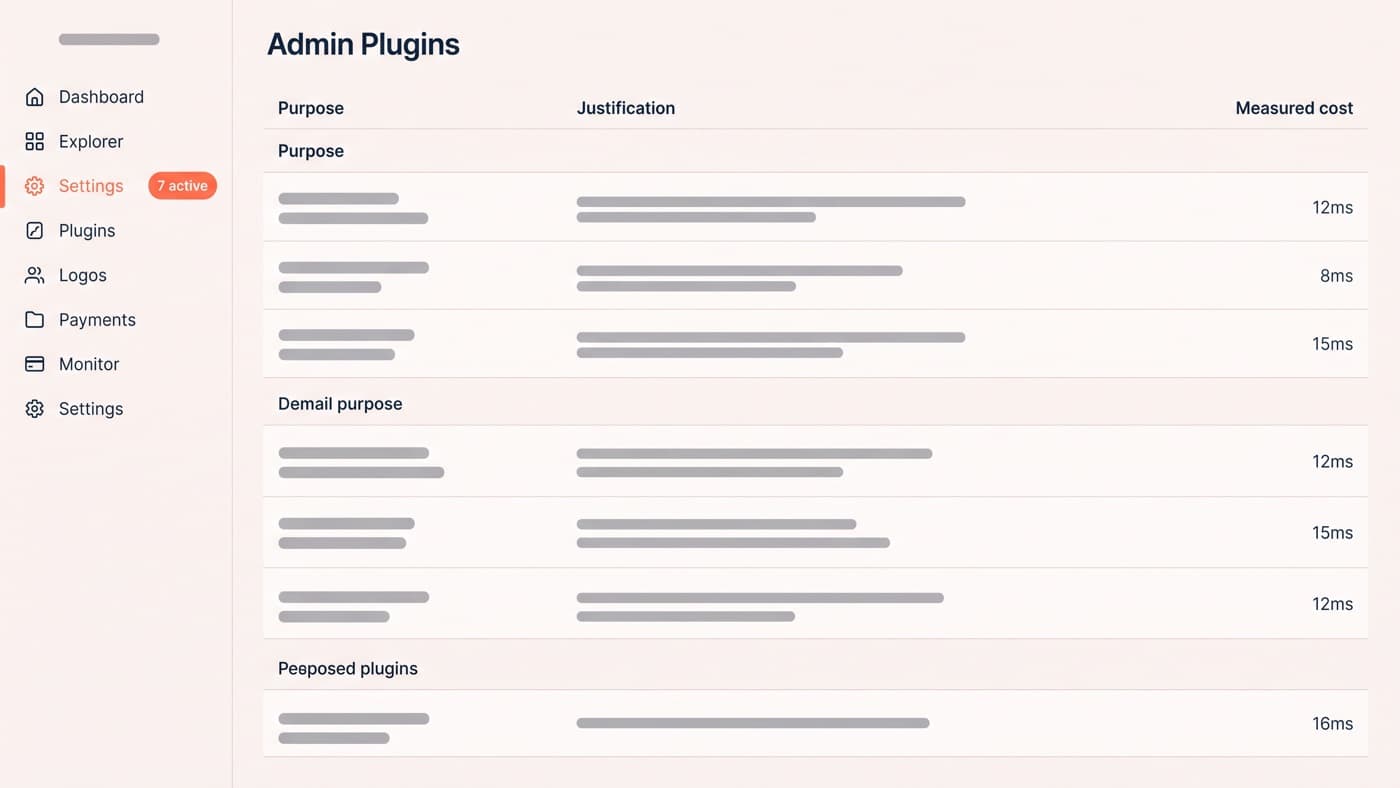
- Shrink the plugin surface. Delete what you do not use rather than deactivating it, because a deactivated plugin still sits on disk and is still exploitable, and prefer one plugin that does the job to two that overlap.
- Patch on a clock measured in hours for security releases, not weeks. Automatic updates for security releases on everything you cannot personally review within a day is the right default for a store.
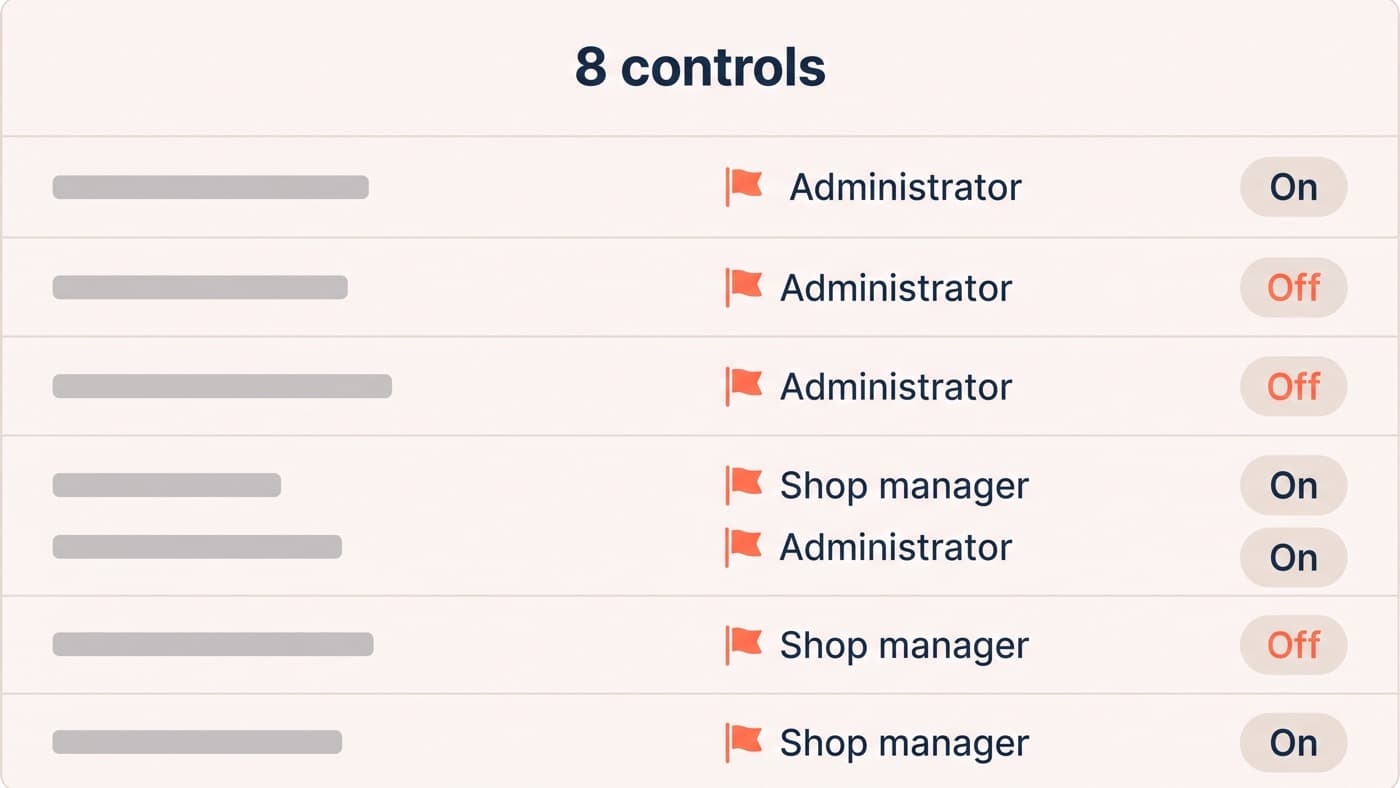
- Two-factor on every account that can reach wp-admin. A store with seven admin-capable accounts and two-factor on four of them has three unlocked front doors, and the leaked-password problem lives entirely in that gap.
- Least privilege on roles. Most people who have administrator do not need it. Shop manager, editor and author exist precisely so that a compromised marketing login cannot install a plugin.
- Close the write paths. Disable the built-in file editors, block PHP execution inside the uploads directory, and make sure the web server cannot write where it does not need to.
- Rate-limit the login surface, and remember it is wider than wp-login. XML-RPC and the REST user endpoint are part of it, and unauthenticated username enumeration is the free half of a credential attack.
- Alert on change. New administrator accounts, plugin and theme installs, and modified core or theme files should generate a message someone reads, because the gap between compromise and discovery is where the real damage happens.
- Treat the payment page as its own security zone, which is different enough from the rest of the site to deserve the section below.
The payment page has its own rules now
Two PCI DSS v4.0.1 requirements became mandatory on 31 March 2025 and they apply directly to a self-hosted checkout. Requirement 6.4.3 says every script on a payment page must be authorised, justified in writing, inventoried and protected against tampering. Requirement 11.6.1 says you must have a mechanism that detects unauthorised changes to the payment page and its HTTP headers, and alerts someone when it finds one.
The uncomfortable part for a WooCommerce store is that this is a page any of your plugins can write to. A typical checkout we inventory carries 14 third-party scripts, and on the first pass three of them have no owner anybody can name: a tag added for a campaign that ended, a chat widget from a previous agency, a heatmap trial nobody cancelled. Each one executes in the same context as the card fields.
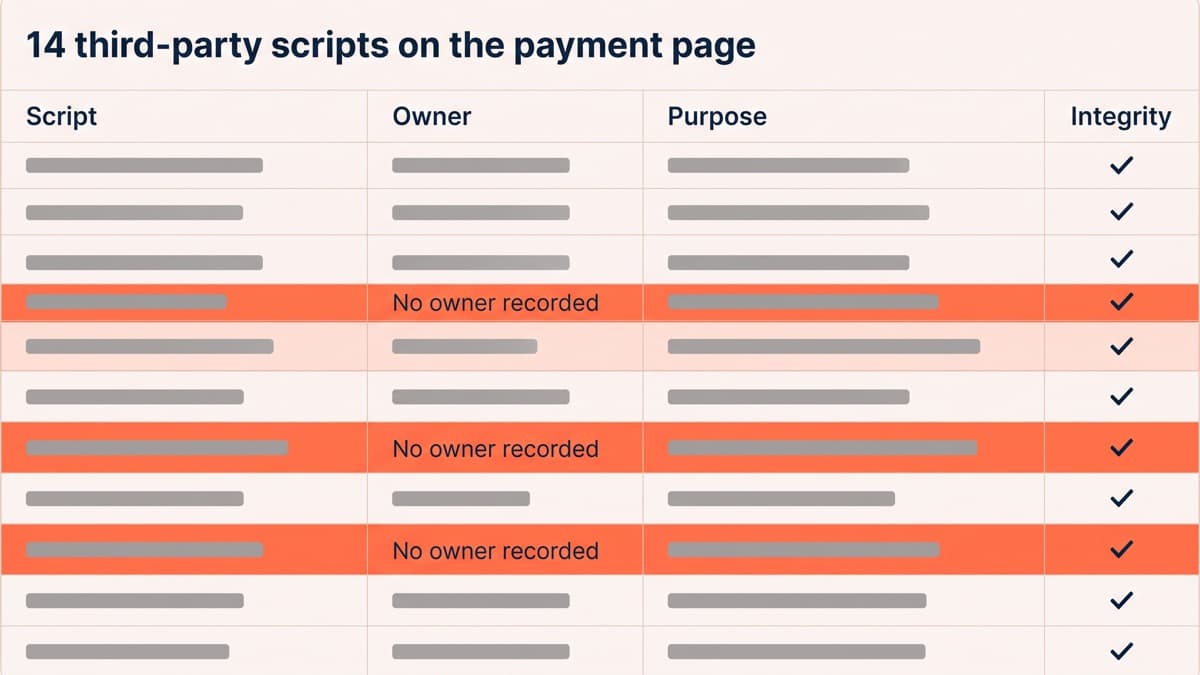
The practical version is short. Enumerate what loads on checkout, delete anything nobody will justify in a sentence, and load nothing on that page that does not need to be there. Then add the two technical controls that make the requirement real rather than paperwork: a content security policy that names the origins allowed to execute there, and integrity checking so a silently changed third-party file does not run.
What security plugins do, and what they do not
They earn their place on one job: virtual patching. When a vulnerability is disclosed and the developer has not shipped a fix yet, a rule that blocks the specific request pattern buys you the hours you do not otherwise have. Change detection and login rate limiting are worth having in the same package rather than as three more plugins.
What they cannot do is more important. A scanner finds known problems, which means it is silent on the bespoke code somebody wrote for your store three years ago. None of them fix shared logins, an administrator account belonging to a freelancer who left, or a plugin nobody has updated since 2023. And a security plugin is a plugin: it runs on every request, it has had its own vulnerabilities, and running three of them is worse than running one.
The theatre you can skip
A surprising amount of standard advice is either noise reduction dressed as defence or actively harmful. Changing the database table prefix on a live store risks more than it prevents. Hiding the WordPress version number stops nobody who can fingerprint an asset URL. Blocking the REST API wholesale breaks the block editor and, on a modern store, the checkout itself. And a padlock graphic in the footer is a conversion decision rather than a security one, which is a real and separate subject covered under trust signals.
If it does happen, the order matters. Assume credentials are gone and rotate everything, including database and API keys. Patch the hole before restoring, because restoring a verified backup onto an unpatched site simply replays the compromise. Restore from a backup that predates the intrusion rather than the most recent one, and if card data was in scope, your acquirer has notification requirements you do not get to interpret. Building all of this in from the start is ordinary WordPress development rather than a specialism, and if nobody currently owns it on your store, that is the conversation to have.