A metafield earns its place when a customer can act on it in three different rooms: read it in the specification table, filter a collection by it, and land on a page built from it. Most stores stop after the first, which is why so many catalogues hold beautifully modelled data that has never once helped anybody choose. Merchandising is the part after the plumbing.
How metafields work, what types exist and why definitions matter are covered in the mechanism guide. This post assumes the fields exist and asks the harder question: which ones are worth defining, where each one should surface, and what the platform will and will not do with them once it can see them.
Which product questions belong in a metafield
Start from the questions rather than the schema, and the questions are already written down. Pull the last hundred pre-sale enquiries and the top fifty on-site search terms, and three or four questions will be carrying most of the volume. In practice they cluster into the same four families across almost every category we work on.
| What the customer asks | Field shape | Where it should surface |
|---|---|---|
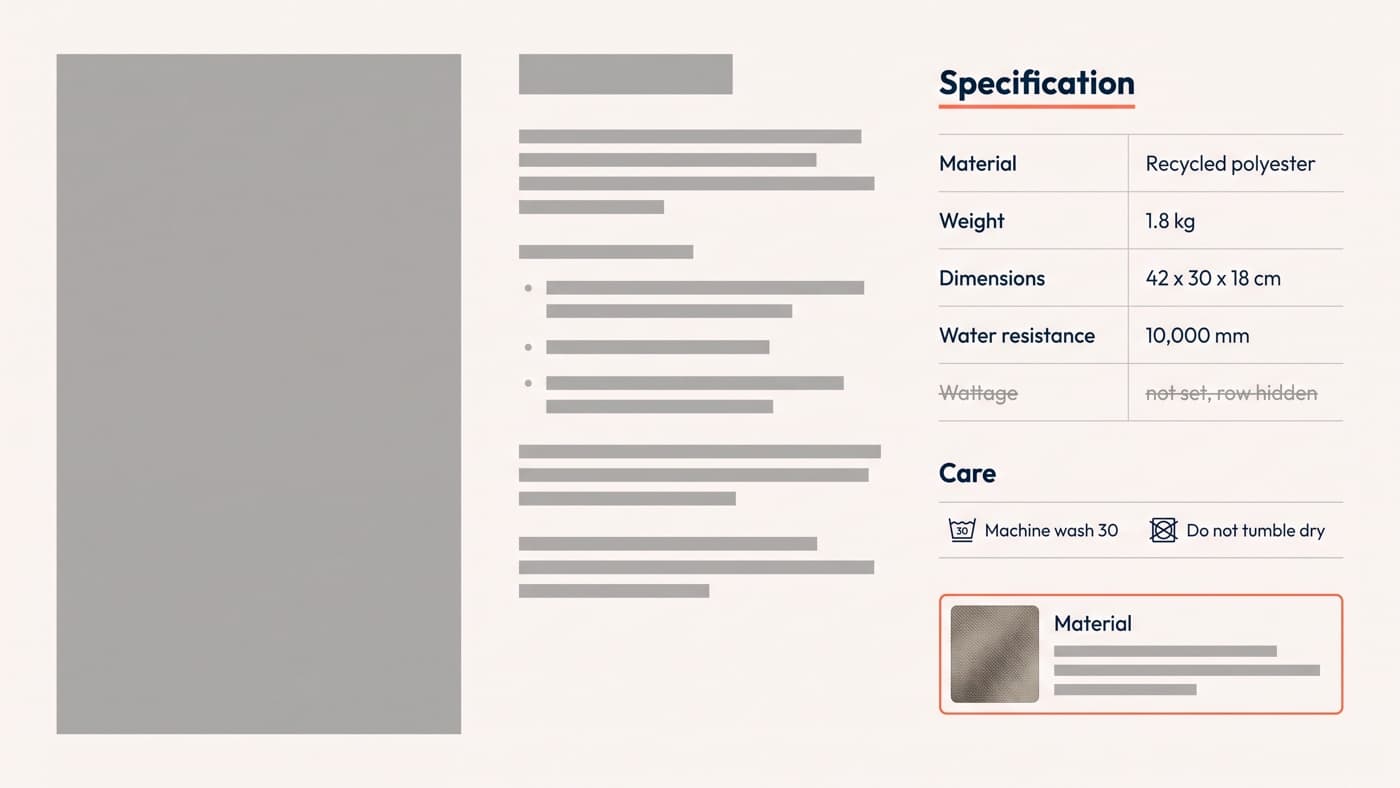
| Will it fit, and how big is it | Dimension and weight measurement types, one value per variant where the variant differs | Specification table, collection filter, size and fit block |
| What is it made of, and how do I look after it | A metaobject entry per material, referenced from the product | Product page card, filter, and a page of its own for the material |
| Does it work with the one I already own | Product reference list | A compatibility block linking straight to the matching products |
| Does it meet the standard my job requires | Single line text or a boolean, with validation on the definition | Specification table and a filter people search by name |
Where the value hangs is the decision people get wrong, and it is not a modelling nicety. A care instruction belongs on the product, because it is true of every colourway. A measured length belongs on the variant, because it is not, and a specification table populated at product level in a catalogue where the variants genuinely differ is a table that is confidently wrong on most of its rows. The rule of thumb is to ask whether a customer choosing between two variants would want a different answer; if yes, the field goes on the variant even though it is more work to populate.
The discipline that makes the difference is coverage rather than modelling. A definition populated across 214 products beats forty definitions populated across nineteen, every time, because a filter that only matches a fifth of a collection is worse than no filter: it silently hides the products with no value in them. Populate one category fully, ship it, and extend only once it is earning.
How metafields reach a product page
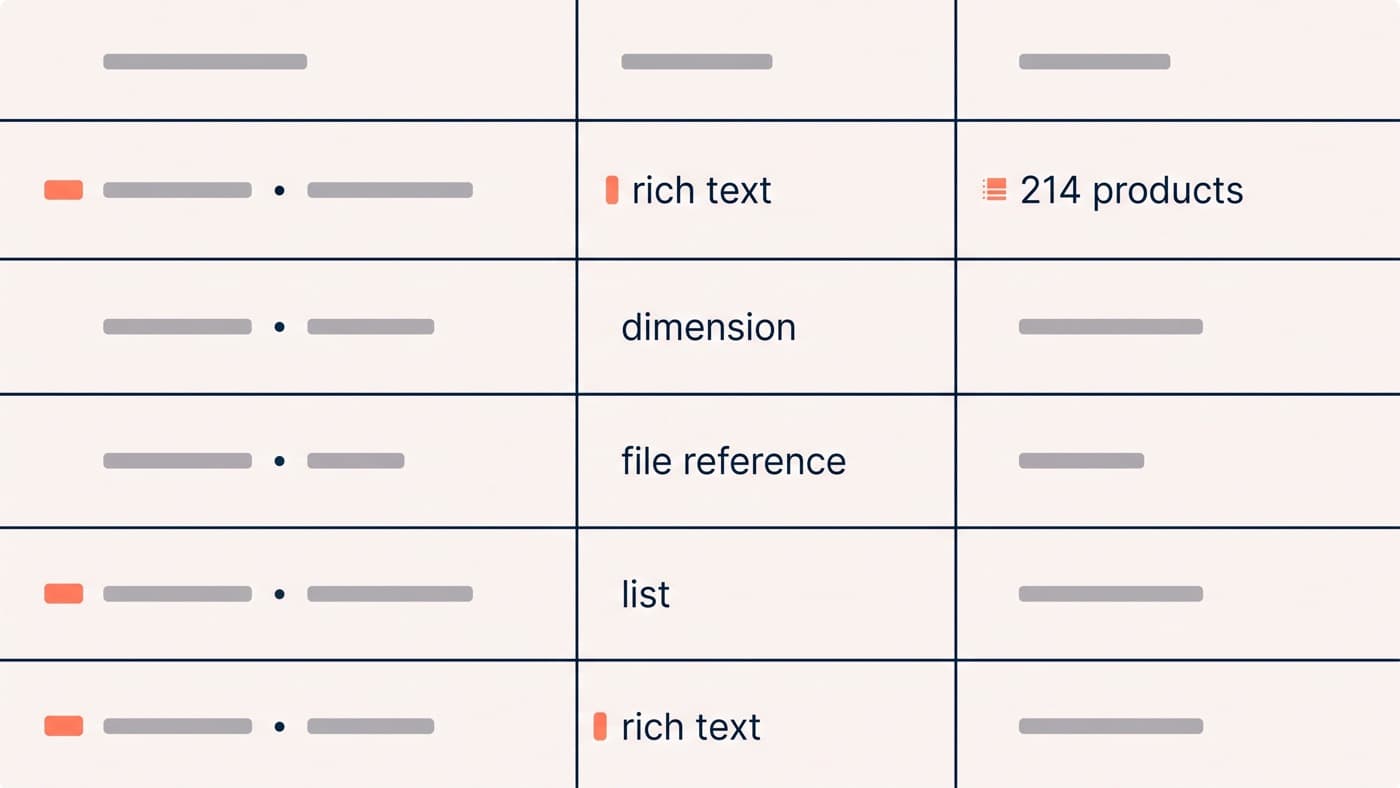
Dynamic sources connect a definition to a theme setting without code, and the list of setting types that accept one is specific: article, collection, collection list, colour, image picker, page, product, product list, rich text, inline rich text, text, url, video, metaobject and metaobject list. Two limits are worth knowing before designing around it. Dynamic sources are not available for general theme settings at all, and a JSON template may carry 100 of them, with 50 on any single setting. The reference is at shopify.dev/docs/storefronts/themes/architecture/settings/dynamic-sources.
Anything a generic block renders badly is Liquid, and a specification table is the usual example: units aligned, empty rows omitted, measurement values printed with their unit rather than as a bare number. That snippet is worth writing properly once, because every product added afterwards inherits it without anybody deciding to. What goes around it, and how much of it belongs above the fold, is a product page design question rather than a data one, and sizing in particular has its own answer.
Turning metafields into collection filters
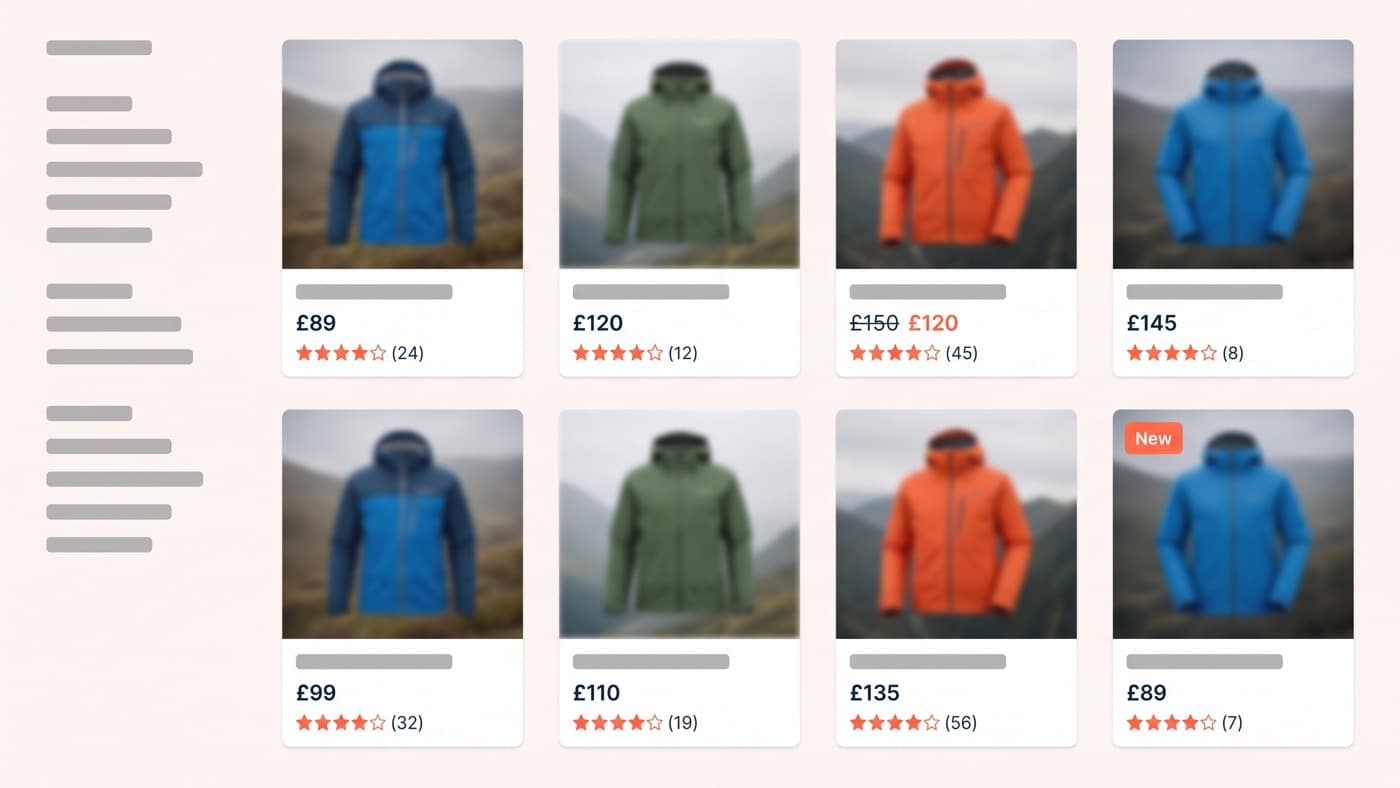
This is the surface most stores never reach, and it is where a metafield stops being decoration. A definition can drive a storefront filter provided it has storefront access turned on and its type is one of the supported set: single line text, single line text as a list, decimal, integer, true or false, metaobject reference, or a list of metaobject references. Money, rich text and the measurement types are not on that list, which is the single most common surprise, and it is the reason a weight worth filtering on usually needs a companion field holding a band rather than a figure.
The ceilings are generous and finite: a store may have a maximum of 25 filters, a filter group a maximum of 200 unique values, and a filter will display up to 100 of them to a customer. Twenty-five is more than any collection should show at once and fewer than an ambitious data model will produce, so the count is a design constraint rather than a technicality. The documentation is at help.shopify.com/en/manual/online-store/search-and-discovery/filters, and which of them belong in the rail at all is a collection page decision.

Metaobjects for content that repeats across products
A metafield holds a value; a metaobject holds a record. The merchandising case is anything written once and referenced many times: a material with a description, a care instruction and an image, a certification with its explanation, a fit note shared by a whole range. Edit the entry and every product referencing it updates, which is the thing a repeated text field can never do however carefully somebody filled it in.
The step most stores miss is that entries can be published as their own pages. Switching on "Publish entries as web pages" in the definition’s options, with storefronts access active, lets you build one metaobject template in the theme editor and get a page per entry from it, connected through the same dynamic sources. That is documented at help.shopify.com/en/manual/custom-data/metaobjects/connecting-to-your-online-store/webpages. One material record then serves the product page block, the collection filter and a page somebody can be sent to, without the three going out of sync, which is what an app-managed content silo cannot promise.
Where metafields beat an app, and where they do not
The honest test is whether you are buying storage or a workflow. Fields, definitions, metaobjects, dynamic sources and filters are all included, so an app selling you "custom fields for your products" is selling something you own. What apps legitimately sell is different work:
- Bulk editing across thousands of products, which the admin does badly and a spreadsheet interface does well.
- Supplier feed imports that keep a specification current without anybody retyping it each season.
- Prebuilt rendering for one pattern, usually a size chart or a comparison table, where you are buying the template rather than the storage.
- Cross-catalogue validation, which is genuinely useful on a catalogue nobody can eyeball any more.
None of those four is a reason to let an app own the data. All of them are reasons to let an app write into data you own, which is a different purchase and a much easier one to reverse. The distinction is visible in about a minute: install the trial, populate one product, and look at whether a new definition has appeared under your custom data or whether the values are only visible inside the app.
The question to put to any of them before installing is where the content ends up: in your metafields, or in the app’s own database. The first is a tool. The second is a tenancy, and it is the reason a store that changes merchandising apps sometimes discovers its specification data leaving with the old one.
Structured data outlives the page it was built for. The same four fields feed the specification table, the filter rail, the metaobject pages, the product feeds and whatever front end the store ends up on next, which is why this work belongs before a redesign rather than during one. It is ordinary Shopify build work with an unusually long payback. If your catalogue already holds the answers and your collection pages still cannot be filtered by them, we are happy to look.