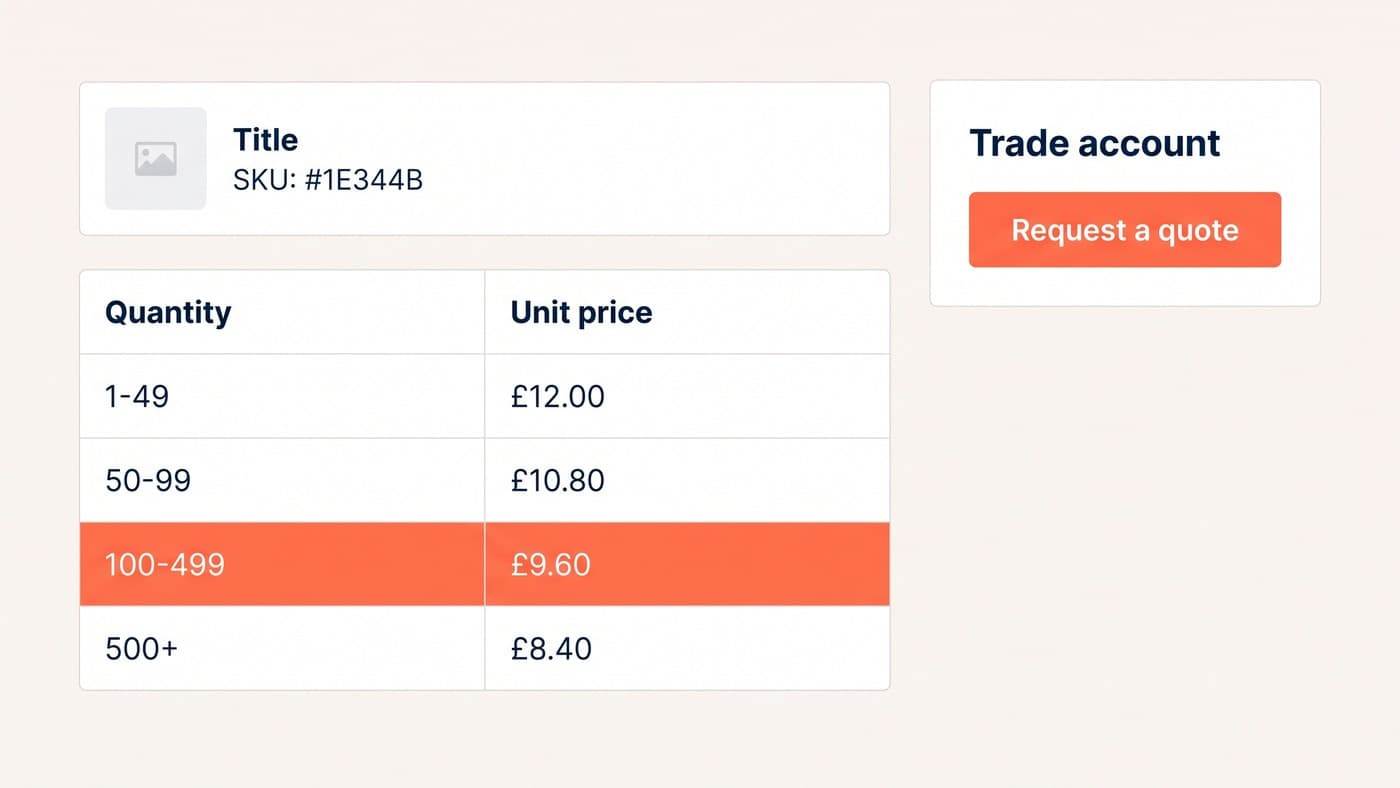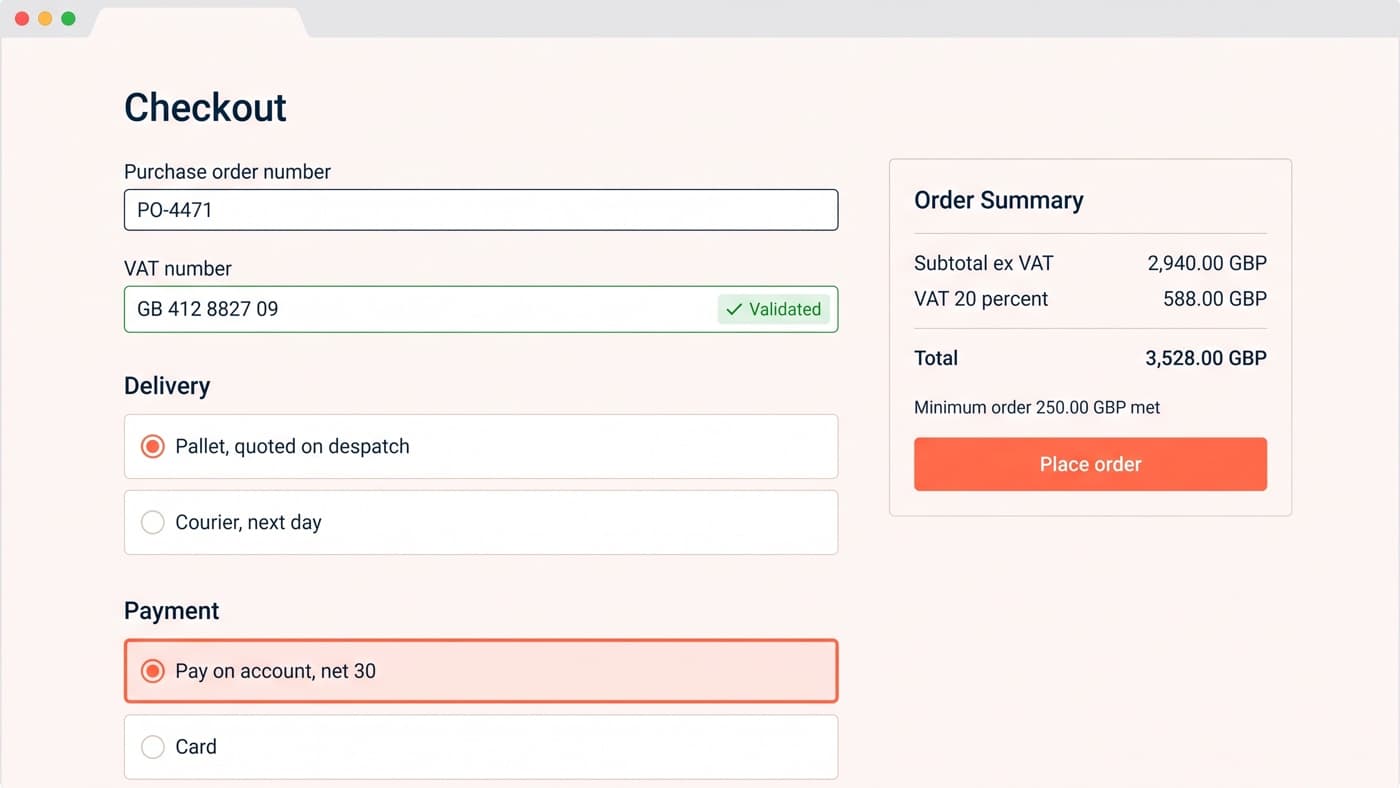
A trade checkout has to do four things a consumer checkout never does: carry a purchase order reference, capture and act on a VAT number, price delivery for a pallet rather than a parcel, and complete an order that nobody pays for today. WooCommerce core gives you a proper place for the first and almost nothing for the other three.
That is a smaller gap than it sounds, and it is worth being precise about where it falls, because most trade stores overspend on the parts core already handles and underspend on the one that decides whether an order can be placed at all, which is payment.
What WooCommerce core gives a trade checkout, and what it does not
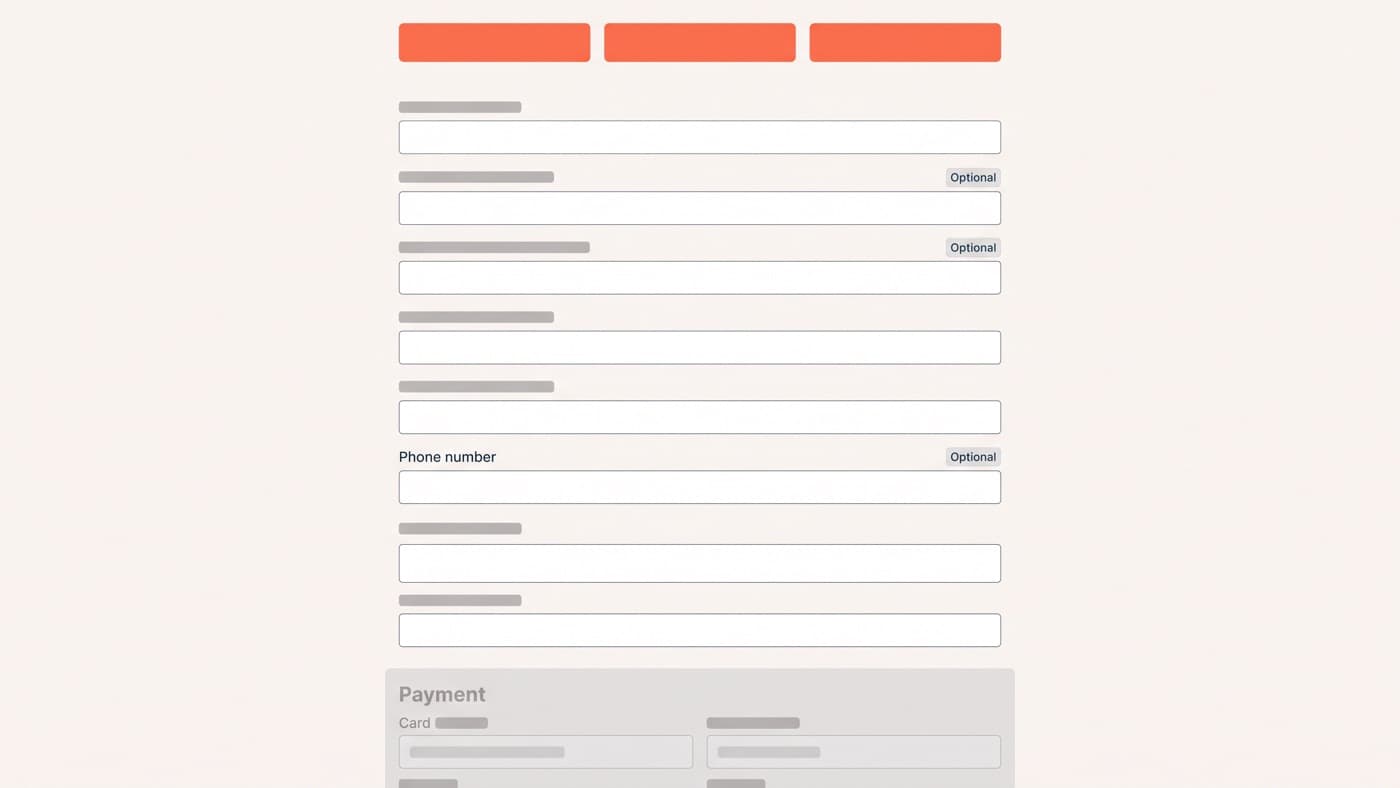
Start with the field layer, because it is the part people expect to be hard and is not any more. The Checkout block supports additional fields registered in one of three locations: contact information, where fields "will be saved to the shopper’s account"; address, where they are saved to both the customer and the order and are collected twice, once for billing and once for shipping; and order information, for anything that describes the order rather than the person. The supported types are text, checkbox and select, and the documentation is explicit that "there are plans to expand this list, but for now these are the types available", at developer.woocommerce.com/docs/cart-and-checkout-additional-checkout-fields.
So the trade fields have a home, and the location you choose is a decision rather than a detail: a purchase order number belongs to the order, an account reference belongs to the customer, and a tail-lift requirement belongs to the address, because the same buyer has one site with a loading bay and another without. Choose wrong and the field either fails to persist for the next order or gets asked twice.

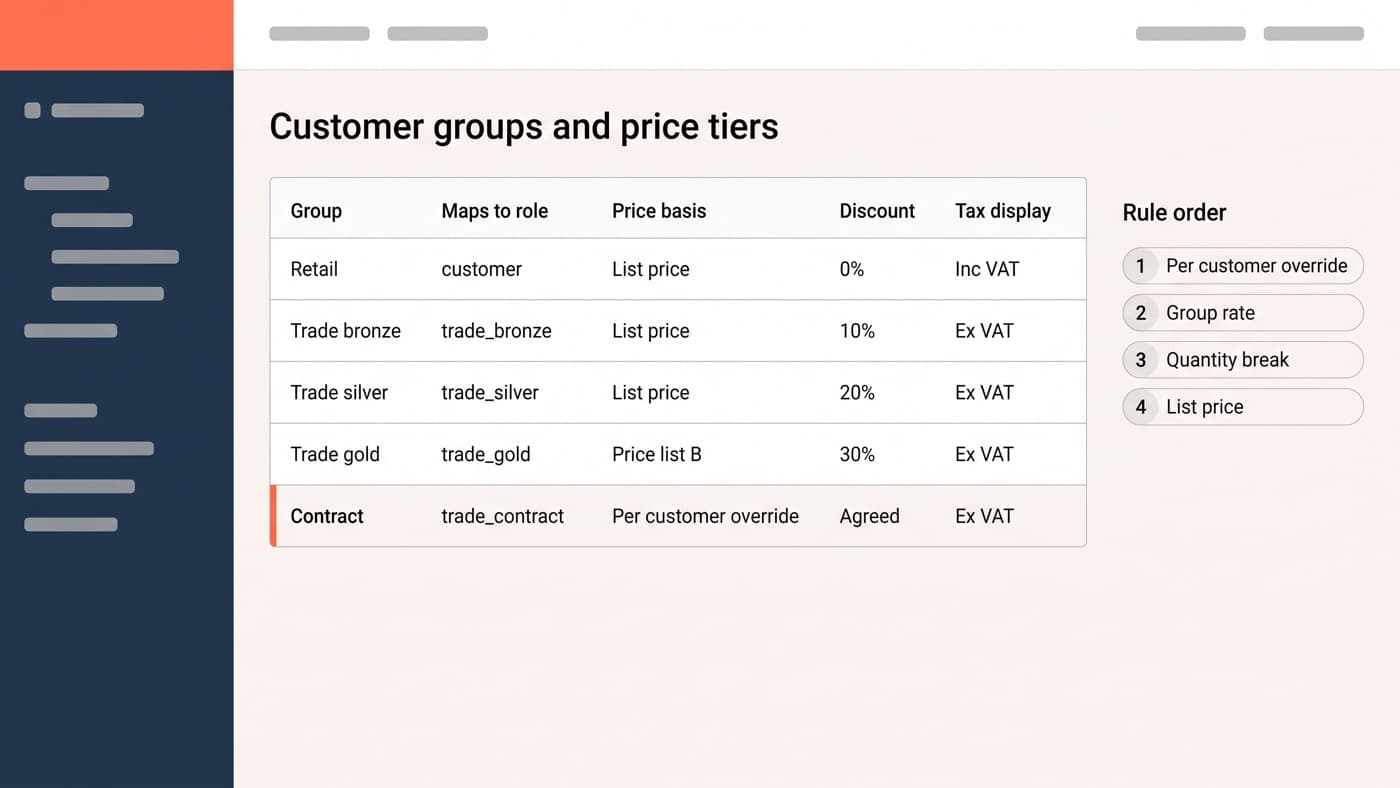
What core will not do is make any of it conditional. Every field you register is a field every shopper sees, and a consumer buying one item does not want to be asked for a purchase order number. Showing trade fields to trade customers only is the first piece of real work on this page, and it is the same audience question that decides which price they were shown in the first place.
Purchase order references, and where they have to go
A purchase order number is not a note. It is the reference the buyer’s finance system will match your invoice against, and an invoice arriving without it is an invoice that does not get paid on time. Capturing it is trivial. Carrying it is the job.
It has to appear on the order confirmation email, on the packing note, on the invoice and in whatever your accounts team looks at, and it has to be searchable, because half the queries a trade store receives begin with a purchase order number rather than an order number. Decide early whether it is required, and for whom. Some buyers cannot raise one before ordering, so a hard requirement on every trade order will produce a phone call rather than a sale.
Payment terms, and what pay on account really is
This is the requirement that decides the whole build, and it is mechanically simpler than it sounds: a payment method that completes the order without taking money, offered only to approved accounts. Everything else is policy dressed as software. The order is placed, the status reflects that payment is outstanding, and an invoice follows on your terms.
Three things travel with it, and all three are commercial decisions somebody in finance has to make before a developer touches anything. Which accounts qualify, which is the approval flow from the wider trade account build. What the credit limit is and what happens at checkout when an order would exceed it, which is either a block, a warning or nothing at all. And what the terms actually say, because net 30 from invoice date and net 30 from despatch are different numbers on the same order.
Be careful with the vocabulary when buying an extension. An invoice gateway that lets an approved account check out unpaid is open account. Scheduled instalments taken from a stored card are not, however they are labelled. Only one of those answers a purchasing department, and finding out which one you bought after promising terms to a customer is an expensive conversation.
VAT numbers and tax at a trade checkout
WooCommerce has exactly two settings for how tax is displayed, one for the shop catalogue and one for the cart and checkout, and both are store-wide with no per-customer variation, per woocommerce.com/document/setting-up-taxes-in-woocommerce. Trade buyers read net prices and consumers read the price they pay, so a store selling to both is overriding that display somewhere, and the place it usually breaks is the order confirmation email, which nobody put in scope.
A VAT number field is the easy half of the cross-border story. The hard half is what happens after it is entered: validating it against the published registry, deciding whether an invalid number blocks the order or merely charges tax, storing it against the customer so it is not retyped, and applying the right treatment to the order rather than to the display. A field that collects a VAT number and does nothing with it is a field that tells a buyer you handle their tax position when you do not.
Delivery when the order is a pallet
Core ships three shipping methods, flat rate, free shipping and local pickup, and that is the entire list at woocommerce.com/document/setting-up-shipping-zones. None of them can price a pallet. A trade buyer offered a courier rate on four hundred units assumes the site is broken, and they are not wrong.
There are three honest answers and one dishonest one. Quote freight after the order, stated plainly on the delivery step so nobody is surprised by a second invoice. Price by weight or pallet count through a carrier integration. Or set a threshold above which delivery becomes a conversation. The dishonest answer is a flat rate you absorb, which works until somebody orders a tonne of it. Whichever you pick, collect the access details with the address: tail lift, forklift on site, delivery hours and a name for the driver to ask for.
Minimum orders, multiples and failing well
Minimum order values and required multiples are not core settings, so they arrive with an extension or as cart validation you write. The rule itself is easy. Where it is enforced is what separates a good trade store from an irritating one.
- Say the minimum on the product page and in the basket, not for the first time at checkout.
- Show the shortfall as a number the buyer can act on, not as a rejection: 68.00 short of the 250.00 minimum, with a link back to the catalogue.
- Enforce required multiples at the quantity input, so a case of twelve cannot become an order for seven in the first place.
- Exempt the accounts you have agreed to exempt, because a negotiated exception that the website refuses is worse than no rule.
- Never fail silently on the payment step, which is where a blocked order looks like a broken store rather than a policy.
- Log every blocked cart, because a minimum that blocks a tenth of your trade baskets is a pricing decision nobody made.
What to build, and in what order
Payment first, because an account that cannot pay the way it pays everybody else will not use the site at all. Then the audience rule that decides which fields and which tax display a given customer sees. Then the purchase order reference and its journey through to the invoice. Then delivery. Minimums and multiples last, since they only matter once orders are actually being placed.
And leave the consumer checkout alone while you do it. The field economy, the express wallets and the one-page-or-several question are the same on a trade store as anywhere else, and they are answered in the general WooCommerce checkout work. A B2B checkout is that checkout with four fields, one payment route and one tax rule added, and the fact that four fields is the whole gap is also why the platform question is worth asking once before you build it. It is ordinary WooCommerce engineering rather than a separate platform. If your trade orders still arrive by email because the checkout cannot take them, that is worth a conversation.