Three plugin families cover almost every WooCommerce B2B build: B2BKing, Wholesale Suite and Addify’s B2B for WooCommerce. They differ far less in features than in the customer model each one imposes, and the model is the thing you are actually buying. The feature grid is marketing. The data model is the decision.
We resell none of these and take no commission on any of them. Nothing below is a price, either, because licence pricing moves and promotional pricing moves faster; every capability named here comes from the vendor’s own published documentation, which is the only thing you can hold them to six months after the sale.
Why every WooCommerce B2B feature grid looks the same
Put the three marketing pages side by side and they converge: tiered pricing, gated catalogue, quote requests, tax handling, registration approval. Every box is ticked by everybody, which is why comparing on boxes tells you nothing and why buyers end up choosing on the strength of a screenshot.
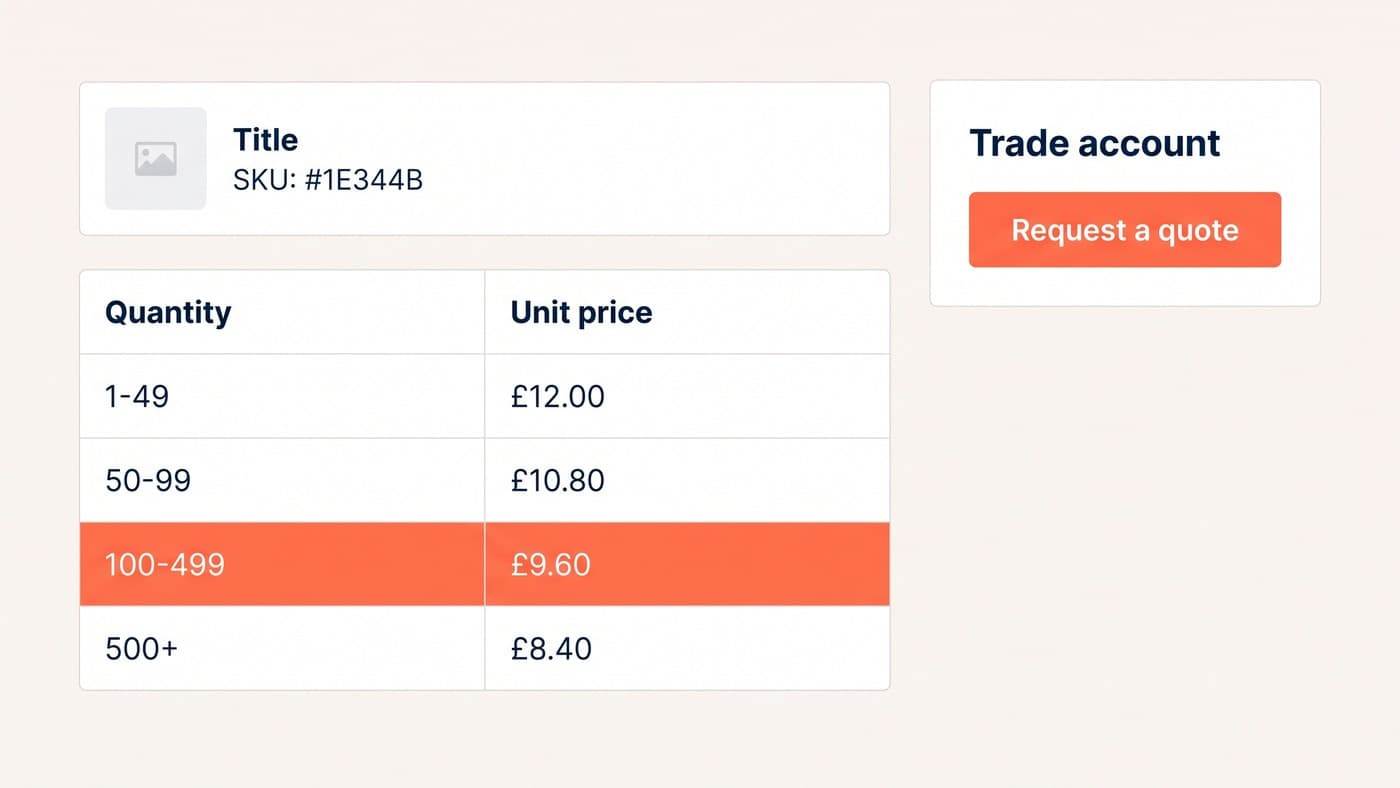
A feature list tells you a capability exists. It does not tell you what shape it has. All three offer tiered pricing, and underneath, one computes tiers against a group entity, one layers quantity discounts over WordPress roles, and one applies quantity ranges per role from the product edit screen. Those are three different data models wearing one label, and the model is the part you cannot retrofit once a year of trade prices is sitting in it.
So compare on four things instead: how a trade customer is represented, what the vendor documents rather than advertises, whether the capabilities arrive as one licence or several, and what the vendor is willing to say in public about performance. The table takes each option across all four.
The WooCommerce B2B plugins compared
| Option | Customer model | Strongest at | Where it stops | Under load |
|---|---|---|---|---|
| B2BKing | Customer groups, a separate entity from the WordPress registration role | Rule-driven pricing, per-group payment and shipping methods, VIES validation, purchase order and invoice gateways | The model lives in an admin rule engine rather than in your code, so it is only as auditable as that screen | Documented: the vendor publishes an optimisation guide saying page caching is bypassed for logged-in B2B |
| Wholesale Suite | WordPress user roles; more than one wholesale tier is a premium feature | A free core that gives one wholesale role, per-product wholesale prices and a catalogue mode | A customer cannot sit in two pricing categories, and the order form and lead capture are separate products | No published performance guidance |
| Addify B2B for WooCommerce | WordPress user roles, with registration fields and approval in the same bundle | The account lifecycle in one purchase: register, approve, price, restrict payment and shipping | Role-shaped, so it inherits the same ceiling, and quote and tax modules are configured rather than coded | No published performance guidance |
| Custom build | Whatever you model, including a contract price for a single account | Pricing that comes from an ERP rather than from the website | There is no admin screen until somebody builds one, and price changes go back to a developer | The query cost is yours to measure and yours to pay for |
B2BKing: a group that is not a WordPress role
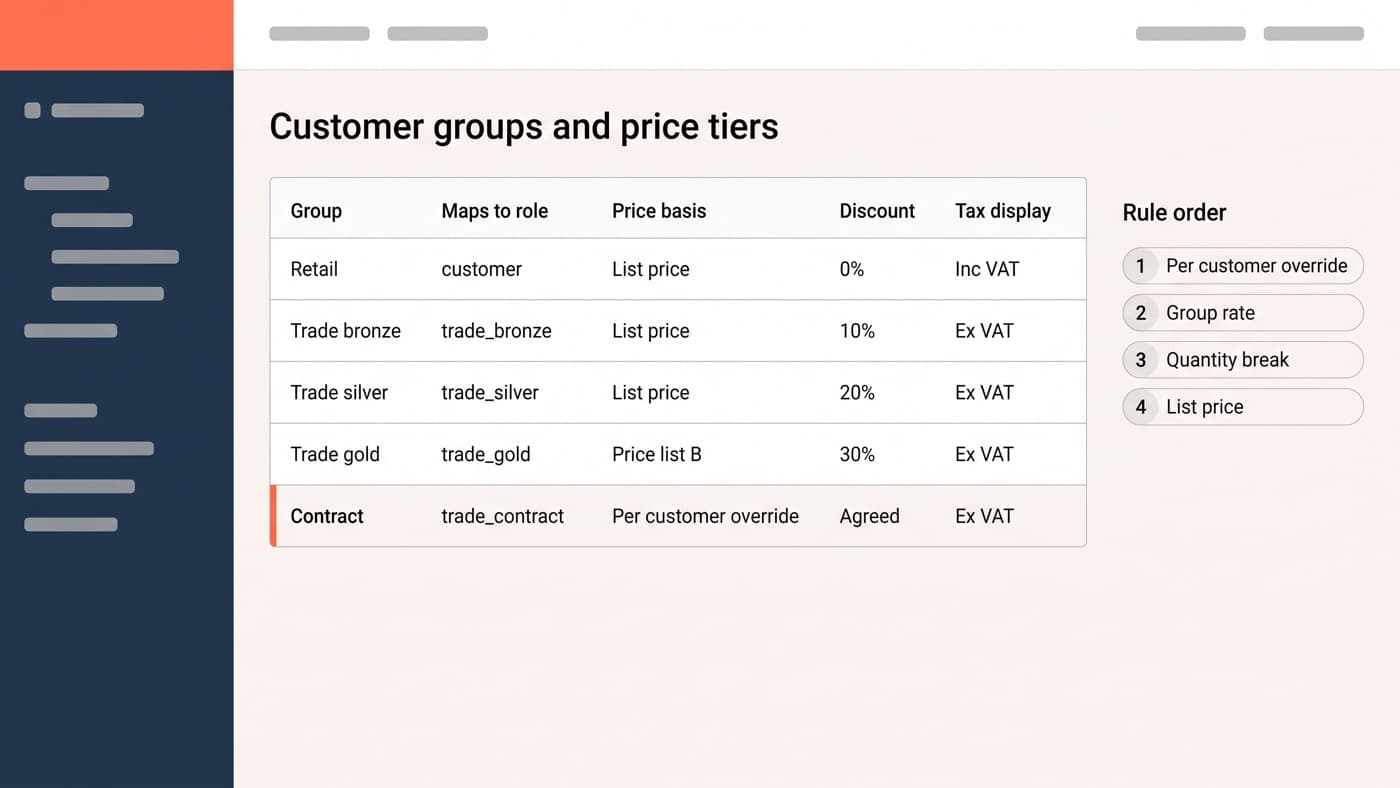
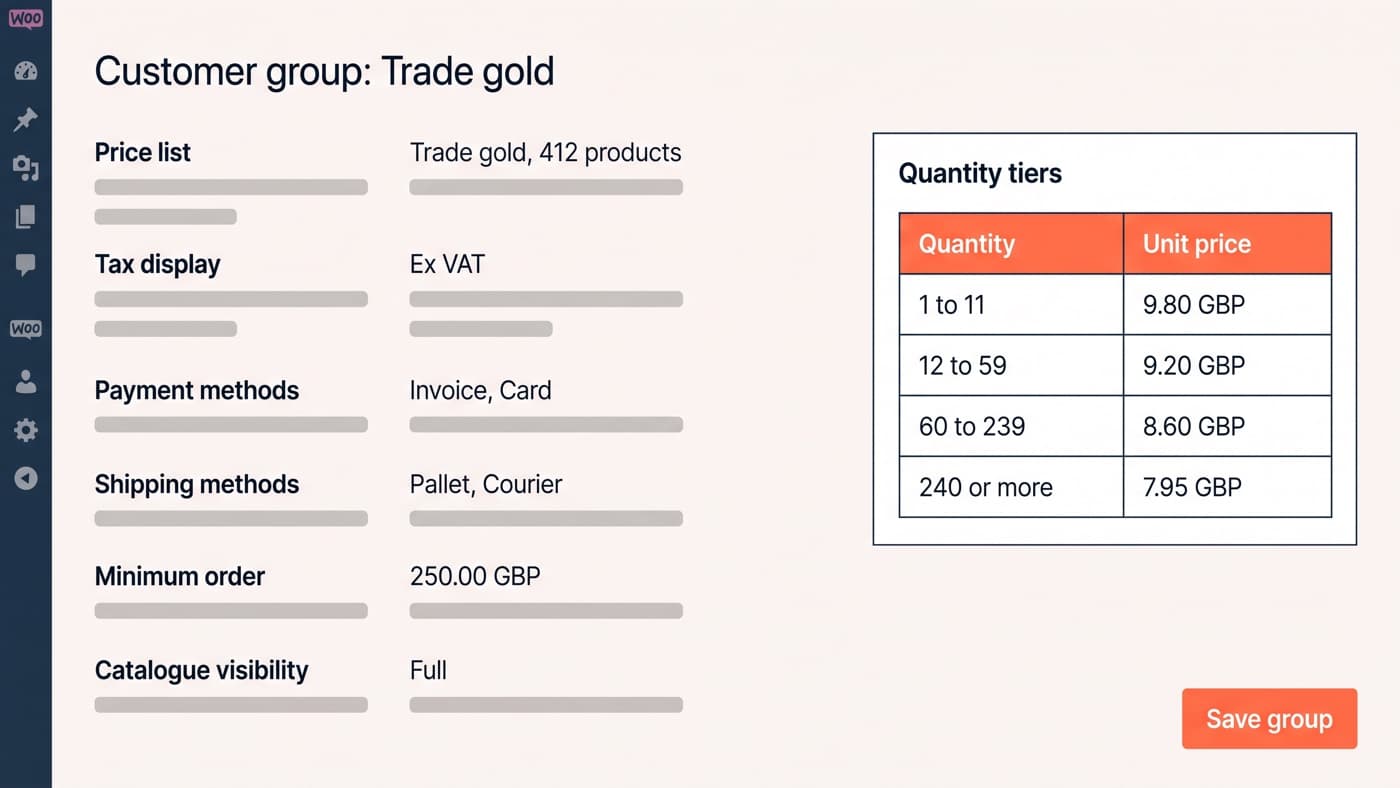
The distinguishing decision is that a customer group is its own object rather than a renamed user role, and the documentation treats registration roles and groups as two separate questions. Per group you get available shipping and payment methods, minimum and maximum order amounts, pricing for a category or a product, visibility, tax exemptions and required purchase multiples. Over the top sits a dynamic rule engine covering hidden prices, minimum and maximum orders, tax exemption, required multiples and added fees, plus documented VIES validation, a purchase order gateway and an invoice gateway. The index is at woocommerce-b2b-plugin.com/docs.
The rule engine is the strength and the bill. Rules are evaluated against products for a specific customer, so the cost grows with both, and the vendor says so in writing rather than leaving you to discover it: its optimisation guide states that with B2B customers almost always logged in and on user-specific dynamic pricing, "traditional page caching is often bypassed", and that you must either give every user their own cache or stop caching logged-in users altogether. That is an unusually honest thing for a plugin author to publish, and it is the single most useful sentence in any of these vendors’ documentation.
Wholesale Suite: roles, and a licence for each capability
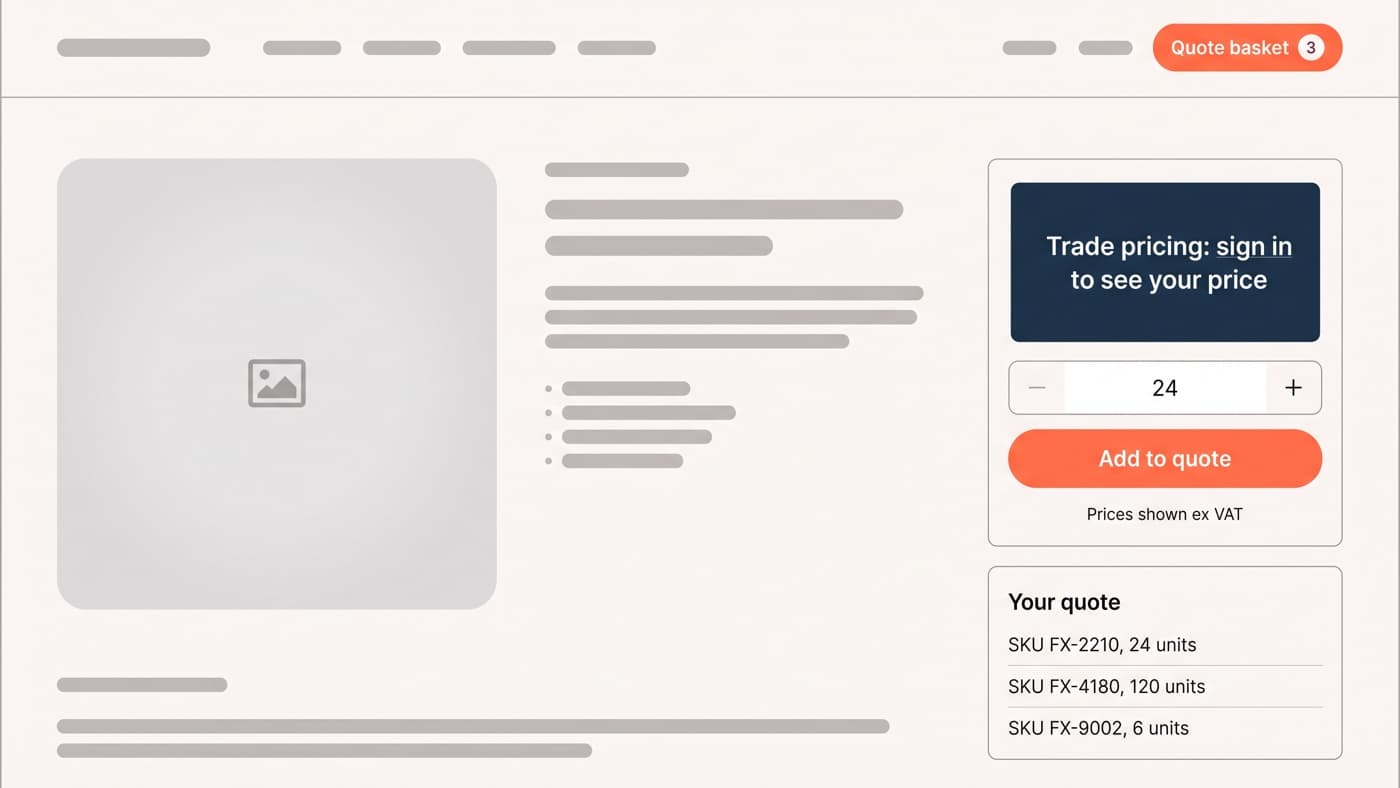
The free core is genuinely useful and genuinely narrow. It adds one new user role, Wholesale Customer, lets you set wholesale prices per product on simple products and on variations, hides the retail price from wholesale customers, disables coupons for them, and ships a private store mode that hides price and add to cart until login. That is on the plugin’s own listing at wordpress.org/plugins/woocommerce-wholesale-prices, and for a store with one trade rate it may be the whole answer.
Everything past one rate is premium, and the listing is specific about which: quantity based pricing, category and global percentage pricing, tax controls, shipping and payment gateway restrictions, minimum order amounts, and more than one wholesale role tier. The one-page order form and the lead capture and approval forms are separate products again. None of that is hidden, but it changes the shape of the purchase from a plugin into a subscription stack, and it is worth counting the renewals before the first invoice rather than after the third.

Addify B2B for WooCommerce: one bundle, shaped around roles
This one is a bundle of modules rather than a single engine, and its documented list is the widest of the three at the admin end: product visibility by role, a registration form with extra fields and an approval workflow, hide price with a request-a-quote button and a PDF, role and customer specific pricing with quantity ranges, tax exemption settings including exemption forms and approval requests, inclusive or exclusive tax display per role, restrictions on which shipping and payment methods a role may use, and order restrictions by cart quantity and amount. The module list is published at woocommerce.com/document/b2b-for-woocommerce.
Read that list again and notice what it is really good at, which is the account lifecycle rather than the pricing matrix. Registration to approval to role to price to what that role is allowed to pay with, in one purchase, is exactly the flow most trade stores get wrong. Where it stops is the same place Wholesale Suite stops, because it is role-shaped: the moment you need one customer in two pricing categories, or a contract price only one account may ever see, you are outside the model. And like Wholesale Suite it publishes nothing about performance, which is not evidence of a problem, only evidence that nobody has been made to answer the question in public.
When none of them fit
Buy by default. Whether to build instead is a separate argument and it belongs to the wider WooCommerce trade account decision, not to a plugin comparison. Whether to be on WooCommerce at all is a third argument again, and Shopify’s native B2B has closed enough of the gap to be worth checking before you licence anything. What a comparison can tell you is the point at which all three of these stop being candidates, and there are only three such points.
The first is a customer who has to belong to two pricing categories at once, which kills the role-based options outright and puts real pressure on the group-based one. The second is pricing that lives in an ERP, where the website is a display layer and the plugin is buying you an admin screen you will never open. The third is a rule nobody sells, usually a contract price per account per product line with its own expiry. If none of those describe you, you are choosing between three plugins that will all work, and you should choose on tax, terms and gating.
Seven questions to ask before you buy
Take these to a demo call rather than to a feature grid. Every one of them has produced a rebuild on somebody’s store:
- Is a trade customer a role or a group in your model, and what happens when one customer needs two of them?
- Which of the capabilities I have listed are in the licence I am about to buy, and which are separate products with their own renewals?
- Can the catalogue show ex VAT to trade and inc VAT to retail, and does that hold on the order confirmation email as well as on the product page?
- Does account payment mean an invoice gateway that lets an approved account check out unpaid, or scheduled instalments against a stored card, because only one of those is credit terms?
- When four rules match one line, what wins, and where is that order written down?
- What does the vendor publish about caching and query cost, and if the answer is nothing, who on my side is going to measure it before launch?
- If we outgrow the plugin, what does the pricing data look like in the database, and can it be read without the plugin running?
The last one is the cheapest insurance on the list and almost nobody asks it. Pricing that lives in an open, queryable structure can be migrated. Pricing that lives in serialised rule blobs can be recreated by hand, slowly, by somebody reading an admin screen. That difference is invisible on the day you buy and decisive on the day you leave.
None of this is exotic WooCommerce work. It is the ordinary discipline of reading documentation before installing anything, and of deciding what a trade customer is before deciding which screen you will manage them on. If you have already installed one of these and the pricing is not coming out the way the demo suggested, we are happy to look at it.