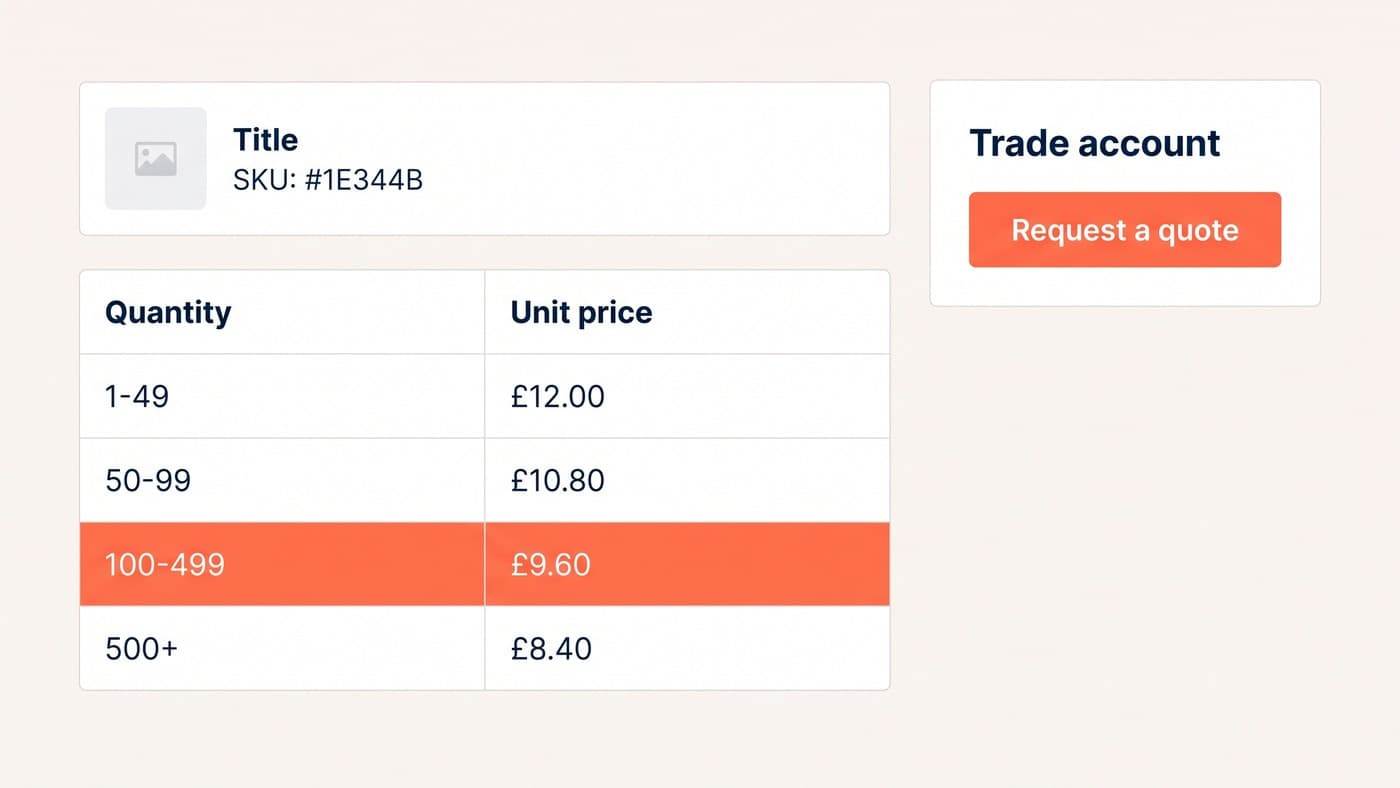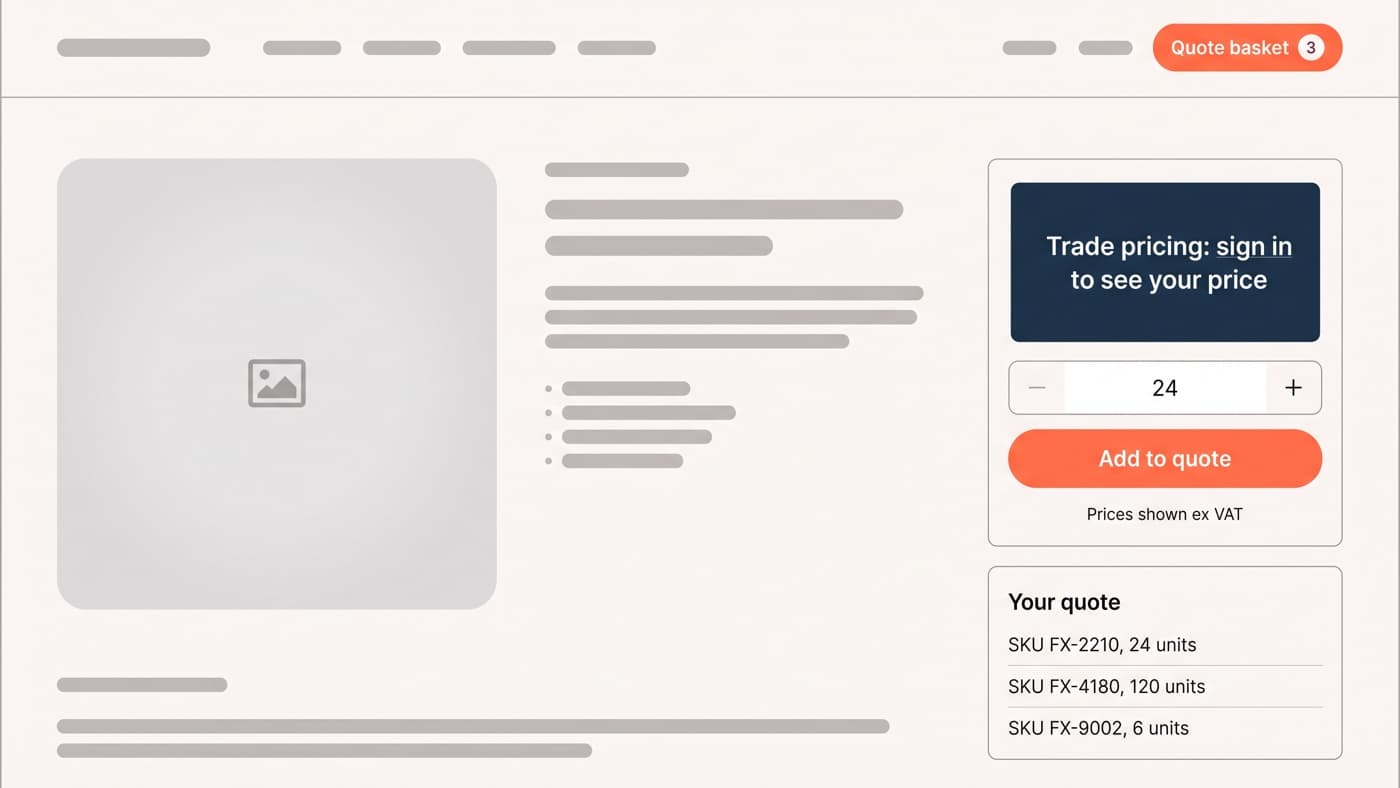
WooCommerce has no quote request feature in core. You build one from four decisions: who is allowed to see a price, what replaces the add to cart button for everybody else, where the requested lines are collected, and how an agreed quote becomes a payable order. The last one decides whether the flow earns anything.
Most trade quote flows are a contact form with a product name typed into the message field. The enquiry arrives, so it counts as working. What it throws away is everything that made it worth building: the exact SKUs, the quantities, the account it came from, and any chance of the reply being one click away from a paid order.
Decide who is allowed to see a price
Everything else is downstream of this, so settle it before anybody installs anything. Core WooCommerce gives you one registered shopper role, Customer, and it is a thin one: read the site, edit your own details, look at your own orders. There is no trade tier to price against and no guest tier to withhold from, so the audiences are yours to invent, along with the rule that decides which one a given person lands in.
Three usually covers it, plus a fourth case for products that are never sold at a published price at all. Write the matrix down before it becomes configuration, because the arguments are commercial rather than technical and they are much cheaper to have on paper. It also tells you which extension can hold it, since the main B2B plugins model an audience differently, some as user roles and some as groups of their own.
| Visitor | Price | Add to cart | Quote button |
|---|---|---|---|
| Logged out | Hidden, replaced by a sign-in prompt | Hidden with the price | Shown, with company and contact fields on the form |
| Registered retail customer | List price, inc VAT | Shown | Hidden, or it becomes a discount request on every order |
| Approved trade account | Their group price, ex VAT | Shown | Shown beside it, for the orders too large to self-serve |
| Quote-only product | Never published | Never shown | The only route, for anyone |
One consequence of the top row is worth stating plainly, because it tends to surprise people later. A crawler is a logged-out visitor. Whatever that row shows is what gets indexed, which means a fully gated catalogue competes in search on pages carrying no price, no buy button and no product structured data worth emitting. Plenty of trade businesses accept that trade deliberately. Very few of them chose it on purpose.
Hide the price properly, not with CSS
The tempting version is a stylesheet rule that hides the price element. It takes a minute and it is not hiding anything: the number is still in the page source, still in the structured data, still in whatever product feed the store pushes to shopping channels, and still visible to any competitor who presses Ctrl and U. You have hidden the price from your customers and from nobody else.
Do it at the source instead. WooCommerce composes the buy box from hooked template output, so the correct move is to remove or replace the price and add-to-cart output for the audiences that must not see it, and to gate the same product data in the store API and the feed. Decide on a capability rather than a role name while you are there. WordPress documents that checking against a role in place of a capability "is discouraged as it may produce unreliable results": developer.wordpress.org/reference/functions/current_user_can. Roles get renamed, merged and multiplied as a trade programme grows. A capability you define once does not.
How the price tiers themselves are structured underneath is a separate build, and it is the part that decides how far this scales. That belongs to customer groups and tiered pricing, and above it to the wider WooCommerce trade account build, rather than to the quote form.
The quote basket is not the cart
The WooCommerce cart is the wrong container for a quote and it will fight you if you try. It is bound to prices, tax, shipping and coupon logic, it recalculates totals it has no business calculating on a quote, and it does not want to hold a line with no price at all. This is why the extensions keep a separate basket: WooCommerce’s own Request a Quote documentation calls it a "quote basket" and treats it as a distinct thing from the cart, at woocommerce.com/document/requestquote.
Whatever holds the lines, each one has to carry enough for somebody to price it without replying to ask a question:
- The SKU and the exact variation, captured from the page rather than typed into a message field by the buyer.
- Quantity, because on most trade quotes the quantity is the entire negotiation.
- A per-line note or target price, so the buyer can say what they are comparing you against.
- A required-by date, which changes the answer more often than the price does.
- The account and the person, so the request lands against a customer record instead of in an inbox.
- A file slot for the schedule, drawing or parts list the buyer already has open.
- A quote reference the buyer can read back to you on the phone.
Then decide whether guests may quote at all. Allowing it collects more requests and a fair amount of noise; requiring an account collects fewer and better ones, and every one of them is already a customer record you can price against. Trade businesses that approve accounts before quoting almost always find the second answer cheaper, because the qualifying happens once rather than on every request.
What happens after they press send
A quote request is a promise to reply, and the reply is the product. The merchant side needs a queue somebody owns, a status on every row, and a stated turnaround the buyer was told about on the form. An unanswered quote is worse than no quote button, because you asked for the enquiry and then went quiet.
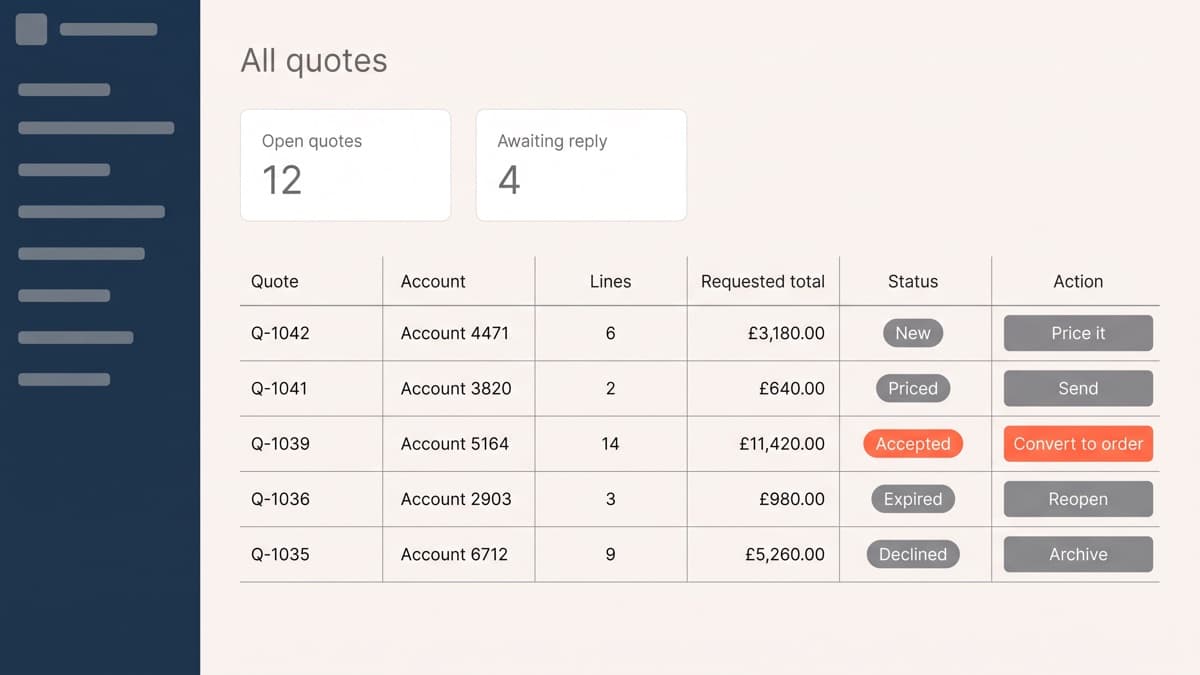
Five statuses are enough: new, priced, sent, accepted and declined. The sixth, expired, is the one people leave out and then regret, because a quote with no expiry date is a price you have agreed to hold forever. Set a window, show it on the quote, and let the system close the row when it passes.
Turning an accepted quote into an order
This is where the flow either pays for itself or degrades into an email thread, and WooCommerce already has the mechanism whether or not a plugin is driving it. You create the order in the admin against the customer, add the products, and edit the line totals to the agreed figures. The constraint that catches people is documented: "you can edit order items only when the order status is Pending payment or On hold", per woocommerce.com/document/managing-orders. Set the status first, price the lines, then use the Send order details to customer action, which emails the buyer a link to the order payment page.
So the target state is one email carrying one link that opens a pre-priced order the buyer pays by card, or accepts against agreed terms. Every earlier step exists to make that email possible. If your quote replies are PDFs the customer has to answer, you have built a slower telephone call with more admin attached.
Two details decide whether it holds up. A quote reserves no stock, so a large accepted quote can arrive at a warehouse that has since sold the units; either reserve on acceptance or say plainly that lines are subject to availability. And the payment route has to match the customer, because sending a trade account on thirty-day terms to a card-only payment page is the same failure as a checkout that asks for fields nobody needs, arriving at the last possible moment.
What breaks
The failures are consistent enough to list, and none of them show up on a staging site with four products and one test account:
- Caching. Gated prices and quote buttons are per user, which is exactly what full-page caching cannot serve, so the rules have to be decided before launch rather than after the first complaint.
- Email deliverability. Quote notifications are transactional mail sent from a web host, and they land in spam far more often than order emails, which nobody notices because nobody is expecting them.
- Tax display. A quote shown ex VAT that becomes an order emailed inc VAT reads as a price increase, and it will be queried every time.
- Reporting. A quote is not an order, so it appears in no revenue report by default, and the flow looks like it produces nothing until somebody instruments it.
- Spam. An open quote form with no account requirement collects bot submissions in volume, and a queue full of noise is a queue nobody works.
- Ownership. The queue needs a named person and a turnaround, or it becomes the shared inbox it was supposed to replace.
None of this is exotic. It is ordinary WooCommerce engineering applied to a flow most stores treat as a form, and the difference between the two versions is usually the difference between a quote queue somebody works and a contact form nobody reads. If you already have the form and want to know why it converts nothing, that is a short conversation.